.svg)
How to Use Automated Translation Tools for Construction Safety Alerts


Construction sites run on multiple languages, but safety alerts rarely do. When warnings go out only in English, non-native workers can miss critical details, putting lives, timelines, and compliance at risk.
OSHA reports that language barriers contribute to 25% of construction accidents, making poor communication a serious safety issue.
Unfortunately, traditional translation methods can't keep up with active construction sites. That’s why automated translation tools for construction safety alerts matter. They deliver clear, real-time safety messages in every worker’s native language, helping teams reduce accidents, stay compliant, and keep projects moving safely.
This guide shows you how automated translation tools for construction safety alerts solve this challenge.
Key Takeaways
- Automated translation tools convert construction safety alerts into 100+ languages within seconds using AI technology.
- SMS based platforms like Udext eliminate app downloads and reach 98% of workers within 10 minutes
- Leading solutions include Udext for SMS alerts, Weavix for hardware radios, and HSI for enterprise EHS integration.
- Emergency evacuations, daily toolbox talks, and equipment warnings are the top use cases for translation tools.
- Custom terminology glossaries improve translation accuracy for technical construction jargon by up to 95%.
- Two-way translation allows workers to report hazards in their native language and receive responses.
What are Automated Translation Tools?
Automated translation tools use artificial intelligence to convert safety messages from one language to another in seconds. Modern neural machine translation delivers 95% accuracy for common construction terminology.
How they transform construction safety:
- Instant multi-language alerts reach all workers simultaneously during emergencies
- Zero language barriers ensure that every employee understands compliance documentation
- Reduced incident response time because workers comprehend instructions immediately
- Higher engagement rates as employees receive messages in their native language
- Cost savings by eliminating manual translation and reducing accident-related expenses
- Compliance protection through documented proof that safety information was communicated properly
The right translation system integrates directly into your existing safety communication workflow. When a supervisor sends an alert, the system automatically translates and delivers it to workers in Spanish, Mandarin, Vietnamese, and 97 other languages.
Also Read: How to Simplify Incident Reporting with SMS Communication
Now let's examine the specific tools that make this possible.
Top 5 Automated Translation Tools for Construction Safety Alerts
Selecting the right translation platform determines whether your safety alerts actually protect workers or get ignored. Since not all solutions are built for high-risk, multilingual job sites, below, we break down the top automated translation tools for construction safety alerts that help construction teams communicate clearly, reduce risk, and stay compliant.
1. Udext
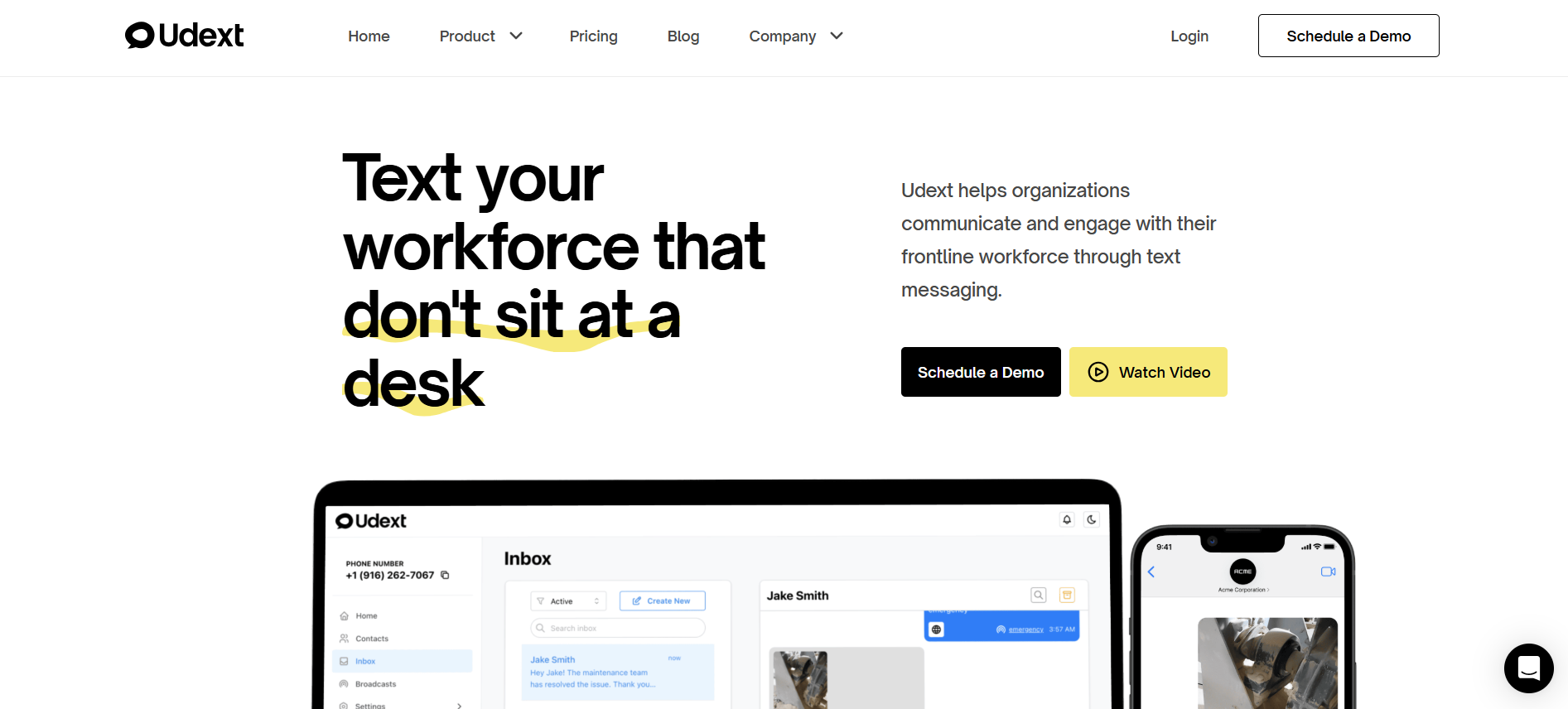
Best for enterprise construction teams that need real-time, multilingual safety communication for deskless workers, without apps or logins.
For EHS leaders, safety alerts only work if workers actually receive and understand them. Udext delivers critical safety communication through native SMS, ensuring alerts reach every worker instantly, even on active job sites.
Key Features:
- Automated multi-language SMS (100+ languages): Safety alerts are automatically translated using HRIS-synced language preferences, reducing miscommunication and compliance risk across diverse crews.
- Two-way messaging and incident reporting: Workers can confirm alerts or report hazards in their native language, creating faster response loops and better audit trails for EHS teams.
- Mass emergency alerting at scale: Instantly notify thousands of workers across sites about weather threats, site closures, or emergencies, without delays or manual workflows.
- Rich media safety instructions: Send photos, videos, and PDFs via SMS to reinforce correct procedures and minimize interpretation errors.
- 200+ HRIS integrations: Automatically sync employee data, locations, and languages to ensure alerts always reach the right people.
- Threat detection and real-time analytics: Proactively trigger alerts for weather or disaster risks and track delivery, response, and confirmation rates by site and language.
Pricing: Contact Udext for custom pricing based on workforce size
Why You Should Choose Udext:
Construction safety can’t wait for app downloads or unread emails.
- Udext delivers alerts through native text messaging, the one channel workers actually check, with 98% open rates in under 10 minutes.
- Messages are automatically translated using employee language data from your HR system.
- No training. No logins. No friction. Workers receive clear, instant instructions on the phones they already carry, and can reply to confirm receipt or report hazards in real time.
For large, multi-site construction organizations, Udext acts as a reliable safety communication layer, helping reduce incidents, strengthen compliance, and protect both workers and operations.
2. Weavix
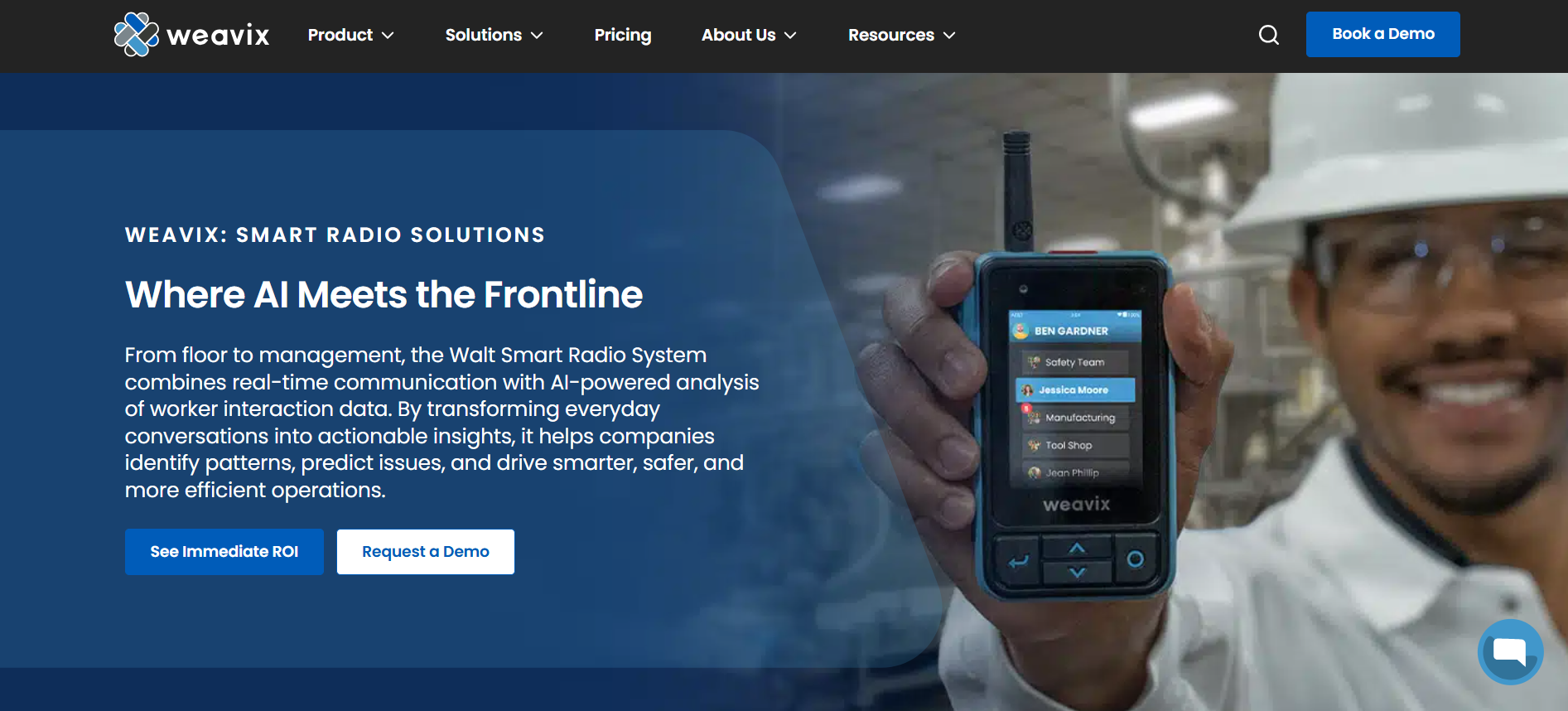
Best For: Industrial construction sites needing rugged hardware devices with built-in translation
Key Features:
- Walt Smart Radio combines push-to-talk with AI translation
- Real-time voice translation across 20+ languages
- Automatic speech-to-text transcription creates safety records
- Works in loud environments with noise cancellation
- Offline translation capability for remote job sites
Pricing: Hardware and subscription model, contact for quotes
Pros:
- Purpose-built for harsh construction environments
- Preserves voice communication workflows familiar to crews
- Creates automatic documentation of safety communications
Cons:
- Requires hardware investment and device management
- Limited to 20+ languages versus SMS based solutions
- Workers must carry an additional device beyond their personal phone
3. Navatech
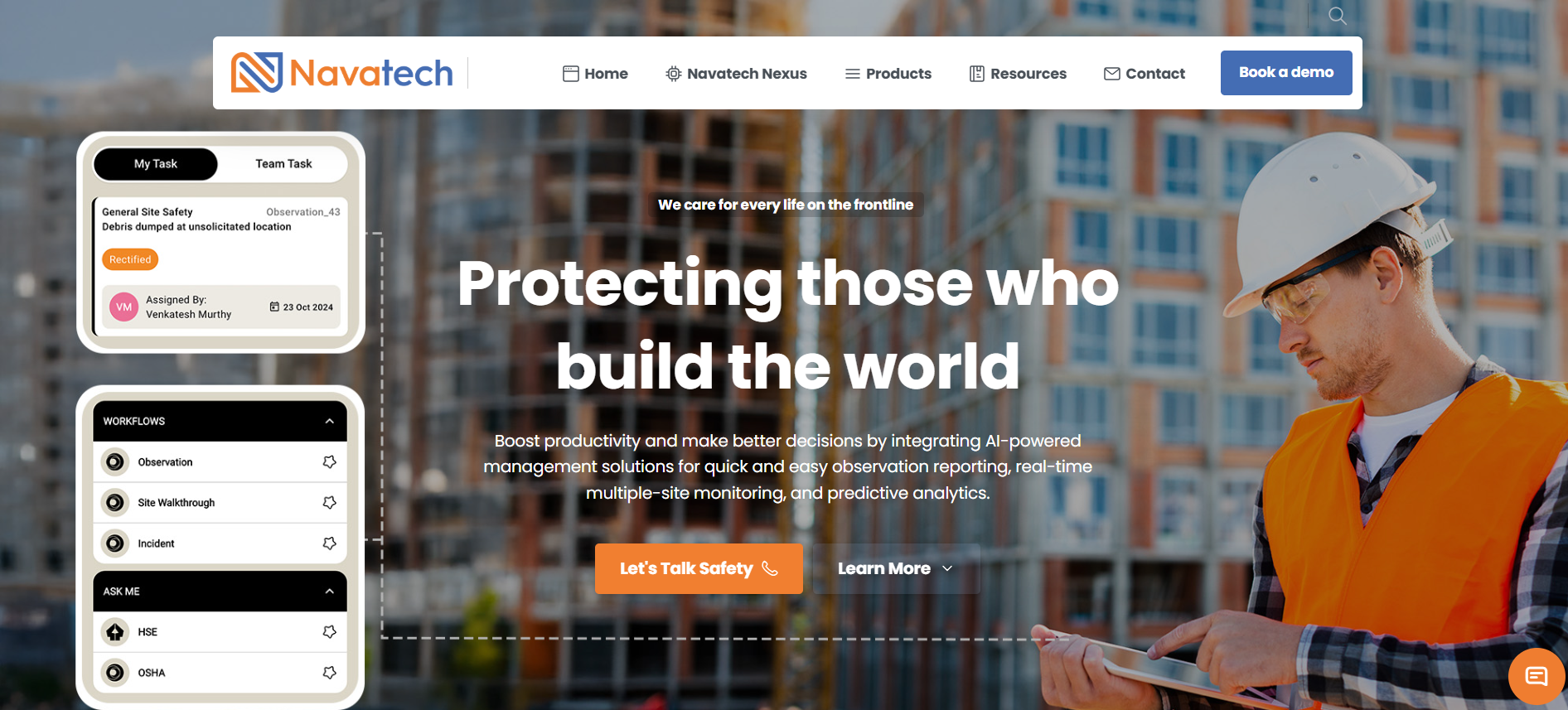
Best For: Construction firms in the Middle East and GCC regions requiring Arabic translation
Key Features:
- nAI Hub delivers safety information through WhatsApp, Teams, and WeChat
- Understands voice notes and images in any language
- nAI Flow automates task assignment from group chat safety reports
- Strong Arabic dialect recognition
Pricing: Event-based and subscription models available
Pros:
- Works within existing messaging apps that workers already use
- Excellent for markets where WhatsApp dominates
- Natural conversation interface reduces training needs
Cons:
- Less comprehensive than dedicated safety platforms
- Limited analytics compared to enterprise solutions
- Requires workers to have smartphones with data access
4. HSI
Best For: Large enterprises needing translation integrated with comprehensive EHS management
Key Features:
- AI-powered translation within a broader safety management system
- Incident reporting with automatic multi-language transcription
- Integration with training and compliance tracking
- Mobile and offline capabilities for field access
Pricing: Enterprise licensing, contact for custom quotes
Pros:
- All-in-one platform reduces software sprawl
- Deep compliance and audit trail features
- Strong analytics and reporting capabilities
Cons:
- Complex implementation requires dedicated project management
- Higher cost makes it less practical for smaller contractors
- Focused on management workflows more than frontline communication
5. JotMe
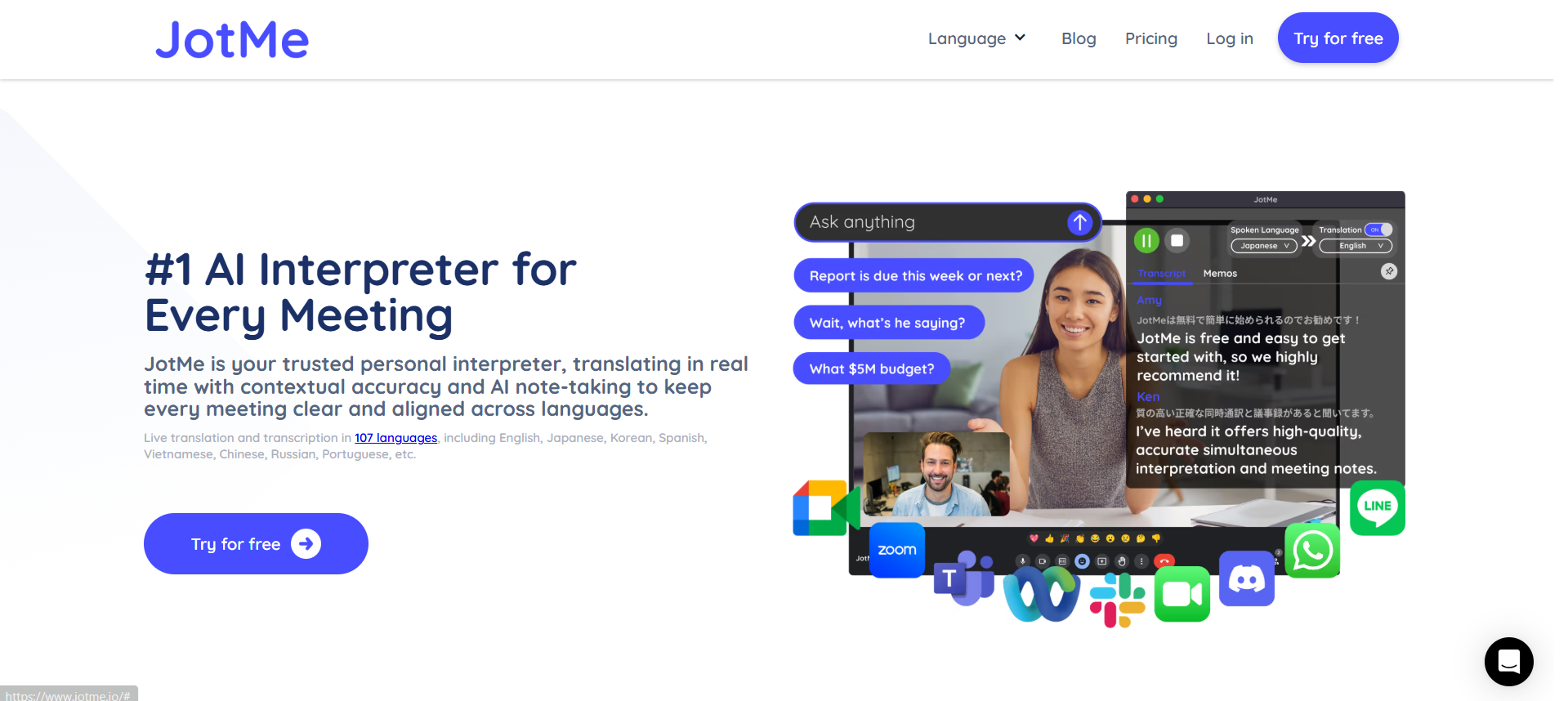
Best For: Virtual construction coordination meetings requiring live interpretation
Key Features:
- Real-time meeting translation across Zoom, Teams, and Google Meet
- Live transcription in 77 languages
- AI meeting notes with contextual translation
- Post-meeting transcript delivery
Pricing:
- Free plan with 20 minutes monthly,
- Pro: start at $10/month
- Premium: $15 per user/month
Pros:
- Excellent for project coordination with international teams
- Affordable pricing for small to mid-size contractors
- Clean interface with minimal learning curve
Cons:
- Designed for meetings, not emergency safety alerts
- Requires internet connectivity for all features
- Limited integration with safety management systems
Now that you know which tools offer the strongest features, the next question becomes how to actually put them to work.
Also Read: 10 Effective Communication Strategies for Managing Enterprise-Wide Crises
5 Use Cases of Automated Translation Tools for Construction Safety Alerts
Real-world implementation reveals where automated translation creates the biggest safety improvements.
1. Emergency Evacuation Alerts
A crane collapse risk requires immediate site evacuation. Automated translation sends simultaneous alerts in all worker languages through SMS. Workers receive clear instructions to evacuate immediately and move to the assembly point.
Response time drops from 8 minutes with manual notification to under 2 minutes with automated translation.
2. Daily Toolbox Talk Distribution
Morning safety briefings cover hazards like electrical work near water lines. Supervisors record the briefing once, and translation tools convert it into Spanish, Mandarin, Vietnamese, and other languages. Workers receive the briefing via text with embedded video or PDF.
3. Equipment Malfunction Warnings
A scissor lift develops hydraulic issues on Level 12. The operator reports it through the translation system in Korean. The platform translates the report to English for management and broadcasts a multilingual warning to all workers near the equipment. Maintenance receives the details in their language. No confusion. No accidents.
4. Weather-Related Work Stoppages
Automated threat detection identifies incoming severe thunderstorms. The system triggers pre-written alerts translated into all worker languages, instructing workers to stop outdoor work and seek shelter.
Site supervisors receive confirmation as workers check in. Work resumes safely once conditions improve.
5. Compliance Training Acknowledgments
New fall protection protocols require documented employee acknowledgment. Workers receive training materials in their native language via SMS with embedded links.
They complete digital acknowledgment forms on their phones in Spanish, Polish, or Arabic. Compliance improves when materials align with workers' language preferences.
These scenarios demonstrate the power of translation technology in action, but success depends entirely on how you implement it.
Also Read: Best Employee App for Workforce Communication in 2025
8 Best Practices for Multilingual Safety Communication with Automated Translation Tools
Implementation quality determines whether your translation tools actually improve safety or just add complexity.
1. Build Custom Terminology Glossaries
Generic translation engines struggle with construction jargon. Terms like scaffolding, tag out, or confined space entry permit need precise translation. Create glossaries with your specific safety terminology translated by professional construction translators.
Load these into your system for consistent, accurate translation of critical safety language.
2. Combine Text with Visual Instructions
Translation improves comprehension, but visual communication transcends language entirely. Send safety alerts with photos showing the specific hazard location. Include diagrams demonstrating proper equipment use.
Workers grasp the message faster when they see what you mean alongside the translated text.
3. Enable Two-Way Communication Channels
One-way translation broadcasts create a false sense of safety. Workers need to ask questions, report hazards, and confirm understanding in their language.
Choose platforms that translate responses from workers back to management. This closes the communication loop and surfaces safety issues.
4. Verify Employee Language Preferences Regularly
Your HR system lists employee language preferences, but preferences change as English proficiency improves or new workers join. Build quarterly verification into your workflow.
Send a simple message asking workers to reply with their preferred language for safety alerts.
5. Test Translation Accuracy with Bilingual Staff
Even the best translation systems make mistakes with technical content. Have bilingual employees review translated safety alerts before deploying them workforce-wide.
They catch errors that could cause confusion during emergencies. This quality check takes 10 minutes but prevents dangerous misunderstandings.
6. Schedule Time-Sensitive Alerts Strategically
Construction shifts vary by trade and site. Sending a translated safety update at 2 AM reaches no one. Configure your system to deliver alerts based on shift schedules. Morning crews get messages at 6 AM, and night shifts receive them at 6 PM.
7. Create Response Protocols for Non-English Reports
Workers will report hazards in their native language through your translation system. Establish clear protocols for how supervisors handle these reports. Document who reviews translated incident reports and how quickly they must respond.
8. Measure and Optimize Based on Engagement Data
Track which languages show the highest alert response rates. Analyze which message formats generate the most confirmation replies.
Review how quickly workers acknowledge safety updates in different languages. Use this data to refine your communication strategy.
Following these best practices transforms translation technology from a simple tool into a comprehensive safety system. When you combine the right platform with smart implementation, you create the foundation for truly inclusive, effective construction safety communication.
Conclusion
Construction safety demands that every worker understands every alert. Automated translation tools for construction safety alerts eliminate the deadly communication gaps created by multilingual workforces. The right system delivers instant, accurate safety information in 100+ languages through channels workers actually use.
SMS based platforms like Udext provide the fastest path to universal safety communication. Your workers carry phones that receive texts and read them within minutes. No apps to download. No training required. Just instant protection through clear communication in every worker's native language.
Ready to protect your multilingual workforce? Schedule a demo with Udext to see how automated translation transforms your construction safety communication.
Frequently Asked Questions
1. How reliable are automated translation tools for life-critical safety alerts?
Automated tools can translate quickly, but accuracy varies by language pair and industry jargon. They may misinterpret technical safety terms, so human review or industry-specialized models is recommended for critical alerts.
2. How secure is the data sent to automated translation tools?
Security depends on the provider. Enterprise tools often use encryption and comply with privacy standards, but free/public services may store data for model training unless explicitly restricted. (Best to check the service’s privacy policy.)
3. Does real-time speech translation work for spoken safety briefings?
Yes. Some solutions use speech-to-text + instant translation, displaying or vocalizing alerts in workers’ languages during briefings, reducing delays and misunderstandings.
4. Does automated translation replace human oversight entirely?
No. Most enterprises use automated translation for speed and coverage, with controlled templates and review processes for high-risk or legally sensitive communications.
5. What differentiates construction-focused translation tools from generic ones?
Construction-specific platforms prioritize speed, reliability, deskless accessibility, and compliance, while generic tools focus on language coverage alone.
Need to improve your internal comms? Take a look at Udext!
"Out of the box, Udext has everything you need to elevate your internal communication. It’s incredibly easy to set up and use, with a straightforward interface and great customer support"
John D.
Director of HR at Apex Manufacturing