
.svg)

7 Best Internal Team Messaging Platforms In 2026: Choose The Right Platform


In 2026, internal team messaging only works if it reaches people where they already are. That’s why the simplest channel still wins on reach: 98% of U.S. adults own a cellphone, which means the most universal communication layer is already in every employee’s pocket.
But most frontline communication breaks because it’s built for desks. Email gets missed between shifts. Apps don’t get downloaded (or they get ignored). Logins and portals add friction when teams are moving, working hands-on, or sharing devices.
The result is predictable: delayed responses, missed safety updates, and employees who feel out of the loop.
This guide helps HR and Ops teams shortlist internal team messaging platforms, evaluate them quickly, and avoid the mistakes that make company messages easy to miss.
Quick Take:
- Why This Matters Now: Internal team messaging fails when frontline teams don’t see updates in time.
- What The Category Means: Internal team messaging platforms are built for reach, two-way response, and proof—not just broadcasting.
- The 4 Platform Types + Shortlist: Most “best tools” lists mix buckets, so compare platforms by true fit and trade-offs.
- The 5-Minute Decision Filter: Start with your #1 use case to choose the right bucket fast.
- How Udext Helps: Udext makes messages hard to miss and easier to act on for deskless teams, with clear follow-through.
What Does “Internal Team Messaging” Mean in 2026
Internal team messaging in 2026 refers to how organizations send, receive, and track messages between teams. Especially when updates require acknowledgment, response, or action across shifts and locations.
Workforce communication platforms are one category of internal team messaging tools.
In practical terms, it means:
- Reach that doesn’t depend on desks: Works for employees without company email, laptops, or daily app usage.
- One-to-many + targeted messaging: You can message everyone, but also narrow by site, role, shift, or region so the right people get the right update.
- Two-way communication, not broadcasting: Employees can reply, ask questions, confirm, or report issues, without jumping tools.
- Urgent alerts that cut through noise: For closures, safety incidents, weather disruptions, and time-sensitive changes.
- A place for “where do I find this?” info: Policies, SOPs, HR docs, and updates are accessible on mobile, not buried in email threads.
- Automation for repeat workflows: Onboarding messages, reminders, training nudges, policy acknowledgements, without manual chasing.
- Measurement that leadership cares about: Delivery, read/response, completion/acknowledgement, not just “sent.”
- Accurate employee lists by default: Employee data stays current (new hires, terminations, role changes) so messages don’t miss people, or hit the wrong ones.
- Language accessibility: Messages can be understood by multilingual teams, not just received.
Now that the category is clear, let’s break down the four platform types you’ll see repeated across most “best tools” lists.
The 4 Platform Types You’ll See On Best Tools Lists
Most “best internal team messaging tools” roundups mix very different products under one label. So before you compare vendors, it helps to know which bucket each one actually falls into.
1. Employee Communication Apps
These are “HQ-to-employee” platforms built for structured updates, newsfeeds, campaigns, and company-wide messaging. They can work well, but adoption typically depends on employees logging in regularly.
Who It Fits: Best for organizations where most employees already use a company email/login and can open an app during the workday.
What Success Looks Like
- Consistent reach to the majority of employees (steady readership over time)
- High engagement on updates (opens, clicks, comments)
- Clear segmentation performance (right teams getting the right messages)
Buyer Watch-Outs
- Deskless adoption drops if logins/app usage isn’t realistic
- Important updates can get buried in a feed format
- “Engagement” metrics may not prove action or confirmation
2. Intranets
Intranets are your “single source of truth” for policies, documents, SOPs, and internal updates. They store information well, but don’t automatically guarantee employees will see it.
Who It Fits: Great for organizations with lots of documentation, frequent policy updates, or distributed locations that need consistent access to the same resources.
What Success Looks Like
- High usage of search and key pages (policies, SOPs, HR resources)
- Reduced repeat questions (“Where’s the form?” “What’s the policy?”)
- Increased compliance access (more views of required docs)
Buyer Watch-Outs
- Visibility is the hard part—without strong distribution, adoption stays low
- Employees may not visit proactively unless pushed via another channel
- Content gets outdated fast without clear ownership
{{see-udext="https://www.udext.com/symbols"}}
3. Workforce Management Apps With Comms
These are operations-first tools (scheduling, time tracking, tasks) that include messaging as a supporting feature, not always a true internal team messaging system.
Who It Fits: Ops-heavy environments where scheduling and shift execution are the biggest pain, and messaging is mainly to support daily operations.
What Success Looks Like
- Fewer shift gaps and faster coverage confirmations
- Higher task completion rates and fewer missed handoffs
- Reduced time spent chasing people manually
Buyer Watch-Outs
- Messaging can be limited (weak targeting, weak analytics, limited two-way workflows)
- Communication may be “nice to have” instead of reliable for critical updates
- Not ideal if your main need is HR comms, engagement, or broad reach
4. SMS-First Frontline Communication
SMS-first platforms are built to reach deskless employees instantly, without requiring an app download or login. They’re typically strongest for urgent updates, confirmations, and two-way responses.
Who It Fits: Best for deskless, shift-based, or distributed workforces where app adoption is inconsistent and speed matters (retail, healthcare, logistics, construction, manufacturing).
What Success Looks Like
- High delivery and fast read/response times
- Strong two-way reply rates for confirmations and questions
- Fewer missed critical updates (closures, safety, shift changes)
Buyer Watch-Outs
- Needs clear messaging rules to avoid over-texting and fatigue
- Requires strong audience targeting to prevent irrelevant sends
- Look for capabilities beyond blasting: replies, workflows, reporting, and language support
With the platform types clear, here are the internal team messaging platforms HR teams most often compare in 2026.
7 Best Internal Team Messaging Platforms HR Teams Compare In 2026
Most HR buyers don’t start with a blank slate; they start with a shortlist. The key is comparing tools by what they actually help you do: reach frontline teams fast, get responses, and keep updates visible without forcing “one more app.”
1. Udext
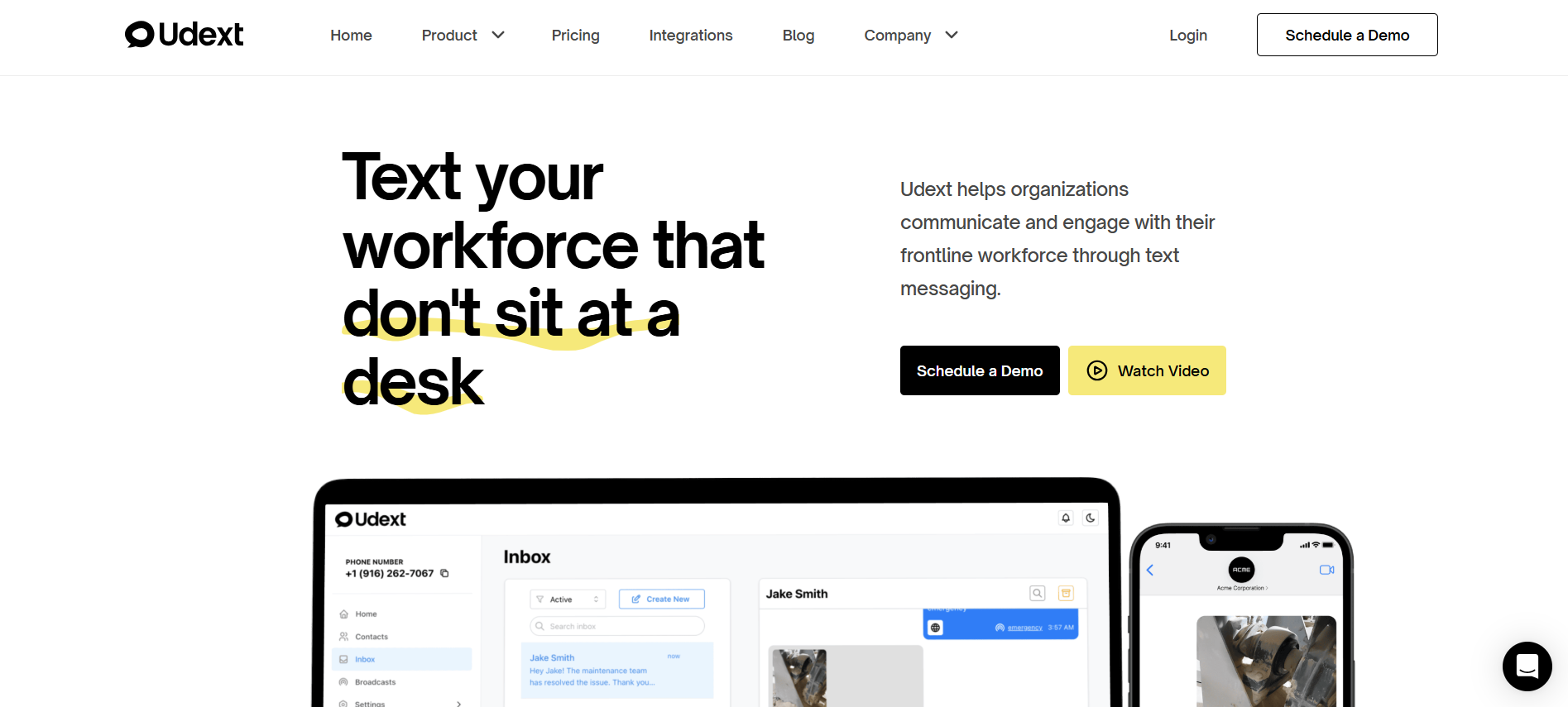
Udext is an SMS-based internal team messaging platform built for teams that don’t sit at a desk, so messages land where employees already look: text. It’s designed to remove adoption friction (no apps, no downloads) while still supporting structured internal communication and follow-through.
Services It Supports
- Employee Communication (SMS-based employee communication for frontline/field teams)
- Employee Alerts (time-sensitive text alerts to large groups)
- Employee Intranet (SMS-based intranet access; no apps or email required)
- Surveys & Feedback (SMS-based surveys and response tracking)
- Employee Signature Collection (send documents/forms by text; legally binding signatures)
Biggest Limitation
If your primary use case is customer messaging inside a product (OTP/2FA, transactional routing), you may need a customer-focused SMS API instead of a workforce comms platform.
Choose This If
- Your internal messages are getting missed because employees don’t use email/apps during shifts
- You need two-way replies, not just one-way broadcasts
- Alerts, updates, and follow-through (surveys/signatures/intranet access) need to work in one flow
Want internal team messaging that gets seen fast? Book a demo to see Udext’s SMS-first approach in action.
2. Microsoft Teams

Microsoft Teams is a collaboration and chat tool designed for day-to-day internal communication, meetings, and file sharing, especially for desk-based teams already working in Microsoft 365.
Best For
- Corporate and hybrid teams that live in email/calendar and need chat + calls in one place
- Cross-functional collaboration (projects, meetings, document sharing)
- Knowledge-worker environments with consistent login/app usage
Biggest Limitation
For frontline and deskless teams, messages can get missed if employees aren’t signed in regularly or don’t check the app during shifts.
Choose This If
- Most employees have Microsoft 365 accounts and use it daily
- Your main need is collaboration + meetings, not urgent frontline reach
- You want messaging tightly connected to Microsoft documents and workflows
3. Slack
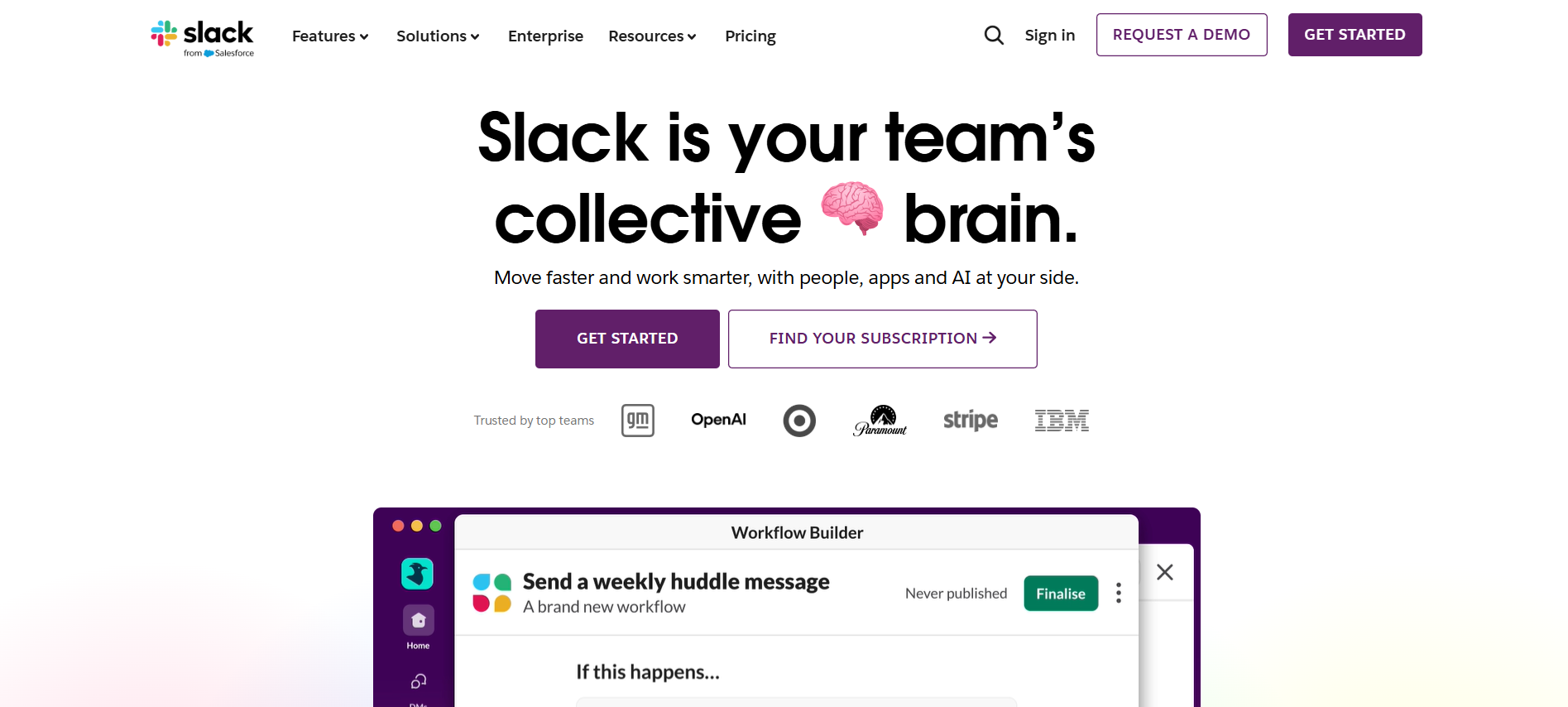
Slack is a channel-based team messaging platform built for fast collaboration, organized by teams, projects, and topics, often used alongside other workplace tools.
Best For
- Desk-based teams that need quick internal team messaging across functions
- Cross-team collaboration with lots of ongoing threads and channels
- Companies that rely on integrations (tickets, docs, dev tools) to keep work flowing
Biggest Limitation
It’s easy for frontline updates to get lost in channel noise, especially if employees aren’t active in Slack during shifts.
Choose This If
- Your workforce is primarily knowledge workers who stay logged in
- You need collaboration-first messaging more than alert-style communication
- Your teams benefit from a channel structure and app integrations
4. Staffbase

Staffbase is an employee communication platform focused on internal campaigns, news distribution, and executive messaging, often positioned as an “employee app” for large organizations.
Best For
- Large or enterprise organizations running structured internal communication campaigns
- Corporate comms teams managing announcements, news, and leadership updates
- Companies investing in branded employee communication experiences
Biggest Limitation
Adoption relies on employees downloading and regularly opening the app, which can
be inconsistent for deskless or shift-based teams.
Choose This If
- Your workforce already uses internal apps as part of daily work
- Communication is more campaign-driven than time-sensitive
- You need strong branding and editorial control over internal messaging
5. Simpplr

Simpplr is an intranet-led employee communication platform designed to centralize company news, policies, and resources in one searchable hub.
Best For
- Organizations prioritizing a single source of truth for internal information
- HR and comms teams are managing frequent policy and knowledge updates
- Desk-based or hybrid teams that regularly access internal portals
Biggest Limitation
Information visibility depends on employees actively visiting the intranet, which can limit reach for frontline or non-desk workers.
Choose This If
- Your main challenge is organizing and distributing internal knowledge
- Employees are accustomed to logging into internal systems
- You need structured content, not urgent or response-driven messaging
6. Connecteam

Connecteam is a workforce management platform that combines scheduling, time tracking, and task management with built-in employee communication tools.
Best For
- Operations-heavy teams managing shifts, tasks, and frontline execution
- Managers who want messaging tied directly to schedules and daily workflows
- Small to mid-sized deskless teams
Biggest Limitation
Communication is often secondary to operations, which can limit flexibility for broader HR messaging or complex engagement workflows.
Choose This If
- Scheduling and task execution are your primary pain points
- You want communication embedded inside workforce operations
- Your messaging needs are mostly operational rather than organization-wide
7. Workvivo

Workvivo is an employee experience and internal communications platform that blends social-style feeds, company news, and engagement features to strengthen culture and connection.
Best For
- Organizations focused on employee engagement and company culture
- Teams that benefit from social-style updates and recognition features
- Hybrid or distributed workforces with regular digital engagement
Biggest Limitation
For frontline or shift-based workers without regular app use, engagement can lag if employees aren’t consistently logging in.
Choose This If
- Your priority is improving employee experience and culture
- You have a workforce that already engages with internal apps
- You want social-style engagement alongside traditional comms
Also Read: Modern Retail Business Communication: Tools and Best Practices for Frontline Teams
To choose faster, use this quick filter to match your top communication use case to the right platform type.
The 5-Minute Decision Filter
If you’re overwhelmed by vendor lists, don’t start with features; start with your top use case. This quick decision matrix helps you choose the right platform bucket for internal team messaging, based on what you need the tool to do most reliably.
If your workforce is mostly deskless, the right bucket is the one that doesn’t rely on logins or app habits to get messages seen.
With the right platform type in mind, here’s how Udext addresses the most common internal team messaging challenges for deskless teams.
How Udext Solves Internal Team Messaging For Deskless Teams
Even the best-looking communication tools fail if employees don’t open them during real shifts. Udext is built around one goal: make critical internal messages hard to miss and easy to act on, even for distributed, multilingual, non-desk teams.
- When updates get missed between shifts: Udext helps you deliver time-sensitive messages in a channel employees check quickly, so fewer updates slip through the cracks.
- When HQ can’t get a response fast enough: Two-way communication makes it easier to confirm, clarify, and resolve issues without long back-and-forth.
- When communication feels “one-size-fits-all”: Targeted messaging helps reduce noise so employees only get what’s relevant to their site, role, or shift.
- When language slows down action: Multi-language delivery supports clearer understanding across diverse teams, reducing confusion and repeat questions.
- When follow-through is the real gap: Built-in workflows help you move from “sent” to “completed”: so reminders, acknowledgements, and feedback don’t rely on manual chasing.
Want internal team messaging that actually reaches the frontline and drives action? Reach out to us to see what Udext would look like for your workforce.
{{improve-comm="https://www.udext.com/symbols"}}
Conclusion
Missed updates aren’t just an HR issue. They create safety risks, delay shifts, and leave teams guessing. The fix is simple: use internal team messaging that reaches employees where they already are and tracks response, not just “sent.” In 2026, internal team messaging must be built for speed, clarity, and reliable follow-through.
Book a demo to see how Udext helps HR and Ops reach deskless employees fast, get replies, and keep critical communication from slipping through the cracks.
FAQs
1. How Do You Prevent Message Fatigue With Frontline Updates?
Keep messages role- and shift-specific, and reserve “all-hands” texts for truly important updates. Set a clear cadence so employees don’t feel spammed.
2. What’s The Best Way To Confirm Employees Actually Saw A Critical Alert?
Use two-way confirmations (reply-based) or tracked acknowledgement flows, and monitor delivery + response time. If you can’t measure confirmation, you can’t trust the alert.
3. What If Employees Share Phones Or Change Numbers Often?
Choose a platform that keeps contact data current through system syncing and makes it easy to update lists quickly. Treat “accurate audience data” as a non-negotiable requirement.
4. Which Metrics Matter Most For Internal Team Messaging?
Look for delivery rate, median time-to-read/response, completion/acknowledgement rate, and non-response follow-up performance. Avoid relying only on opens or vanity engagement.
5. Are SMS-Based Workforce Tools Safe For HR And Compliance Use?
They can be, if the platform supports controlled access, auditing, and secure handling of sensitive workflows. Keep highly confidential topics in the right channels and use SMS for reach, action prompts, and tracked acknowledgements where appropriate.
Need to improve your internal comms? Take a look at Udext!
"Out of the box, Udext has everything you need to elevate your internal communication. It’s incredibly easy to set up and use, with a straightforward interface and great customer support"
John D.
Director of HR at Apex Manufacturing


.jpeg)


