.svg)

9 Tools for Two-Way Messaging Between Dispatchers and Drivers


Communication between dispatchers and drivers often breaks down during active routes, precisely when timing matters most. For example, drivers may miss calls while on the road, while dispatchers are forced to repeat the same updates across phone calls, radios, and one-way alerts.
As these touchpoints multiply, even small communication gaps can quickly escalate, leading to delivery delays, missed estimated time of arrival (ETAs), and increased safety risks.
Research shows that manual phone use while driving increases crash risk. This is why many teams are moving away from call-based coordination toward two-way messaging tools that allow drivers to respond when it’s safe.
These tools allow dispatchers and drivers to exchange messages safely and in real time, reduce missed updates, limit manual follow-ups, and keep operations moving without constant calls.
That said, in this guide, we will explain what two-way messaging is, why traditional methods fall short, and which tools work best for reliable dispatcher–driver communication.
Summary
- Dispatcher–driver communication usually breaks down during active routes, when drivers are hardest to reach, and timing is most critical.
- Missed calls and fragmented updates across phones, radios, and alerts create small gaps that quickly lead to delays, missed ETAs, and safety risks.
- Two-way, context-aware messaging keeps drivers reachable without distraction and reduces the need for repeated follow-ups from dispatchers.
- The most effective tools don’t add another system to manage—they replace noisy, one-way communication with clear, real-time coordination.
- Better messaging leads to faster decisions, clearer route visibility, and safer operations across the fleet.
What Is Two-Way Messaging Between Dispatchers and Drivers?
Two-way messaging refers to real-time, back-and-forth communication where both dispatchers and drivers can send, receive, and respond to messages during operations.
In practice, dispatchers can send route changes, ETA updates, or urgent instructions, while drivers can acknowledge messages, report delays, or flag issues.
Messages are logged and time-stamped, giving dispatch teams clarity on what was communicated and resolved without interrupting drivers mid-route.
What to Look for in Tools for Two-Way Messaging Between Dispatchers and Drivers?
Not all messaging tools are built for real dispatcher–driver workflows. When evaluating options, these capabilities matter most:
- Real-time send and reply
Messages should deliver instantly and allow drivers to respond without repeated follow-ups. - Driver-safe communication controls
Auto-replies that send pre-set acknowledgments and interface designs, minimizing driver input, help reduce distractions and enhance safety. - Mobile-first, driver-friendly access
Tools should work in real-world conditions, without complex apps or logins that slow adoption. - Dispatcher visibility
Read receipts, delivery confirmation, and message history reduce guesswork and manual chasing. - Operational context
Messaging tied to routes, ETAs, or delivery updates enhances coordination and speeds up the process.
Focusing on these criteria helps teams narrow down tools that improve coordination without adding complexity or safety risks.
Struggling to keep dispatchers and drivers aligned in real time?
See how SMS-based two-way messaging helps dispatch teams reach drivers instantly and get responses without relying on apps or calls.
Explore how Udext supports dispatcher–driver communication
9 Best Tools for Two-Way Messaging Between Dispatchers and Drivers
Two-way messaging tools for dispatchers and drivers generally fall into a few core categories. Understanding these categories first makes it easier to evaluate which tools fit your operational needs before comparing individual options.
Some tools focus on SMS-based communication, prioritizing reach and simplicity without requiring drivers to install apps. Others are built into fleet or delivery management platforms, where messaging is tied to routes, ETAs, and tasks.
There are also mobile apps and voice-first tools that offer richer features but rely more heavily on driver adoption and device access.
The tools below are organized based on how they support dispatcher–driver communication across these categories.
1. Udext
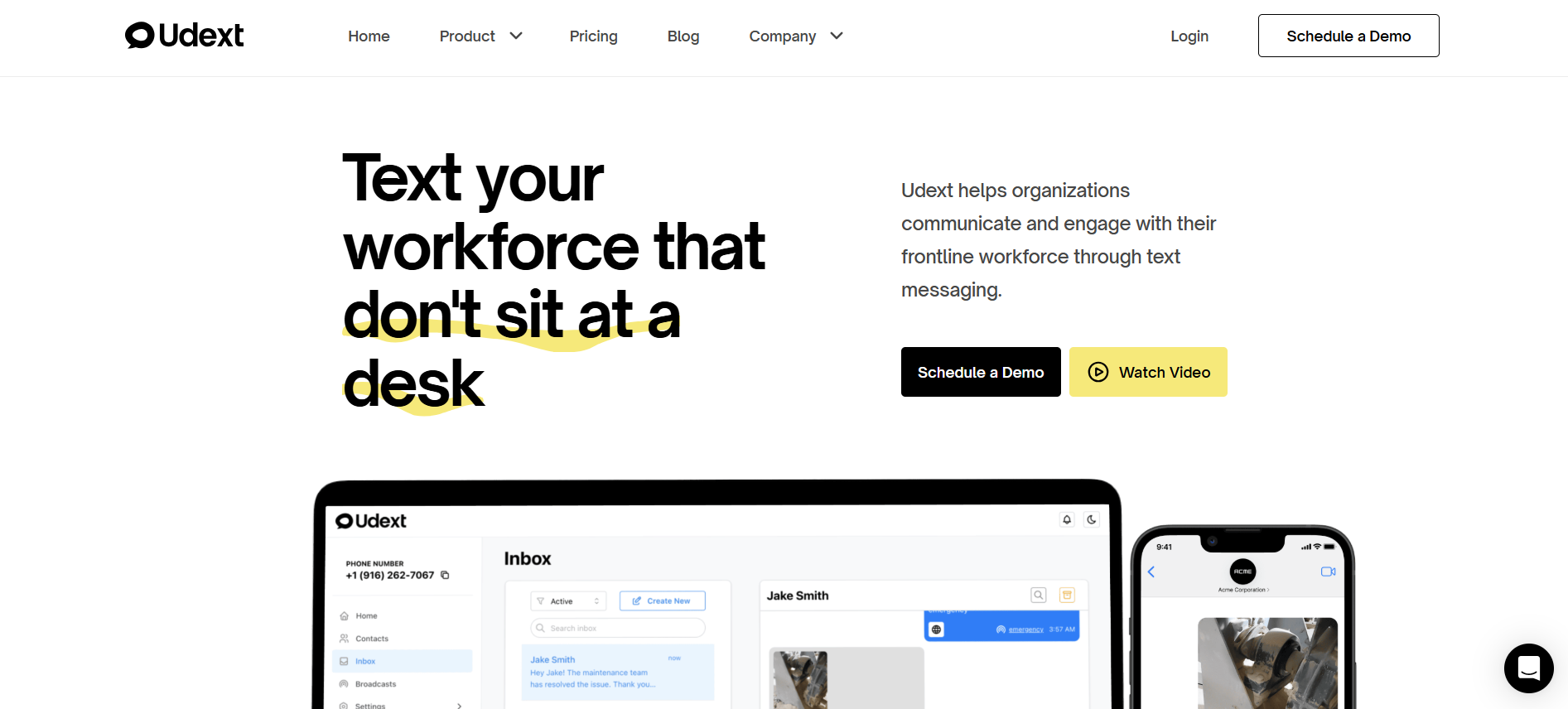
Udext is a B2B SaaS communication platform built specifically for mobile and non-desk workforces where app adoption, data access, and device consistency cannot be assumed.
Instead of relying on smartphones, logins, or dashboards, Udext uses two-way SMS as the primary communication layer, making it one of the most reliable tools for real-time coordination in the field.
For dispatcher–driver communication, this matters because SMS works when everything else fails, such as in low-bandwidth areas, on older devices, with locked phones, or when drivers are actively on the road.
Udext is designed around that reality.
Primary Uses
Dispatcher–Driver Text Communication
Udext enables dispatchers to send and receive messages directly via SMS, without requiring drivers to install or open an app. Drivers can reply with confirmations, status updates, or simple acknowledgments while remaining focused on the road.
Results:
- Fewer missed messages during active routes
- Reduced need for repeated phone calls
- Clear confirmation that instructions were received and understood
Delivery Updates and Confirmations
Dispatchers can send route changes, delivery instructions, or ETA updates via text and receive structured responses (e.g., “Delivered,” “Delayed,” “En route”). These responses can trigger automated follow-ups or internal updates.
Results:
- Faster status visibility without manual check-ins
- Fewer ETA mismatches caused by delayed or missed calls
- Improved accountability without micromanagement
Automated Reminders and Follow-Ups
Udext supports automation for recurring messages such as shift start reminders, delivery confirmations, safety check-ins, or compliance prompts. Messages can be scheduled or triggered based on time or responses.
Results:
- Reduced dispatcher workload
- More consistent communication across large fleets
- Fewer missed tasks due to human error or forgetfulness
Key Features
- Two-Way SMS Messaging: Enables real conversations, not just broadcasts, allowing drivers to respond, confirm, or ask clarifying questions.
- Acknowledgements & Replies: Dispatchers can see who has responded and who hasn’t, eliminating uncertainty.
- Automation & Message Triggers: Common workflows can run automatically, reducing manual follow-ups.
- Emergency & Safety Alerts: High-priority messages reach drivers instantly, even if data connectivity is poor.
- No App Dependency: Works on any mobile phone, including feature phones and locked corporate devices.
Pros
- Universal reach: SMS works across devices, carriers, and connectivity conditions.
- High delivery reliability: Messages are far less likely to be missed compared to app notifications or calls.
- Low driver friction: No training, downloads, or logins required.
- Scales easily: Effective for both small teams and large, distributed fleets.
Cons
- No GPS tracking or route optimization: Udext focuses on communication, not routing or navigation.
- Limited visual context: SMS lacks maps, dashboards, or rich UI elements found in app-based systems.
Best For
Udext is best suited for teams that need fast, dependable, two-way communication with drivers, especially when:
- Drivers may not consistently use mobile apps
- Devices vary across the workforce
- Coverage or connectivity is unreliable
- Simplicity and delivery certainty matter more than advanced analytics
For organizations where message delivery and response matter more than feature complexity, Udext sets a strong benchmark for dispatcher–driver communication.
2. ITS Dispatch
ITS Dispatch is a transportation management system (TMS) with built-in communication tools for coordinating loads and drivers.
Category
Fleet/transport management platform with messaging
Primary uses
- Dispatcher–driver communication
- Load and schedule coordination
- ETA and delivery updates
Pros
- Messaging tied to dispatch workflows
- Centralized view for operations teams
Cons
- Messaging is not the primary feature
- Requires driver access to the system or app
Best for
Carriers already using a TMS and looking for messaging within existing dispatch workflows.
3. Onfleet
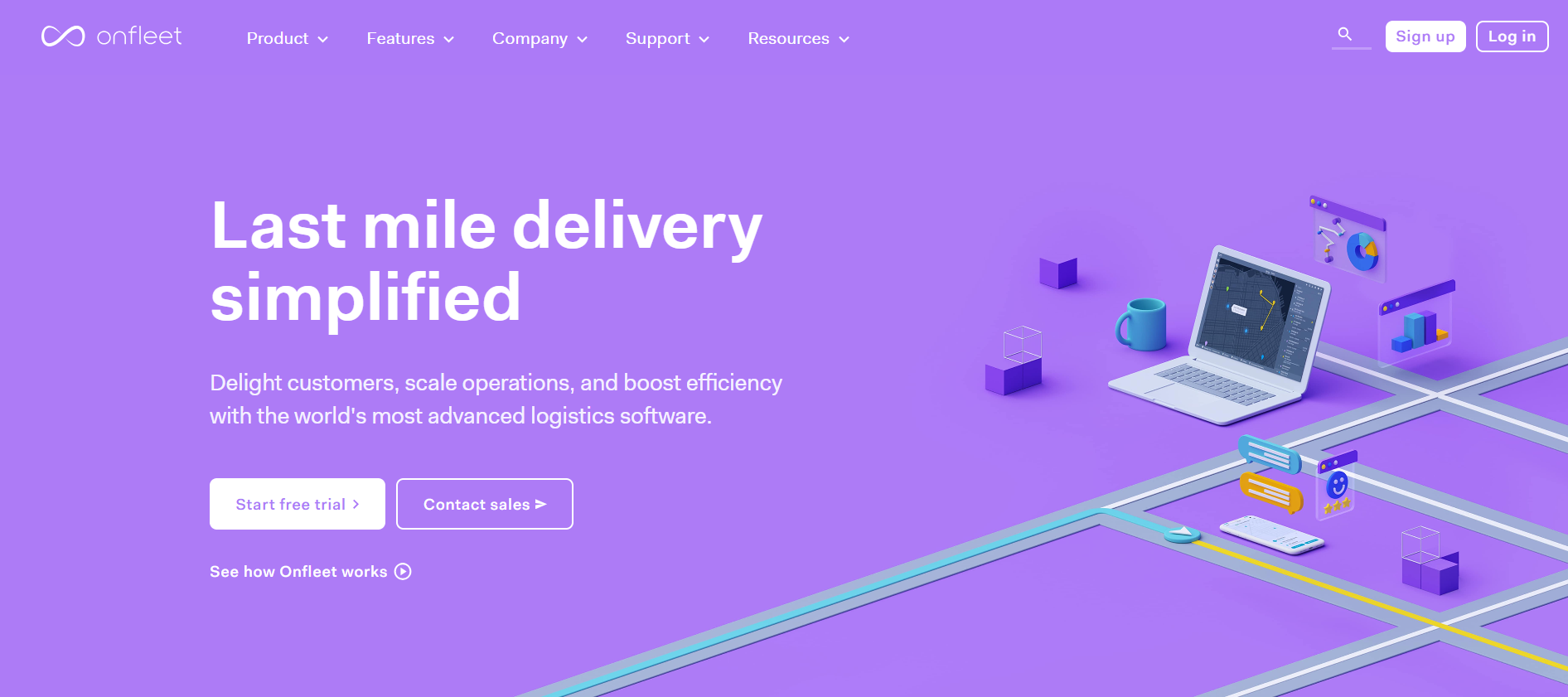
Onfleet is a delivery management platform focused on last-mile operations with in-app messaging between dispatchers and drivers.
Category
Delivery management software with messaging
Primary uses
- Route updates and task assignments
- Dispatcher–driver chat
- Proof of delivery coordination
Pros
- Messaging connected to delivery tasks
- Strong last-mile delivery features
Cons
- Requires driver app adoption
- Less suitable for drivers without smartphones
Best for
Last-mile delivery teams with app-enabled drivers.
4. Motive (formerly KeepTruckin)
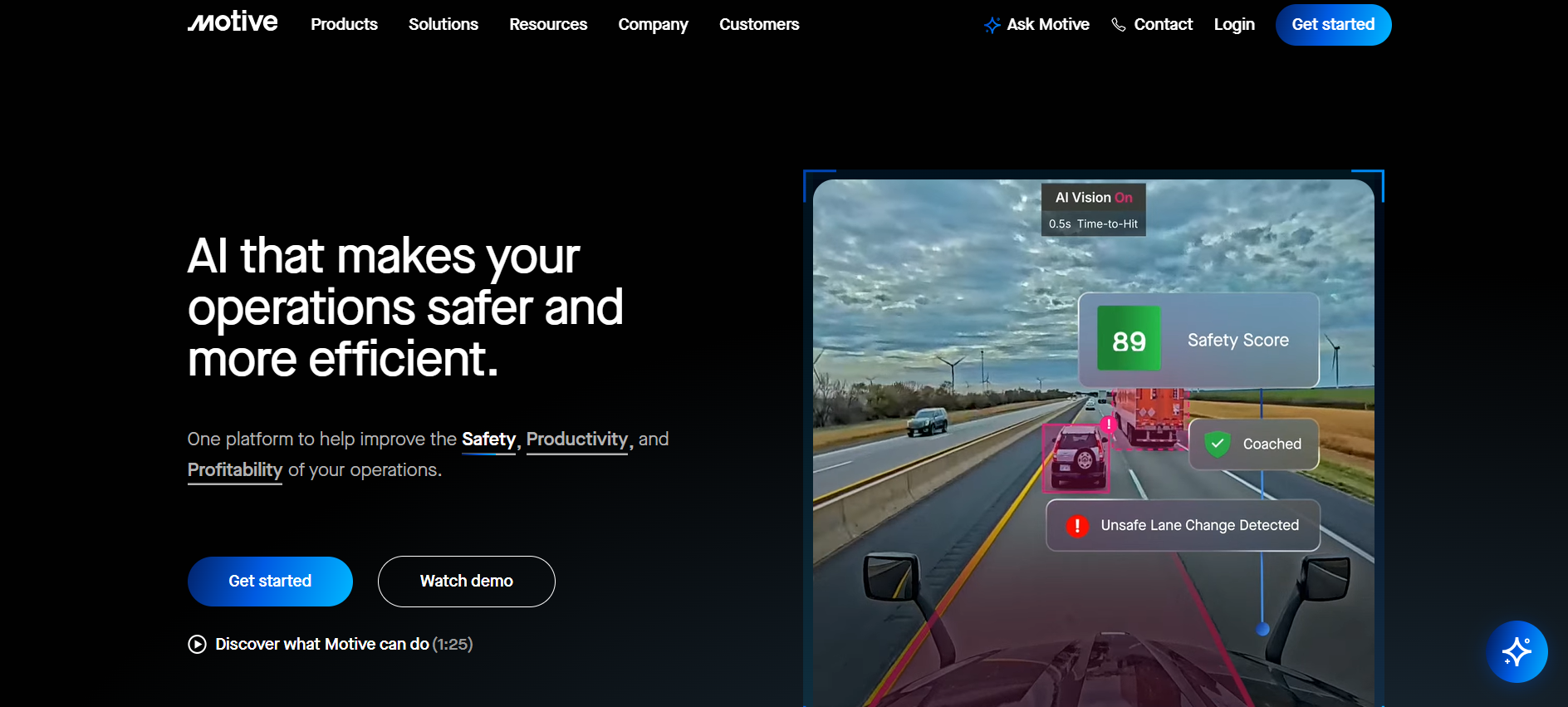
Motive is a fleet management and compliance platform that includes messaging features within its driver app.
Category
Fleet management platform with messaging
Primary uses
- Dispatcher–driver communication
- Compliance-related updates
- Safety and operational coordination
Pros
- Messaging integrated with fleet data
- Strong compliance and tracking features
Cons
- Messaging is secondary to fleet management
- App dependency for drivers
Best for
Fleets already using Motive for compliance and telematics.
5. Samsara
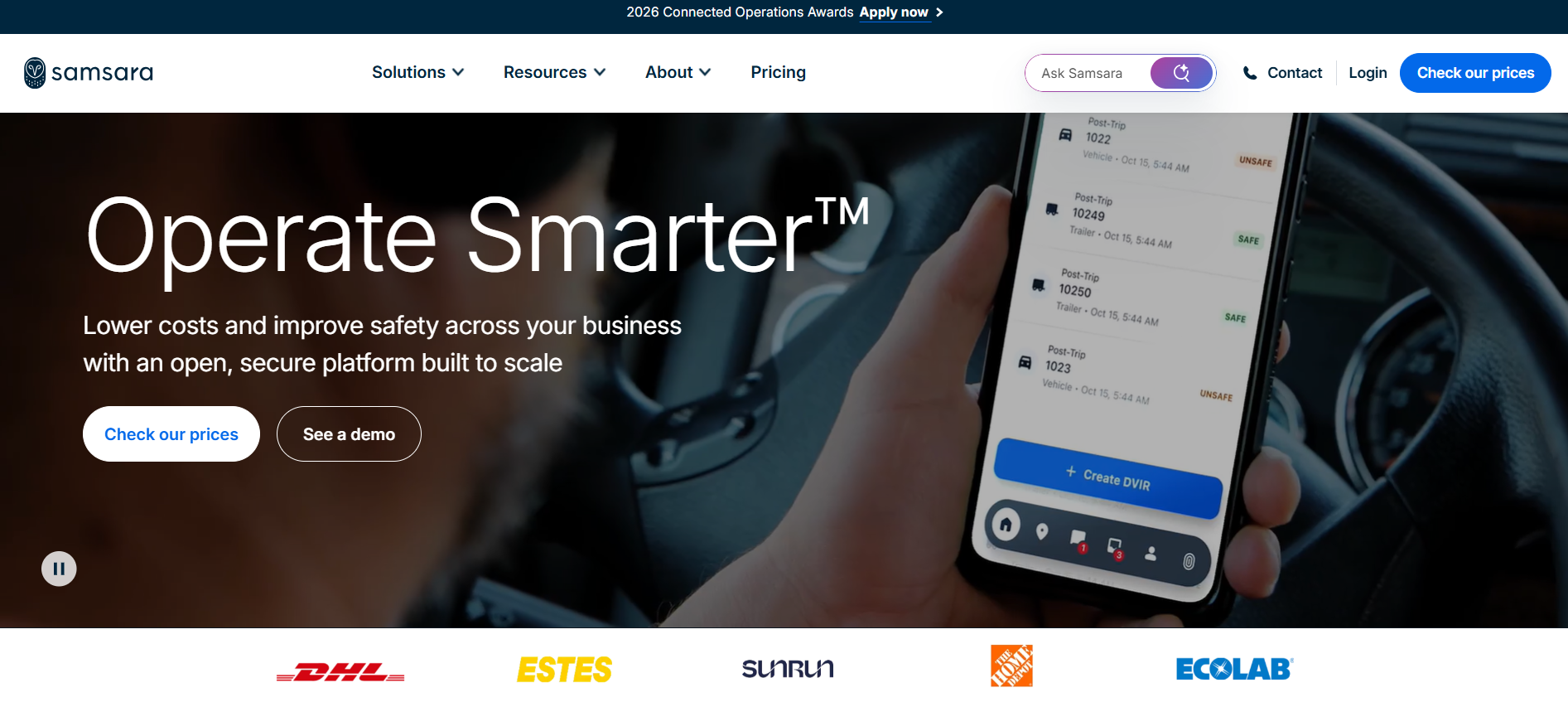
Samsara is a connected operations platform offering messaging alongside telematics and fleet tracking.
Category
Fleet management platform with messaging
Primary uses
- Driver communication
- Route and ETA coordination
- Safety and operational updates
Pros
- Messaging tied to real-time fleet data
- Strong visibility for dispatchers
Cons
- Higher cost and setup complexity
- Requires driver app usage
Best for
Large fleets are looking for an all-in-one fleet operations platform.
6. DispatchTrack
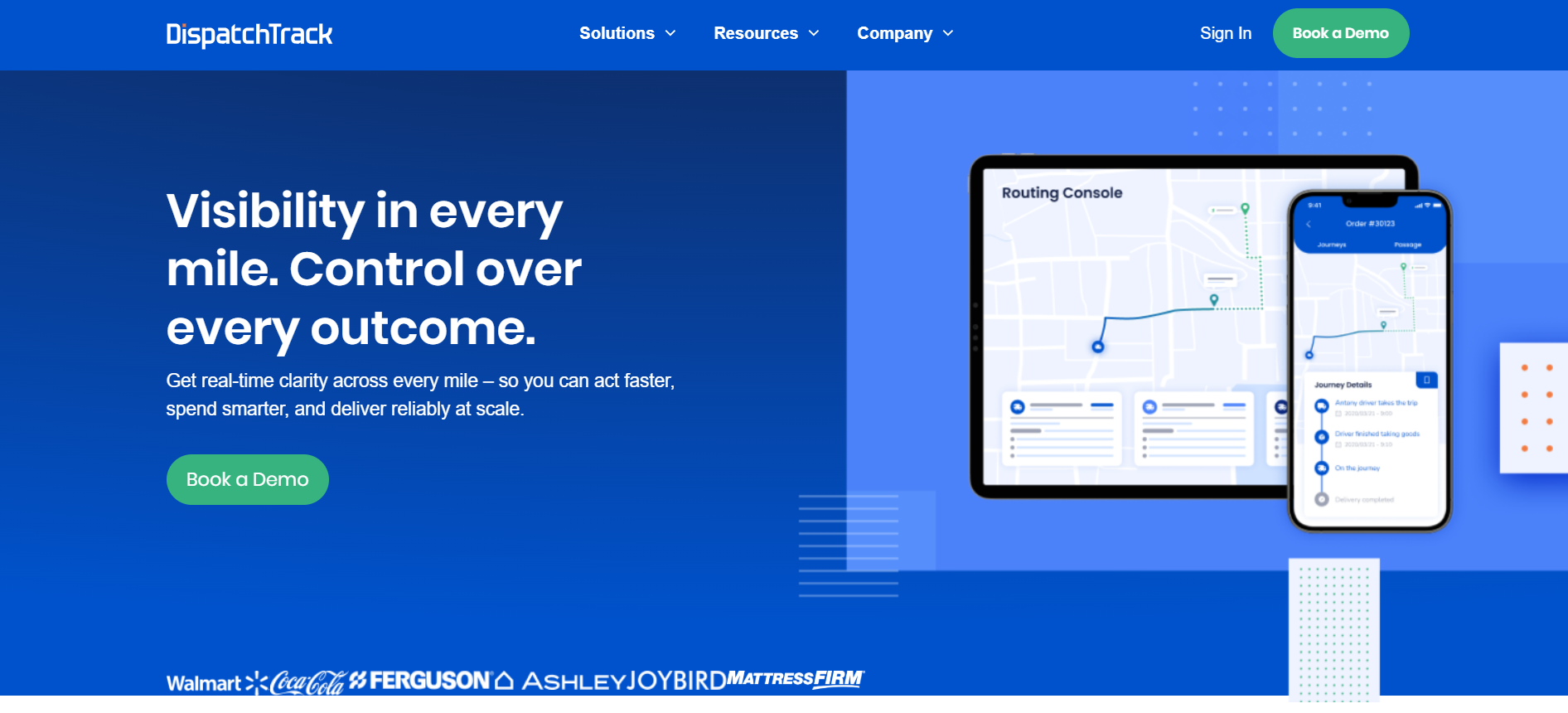
DispatchTrack is a last-mile delivery platform with built-in communication tools for dispatchers and drivers.
Category
Delivery and dispatch software with messaging
Primary uses
- Route-based messaging
- Delivery status updates
- Proof-of-delivery coordination
Pros
- Messaging aligned with delivery workflows
- Good visibility into task status
Cons
- App dependency for drivers
- More complex than SMS-based tools
Best for
Delivery-focused operations need messaging tied to routes and tasks.
7. Zello
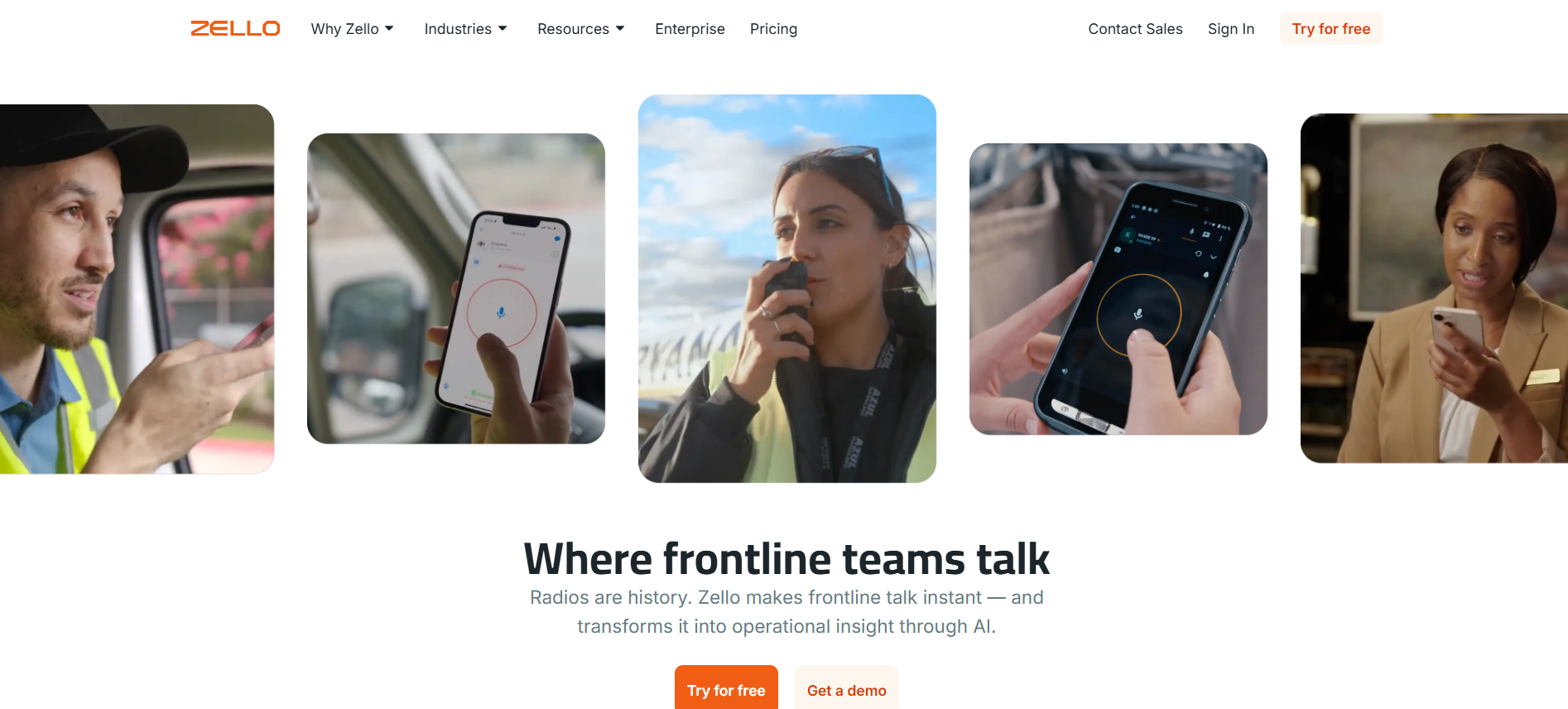
Zello is a push-to-talk voice communication app that functions like a digital walkie-talkie.
Category
Voice-first communication tool
Primary uses
- Quick voice communication
- Urgent dispatcher–driver updates
Pros
- Fast voice interaction
- Familiar with teams used to radios
Cons
- Limited message history
- No read receipts or tracking
Best for
Short, urgent voice communication where logging is not critical.
8. Garmin dēzl
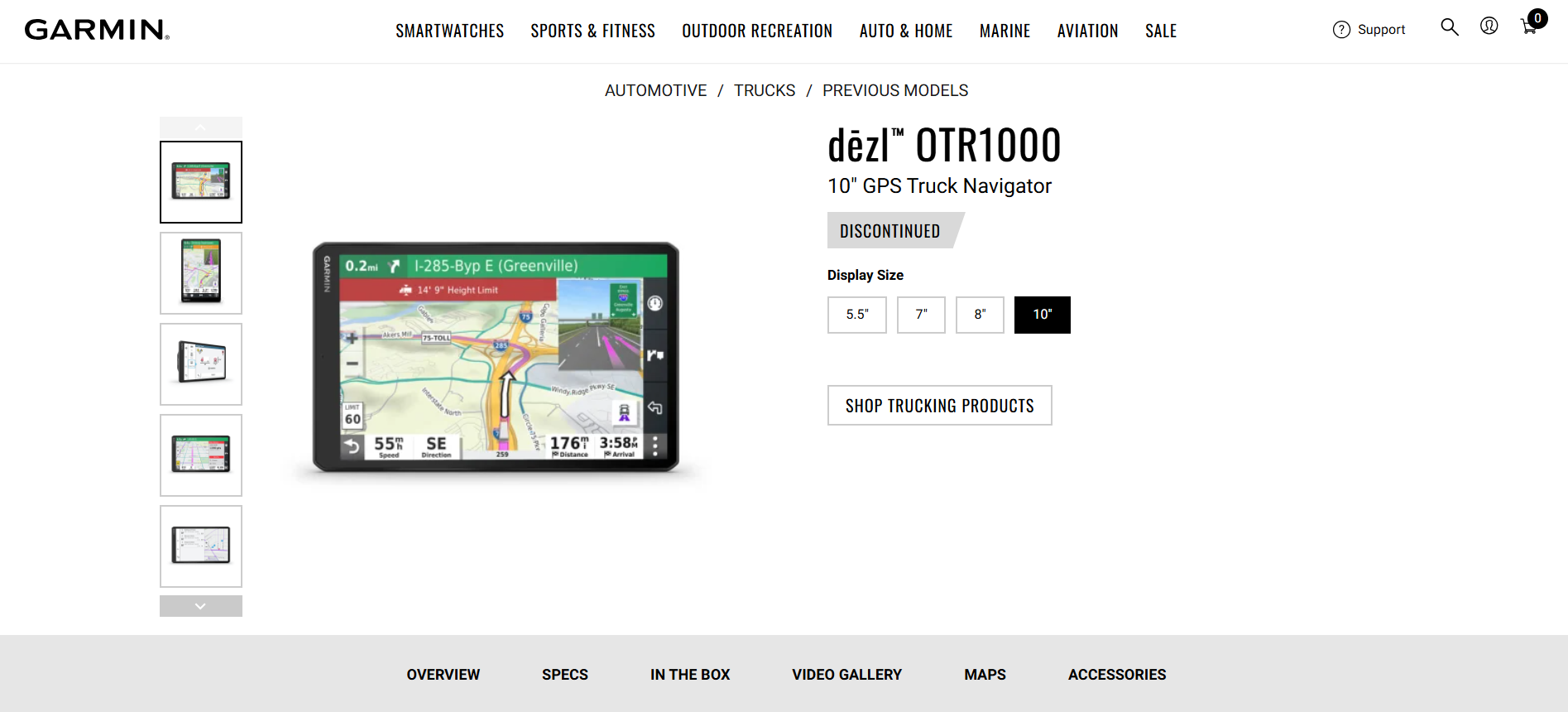
Garmin dēzl is a truck-focused GPS device with limited messaging and navigation features.
Category
Hardware-based navigation tool
Primary uses
- Route guidance
- Basic driver communication
Pros
- Reliable navigation for truck routes
- Dedicated hardware
Cons
- Messaging is limited
- Not designed for two-way communication at scale
Best for
Navigation-first use cases, not primary communication.
9. FleetSafer

FleetSafer is a driver safety solution that limits mobile phone use while driving.
Category
Driver safety and compliance tool
Primary uses
- Preventing distracted driving
- Managing mobile device usage
Pros
- Strong safety focus
- Helps reduce risky phone use
Cons
- Not a messaging platform
- No dispatcher communication features
Best for
Organizations prioritize driver safety controls alongside other communication tools.
Also Read: How to Simplify Incident Reporting with SMS Communication
Quick Comparison
To help you quickly compare the key differences between these two-way messaging tools, the table below summarizes their core requirements, visibility features, and ideal use cases.
Need a simpler way to message drivers without adding more apps?
Learn how SMS-first two-way messaging helps dispatch teams reduce missed updates and manual follow-ups.
How to Choose the Right Two-Way Messaging Tool?
Once you’ve reviewed the available tools, the next step is choosing the option that fits how your dispatch and driver teams actually work. The right choice depends less on feature count and more on day-to-day realities.
1. Driver Access to Technology
If drivers don’t consistently use smartphones or apps, tools that rely on app downloads can slow adoption. SMS-based tools reduce friction by working on any mobile phone.
2. Safety Requirements
For teams operating on active routes, minimizing distractions matters. Messaging tools that reduce the need for phone calls help support safer communication.
3. Message Volume and Urgency
High message volume or frequent updates require tools that support quick replies, automation, and clear visibility to avoid dispatcher overload.
4. Need for Visibility and Accountability
If dispatchers need confirmation that messages were received and acted on, tools with delivery status and message history are essential.
5. Integration with Daily Operations
Some teams benefit from messaging tied to routes, ETAs, or tasks. Others need lightweight communication without complex system dependencies.
Choosing a tool that aligns with these factors helps ensure two-way messaging improves coordination instead of adding complexity.
How Two-Way Messaging Improves Dispatcher–Driver Operations?
When used consistently, two-way messaging turns communication into a predictable operational process rather than a reactive task.
Instead of chasing updates or guessing driver status, dispatch teams gain a clearer, more controlled workflow.
- Issues are resolved earlier, before delays cascade across routes
- Dispatcher effort decreases, as confirmations replace repeated follow-ups
- Driver responses become visible, supporting accountability across shifts
- Phone calls drop, reducing disruption during active driving
- Coordination improves, even across multiple locations and schedules
7 Best Practices for Using Two-Way Messaging Effectively
Two-way messaging tools only improve dispatcher–driver communication when they’re used with clear guidelines. Without structure, even good tools can create noise, missed messages, or unsafe communication habits. These best practices help teams get consistent results while keeping communication efficient and safe.
1. Set Clear Response Expectations
Not every message requires an immediate reply. Dispatchers should clearly indicate when a response is needed and when a message is informational only. This reduces unnecessary back-and-forth and helps drivers prioritize messages during busy routes.
Clear expectations also help dispatch teams manage message volume and avoid chasing responses that were never required in the first place.
2. Keep Messages Short, Specific, and Actionable
Drivers often read messages in brief moments between tasks. Long or vague messages increase the chance of confusion or missed details. Each message should focus on one clear action, update, or question.
For example, messages that include exact locations, times, or next steps are easier to act on than general instructions that require follow-up clarification.
3. Reduce Pressure to Respond While Driving
Safety should guide how two-way messaging is used. Drivers shouldn’t feel pressured to respond immediately while operating a vehicle.
Auto-replies automatically acknowledge messages when drivers are unable to respond immediately, while low-distraction interactions reduce the amount of input required from drivers.
This approach supports safer driving habits while maintaining dispatcher visibility into message delivery.
4. Use Automation to Handle Repetitive Communication
Dispatch teams often send the same updates multiple times each day, arrival reminders, schedule confirmations, or follow-ups. Automating these routine messages reduces manual effort and keeps communication consistent across shifts.
Automation, such as scheduled arrival reminders or automatic follow-up prompts, handles predictable updates so dispatchers can focus on exceptions and urgent issues.
5. Centralize Message History for Visibility and Accountability
Keeping all dispatcher–driver messages in one place helps teams understand what was communicated, when it was received, and how it was resolved. Message history reduces disputes, limits repeated explanations, and supports compliance when records are required.
Over time, reviewing message history also helps teams identify common issues and improve communication workflows.
6. Train Dispatchers and Drivers Together
Two-way messaging works best when both sides understand how and when to use it. Short training sessions or shared guidelines help align expectations and reduce misuse. When dispatchers and drivers follow the same communication rules, adoption improves, and friction decreases.
7. Review and Adjust Communication Patterns Regularly
As routes, teams, and workloads change, communication needs evolve. Periodically reviewing response times, message volume, and common issues helps teams refine how they use two-way messaging tools.
Continuous improvement ensures the tool supports operations instead of becoming another source of inefficiency.
Conclusion
Two-way messaging has become essential for modern dispatcher–driver communication. Tools that support real-time replies, driver safety, and dispatcher visibility help teams reduce delays, improve coordination, and keep operations running smoothly.
Choosing the right tool depends on how drivers work, what technology they can access, and how much visibility dispatchers need. For teams managing mobile or app-limited drivers, SMS-based two-way messaging offers a simple, reliable path forward.
Book a demo to see how Udext helps dispatch teams communicate with drivers through fast, reliable, SMS-first two-way messaging.
FAQs
1. Are SMS tools better than apps for dispatcher–driver messaging?
SMS tools work well when drivers don’t consistently use apps or have limited data access. They reduce adoption friction and ensure messages are delivered reliably without extra setup.
2. Can two-way messaging work without smartphones?
Yes. SMS-based two-way messaging works on basic mobile phones, making it suitable for fleets with mixed devices or shared phones.
3. How does two-way messaging reduce dispatcher workload?
Dispatchers can see when messages are delivered and acknowledged, which reduces repeated calls and follow-ups. This saves time and improves coordination across shifts.
4. Is two-way messaging safer than phone calls for drivers?
Yes. Messaging allows drivers to read and respond when it’s safe, rather than being interrupted by calls during active driving.
5. What’s the biggest mistake teams make when adopting messaging tools?
Relying on tools that drivers won’t consistently use. App-heavy solutions often fail when access, training, or data availability is limited.
Need to improve your internal comms? Take a look at Udext!
"Out of the box, Udext has everything you need to elevate your internal communication. It’s incredibly easy to set up and use, with a straightforward interface and great customer support"
John D.
Director of HR at Apex Manufacturing