.svg)
.jpg)
7 Best SMS Platforms for Frontline Employee Communication in 2026


How often do important updates fail to reach your frontline teams on time? If you’re managing a workforce that doesn’t sit at desks, you’ve likely seen emails ignored, apps unopened, and messages missed.
Traditional communication tools often fall short in these environments. In contrast, SMS messages have open rates as high as 98%, making them one of the most reliable ways to reach employees quickly, regardless of device or internet access.
That’s where SMS changes the equation. In this guide to the best SMS platforms for frontline employee communication (2026), you’ll see which tools actually work for HR teams and how to choose the right one for your workforce.
In a nutshell
- Frontline communication issue: Emails and apps often go unread, leading to missed updates and delayed responses across shifts and locations.
- Why SMS works: Messages reach employees directly on their phones without requiring logins, apps, or internet access.
- What to compare: Focus on two-way messaging, workflow automation, alerts, and response tracking instead of campaign-based features.
- Tool differences: Most SMS platforms support customer messaging, while fewer are designed for internal workforce communication.
- Udext fit: Combines SMS communication, automated workflows, alerts, and tracking to manage employee communication end-to-end.
Why SMS Works Better for Frontline Employee Communication
Frontline teams don’t operate from desks, and that changes how communication needs to work. Employees are often on the move, working shifts, or using shared devices, which makes email and app-based tools unreliable for daily updates.
SMS removes these barriers. Messages are delivered directly to an employee’s phone without requiring logins, downloads, or internet access. This ensures that updates reach employees regardless of device type or technical familiarity.
It also improves response time. Employees can read and reply within minutes, which helps HR teams confirm shifts, share updates, and handle time-sensitive communication without delays.
For frontline operations, consistency is critical. SMS provides a direct and dependable way to communicate, without relying on employee behavior or app adoption.
Here is a quick comparison of common communication channels:
Next, let’s clarify why not every SMS platform is built for employee communication.
Not All SMS Platforms Are Built for Employee Communication
Most SMS tools are designed for customer messaging. They work well for promotions and reminders, but frontline communication needs a different setup focused on operations and response tracking.
Where marketing SMS tools fall short for employee communication
- Message intent is different: Campaigns don’t require immediate action, but frontline communication depends on quick responses for shifts, updates, and compliance tasks.
- No structured workflows: Marketing tools focus on one-time sends, not step-based communication like onboarding sequences or recurring reminders.
- Limited response handling: Replies are often optional and not tracked as part of a workflow or task completion.
- Lack of operational visibility: These tools track clicks and engagement, not whether an employee received and acknowledged a message.
- Weak support for alerts: Critical updates like safety notifications or incident communication are not built into the system.
What employee communication platforms are built to handle
- Action-driven messaging: Employees can confirm, respond, or complete tasks directly through SMS.
- Workflow-based communication: Supports onboarding journeys, training reminders, and scheduled updates.
- Real-time alerts: Sends urgent messages instantly with delivery tracking.
- Two-way communication: Enables direct interaction between teams and employees.
- Tracking and accountability: Shows who received, opened, and responded to messages.
Here’s how marketing SMS tools differ from employee communication platforms:
Now, let’s look at the SMS platforms that actually support frontline employee communication.
Suggested Read: Improving Logistics Communication with Mobile and SMS Tools
Top SMS Platforms for Frontline Employee Communication (2026)
Choosing the right SMS platform isn’t just about sending messages. It’s about how reliably you can reach employees, get responses, and manage communication across shifts, locations, and roles.
The tools listed below vary in how they support frontline teams. Some focus on alerts, some on workflows, and others on general messaging. The key is understanding which platforms actually support operational communication, not just bulk texting.
Let’s break down the top SMS platforms and how they fit different frontline communication needs.
1. Udext
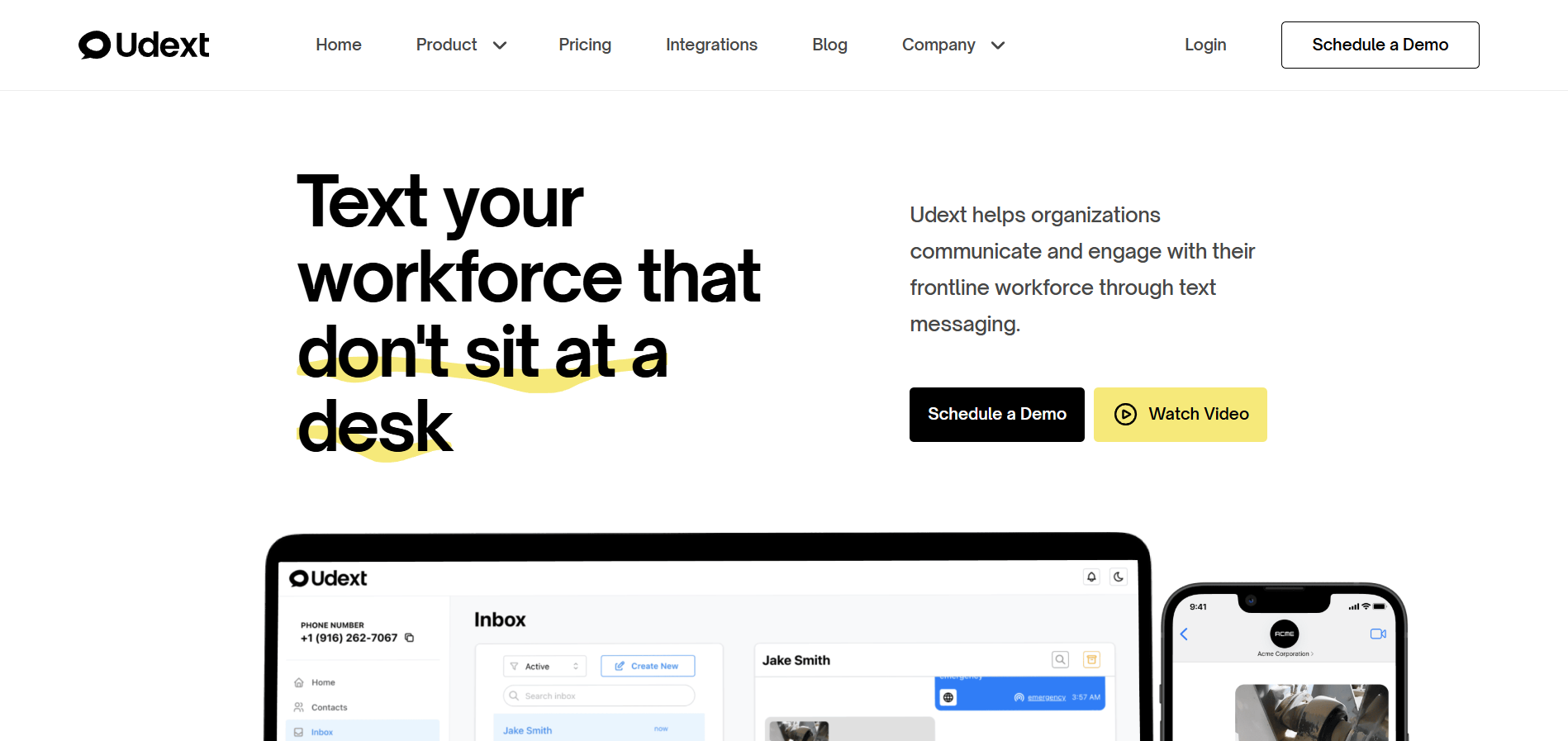
Udext is built for HR teams managing frontline and non-desk employees. It focuses on delivering operational communication through SMS, ensuring employees receive and respond to updates without relying on apps or internet access.
Key Features
- Two-way SMS communication with response tracking: Employees can reply directly to messages to confirm shifts, acknowledge updates, or ask questions, with visibility into who has responded and who hasn’t
- Automated communication workflows (Sequences): Set up step-based messaging for onboarding, training, reminders, and follow-ups (e.g., Day 1, Day 7, Day 30) without manual effort
- Real-time alerts and emergency notifications: Send time-sensitive updates such as safety alerts, shift changes, or incident notifications instantly across teams
- Targeted messaging with segmentation and custom fields: Send messages based on role, department, location, or shift, with personalized details like employee name or schedule
- Employee engagement through SMS-based surveys and feedback: Collect responses, run surveys, and engage employees without requiring them to log into a platform
- Mobile intranet access via SMS links: Share documents, policies, and resources through links that employees can access directly on their phones
- Digital forms and signature collection via SMS: Send forms for acknowledgement or signatures, with automated reminders and audit trails for compliance
- Delivery, response, and audit tracking: Track message delivery, responses, and acknowledgements to maintain visibility and accountability across communication
Best For
- HR teams managing distributed or shift-based workforce
- Industries like construction, healthcare, manufacturing, and logistics
Limitations
- Not designed for customer marketing or promotional messaging
Why It Stands Out:
Udext brings communication and workflows into one system. Instead of relying on one-time messages, teams can structure communication across onboarding, daily operations, and compliance, while tracking responses at every step.
2. SimpleTexting
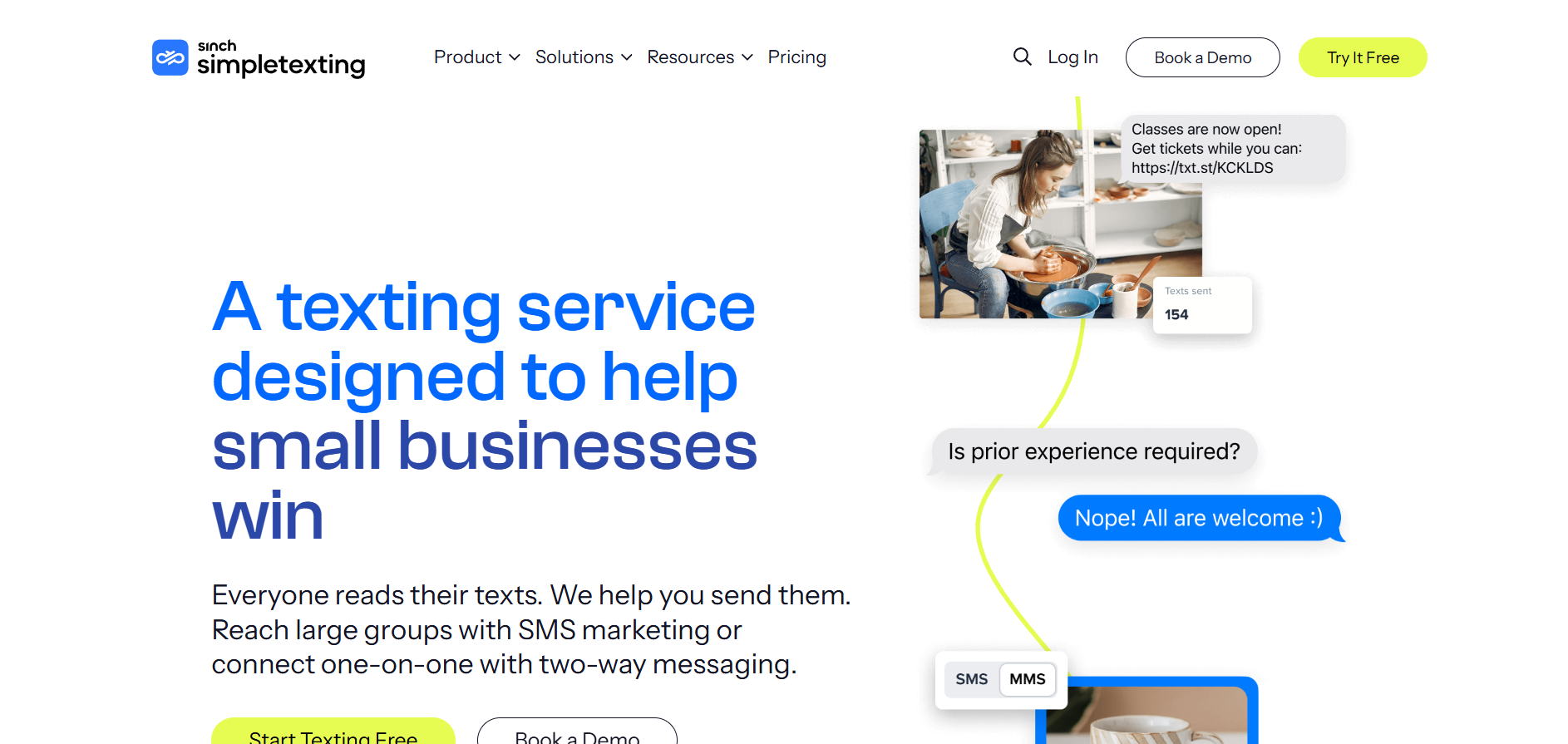
SimpleTexting is a general-purpose SMS platform designed for businesses that want to manage customer communication and marketing campaigns through text messaging.
Key Features
- Bulk messaging and contact segmentation: Send messages to large contact lists with options to segment audiences based on tags or attributes
- Two-way texting for conversations: Manage replies from customers and continue conversations within the platform
- Scheduled campaigns and autoresponders: Plan message delivery in advance or trigger responses based on keywords or actions
- Keyword-based opt-ins: Allow users to subscribe to messaging lists through predefined keywords
- Analytics and reporting: Track delivery rates, responses, and campaign performance metrics
Best For
- Businesses focused on customer engagement and promotional messaging
Limitations
- Not designed for employee communication workflows
- Limited support for onboarding, alerts, or operational coordination
Why It Stands Out: SimpleTexting offers an easy-to-use interface for managing SMS campaigns and customer conversations at scale.
3. EZ Texting
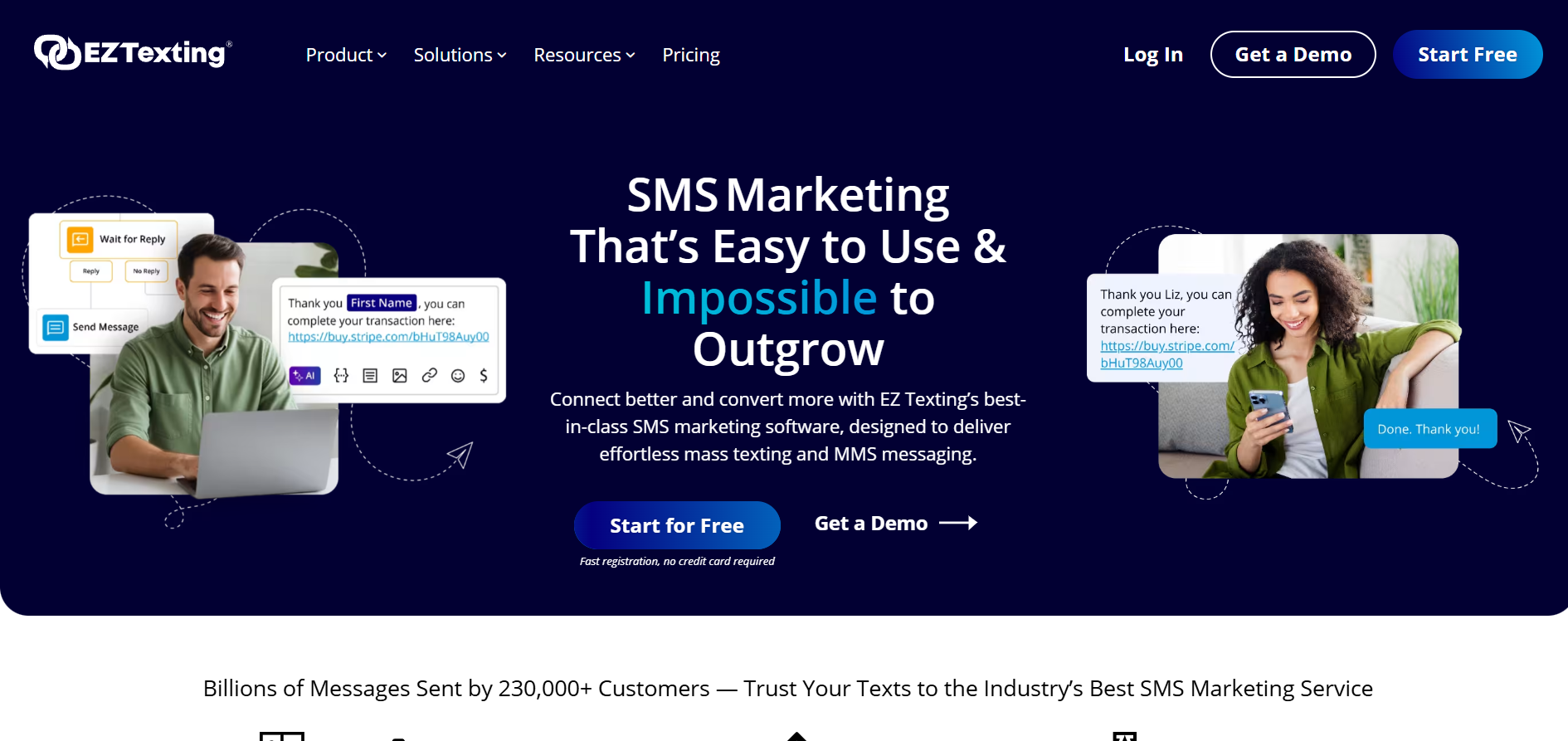
EZ Texting is an SMS marketing platform that helps businesses run promotional campaigns and communicate with customers through text messaging.
Key Features
- Mass texting and contact management: Send messages to large groups and organize contacts into lists
- Drip campaigns and scheduled messaging: Automate message sequences for marketing campaigns
- Keyword-based messaging: Enable opt-ins and interactions through SMS keywords
- Template library for campaigns: Use pre-built templates for common messaging scenarios
- Reporting and analytics: Monitor campaign performance and message engagement
Best For
- Marketing teams managing customer outreach and promotions
Limitations
- Not built for internal communication or workforce coordination
- Lacks structured workflows for onboarding or compliance messaging
Why It Stands Out: EZ Texting provides a straightforward setup for managing SMS campaigns and recurring customer communication.
4. Weave
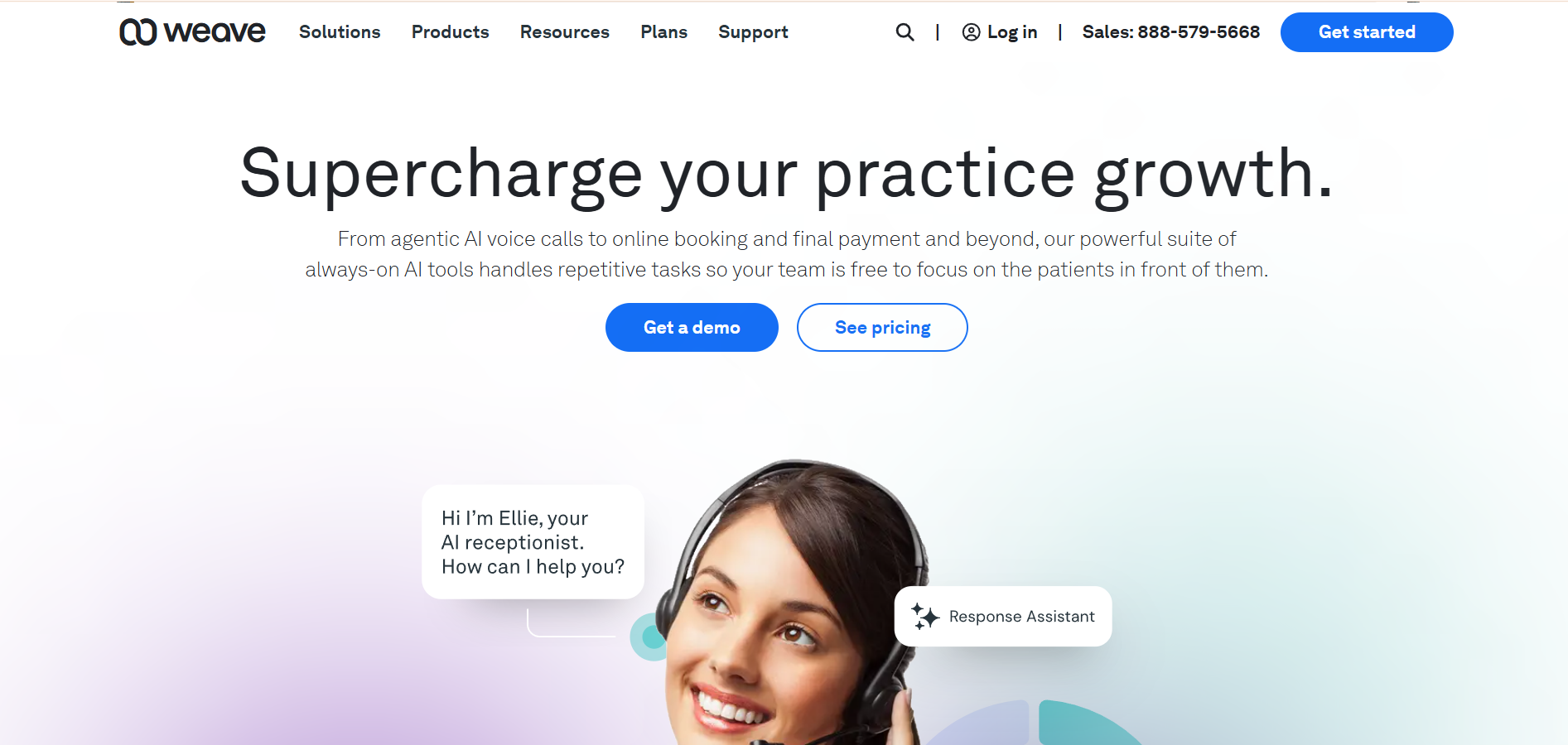
Weave is a communication platform designed for customer interaction, particularly in healthcare and service-based businesses.
Key Features
- Two-way texting with customers: Communicate directly with customers through SMS conversations
- Appointment reminders and notifications: Send automated reminders for scheduled services
- Integrated payment and billing communication: Manage payments and related messaging within the platform
- CRM and system integrations: Sync communication with customer records and scheduling systems
Best For
- Service-based businesses managing customer communication and appointments
Limitations
- Not designed for internal employee communication
- Requires system usage and adoption across teams
Why It Stands Out: Weave combines messaging with customer management tools, making it useful for service-based workflows.
5. Text-Em-All
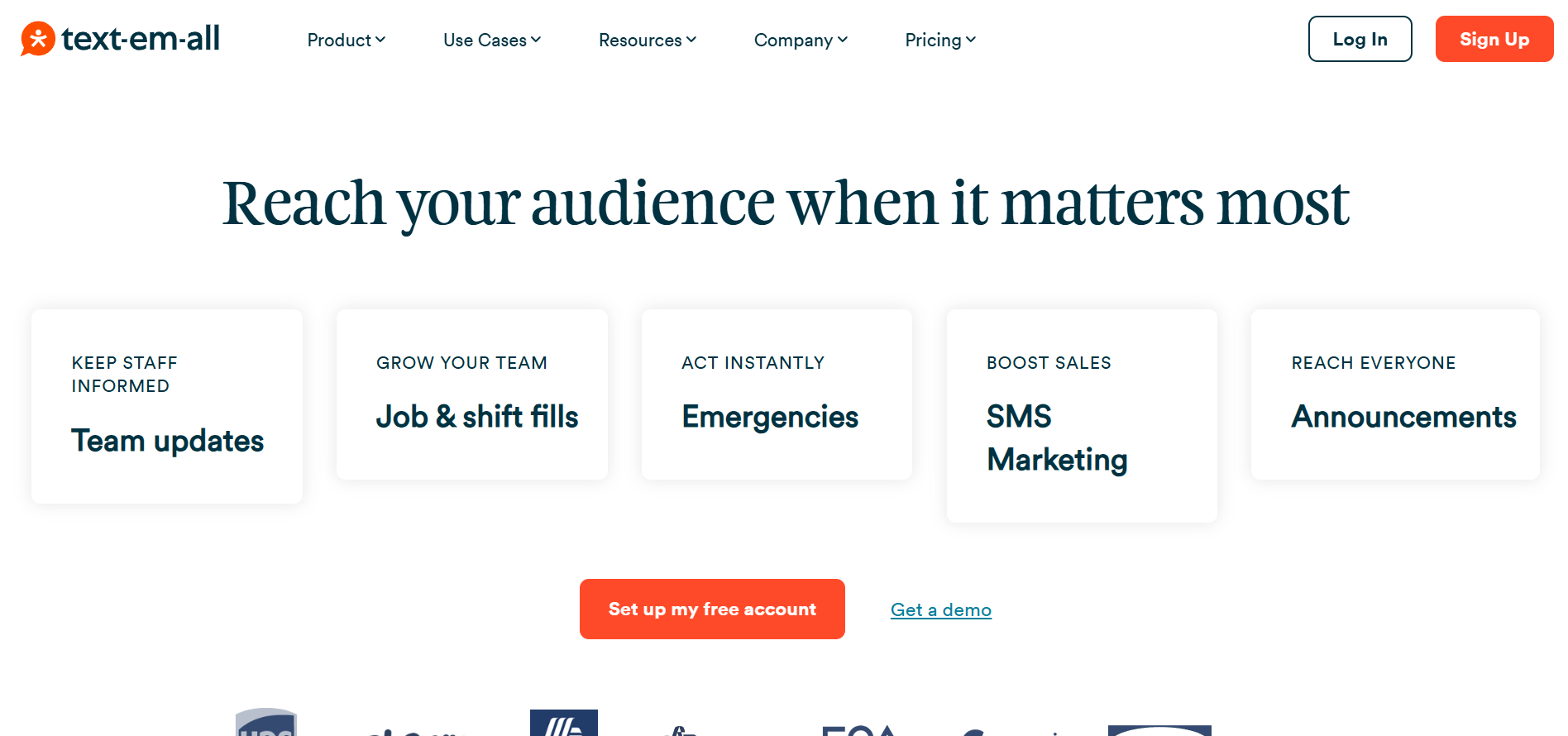
Text-Em-All is a mass messaging platform designed for sending alerts and notifications to employees through SMS and voice.
Key Features
- Bulk SMS and voice messaging: Send messages to large groups quickly through text or automated calls
- Contact grouping and scheduling: Organize contacts and schedule message delivery
- Delivery tracking and reporting: Monitor message delivery and basic response data
- Emergency communication support: Send urgent notifications during time-sensitive situations
Best For
- Organizations focused on alerts, notifications, and broadcast communication
Limitations
- Limited support for automated workflows and onboarding sequences
- Not built for ongoing two-way employee engagement
Why It Stands Out: Text-Em-All is widely used for sending high-volume alerts and notifications across distributed teams.
6. SurveyMonkey
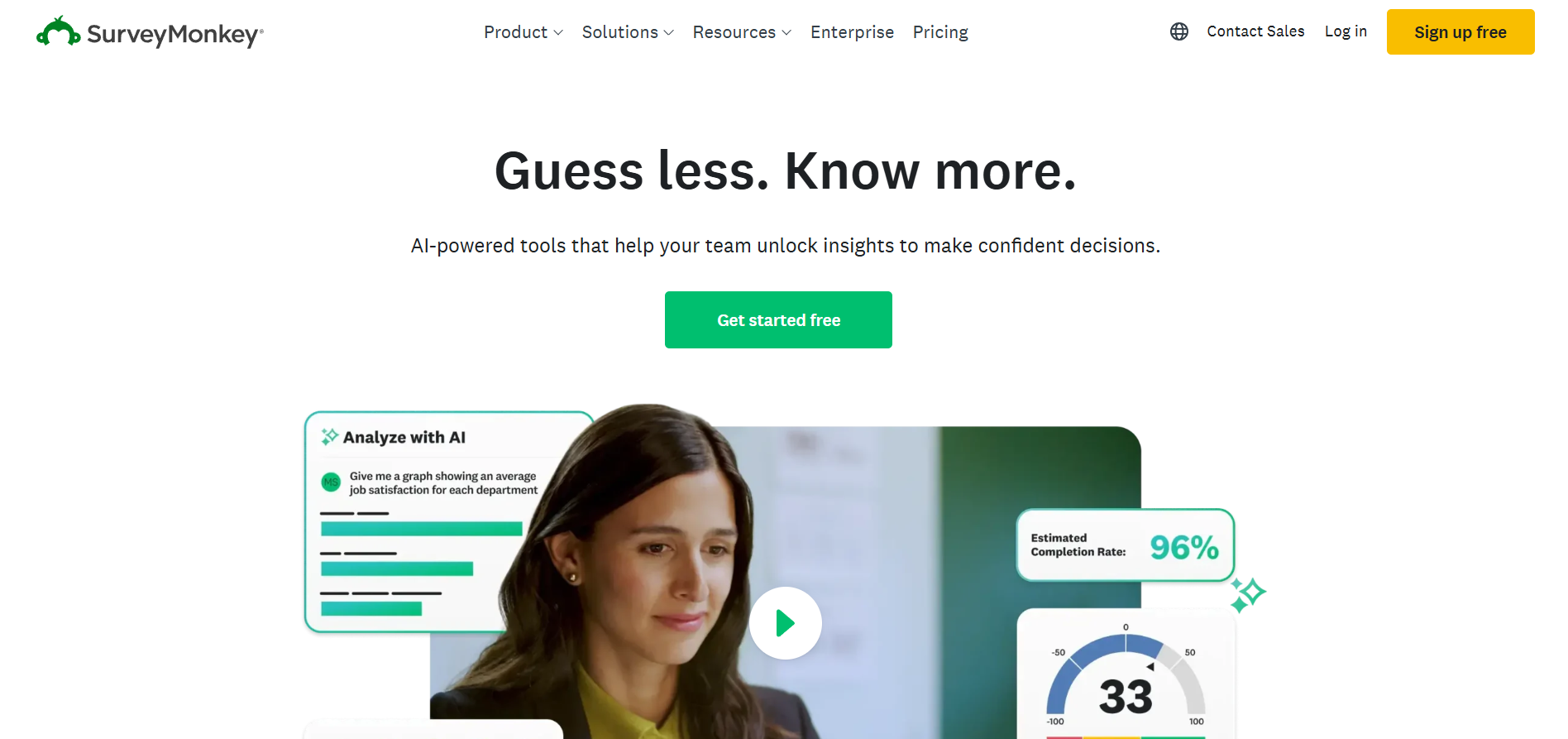
SurveyMonkey is a survey platform that allows organizations to collect feedback, with SMS delivery available through integrations.
Key Features
- Multiple survey formats and question types: Create surveys with rating scales, multiple choice, and open-ended responses
- SMS distribution through integrations: Send survey links via SMS using connected tools
- Analytics and reporting: Analyze responses with built-in reporting tools
- Data export and sharing: Export survey data for further analysis
Best For
- Teams focused on collecting employee or customer feedback
Limitations
- Not a communication platform
- Limited use beyond surveys and feedback collection
Why It Stands Out: SurveyMonkey provides flexible survey creation and analysis tools for structured feedback collection.
7. Spok
Spok is a U.S.-based communication platform designed for critical messaging, particularly in healthcare and emergency response environments.
Key Features
- Emergency alerts and notifications: Send time-sensitive messages across teams
- Secure messaging for internal communication: Support communication in regulated environments
- On-call scheduling and coordination: Manage staff availability and communication
- Integration with operational systems: Connect with existing systems for coordinated workflows
Best For
- Organizations needing critical communication and alert systems
Limitations
- Focused on alerts rather than ongoing communication workflows
- Limited support for onboarding or engagement use cases
Why It Stands Out: Spok is commonly used in environments where timely and reliable communication is essential, especially in healthcare settings.
While several platforms offer messaging capabilities, most focus on customer communication, alerts, or standalone use cases like surveys or forms. For frontline teams, communication needs to go beyond sending messages. It requires structured workflows, response tracking, and consistent delivery across employee lifecycles.
Udext stands out by combining these capabilities in one system. It supports day-to-day communication, onboarding workflows, alerts, and engagement, all through SMS without requiring employees to adopt new tools.
Now that you’ve seen how each platform supports different use cases, the next step is to evaluate which one fits your workforce communication needs.
Suggested Read: 10 Proven Benefits of Text Messaging for Business in 2026
How to Evaluate SMS Platforms for Frontline Employee Communication
Choosing an SMS platform depends on how your workforce operates and what kind of communication you need to manage daily. Instead of comparing features in isolation, focus on how each platform supports real operational use cases.
1. Start with how your employees communicate
- Check if employees regularly use email or apps
- Identify device limitations (basic phones, shared devices, limited data access)
- If communication depends on logins or downloads, adoption may drop
2. Identify your primary communication needs
- Onboarding: step-based communication for new hires
- Alerts: real-time updates for safety or schedule changes
- Daily operations: shift reminders, updates, coordination
- Feedback: surveys and response collection
3. Look for essential capabilities
- Two-way messaging for confirmations and responses
- Automation for recurring workflows and follow-ups
- Alerts for time-sensitive communication
- Segmentation based on role, location, or shift
- Multilingual messaging support
4. Check ease of adoption
- No app dependency improves message reach
- Minimal training required for employees
- Works across all device types
5. Evaluate visibility and tracking
- Delivery status for each message
- Response tracking to identify gaps
- Audit logs for compliance and accountability
Selecting the right platform depends on how well it fits your workforce setup and communication requirements, not just the number of features it offers.
{{see-udext="https://www.udext.com/symbols"}}
Wrapping Up
Frontline communication depends on reaching employees quickly and getting timely responses. SMS provides a direct channel that works without apps, logins, or internet dependency. The right platform helps structure communication, reduce delays, and improve coordination across teams.
Udext supports this by combining messaging, automation, and tracking in one system. It helps HR teams manage onboarding, daily updates, alerts, and engagement through SMS. This ensures employees receive, read, and respond to communication consistently.
Book a demo with Udext today to improve response rates, reduce missed updates, and streamline frontline communication workflows.
FAQs
1. How do you handle employee opt-ins for SMS communication in the workplace?
Employees typically provide consent during onboarding or through HR systems. Some platforms allow opt-ins via forms or keyword-based SMS replies. It’s important to maintain clear records of consent for compliance.
2. Can SMS communication be integrated with HR or payroll systems?
Yes, many platforms support integrations with HRIS or payroll tools. This allows automatic syncing of employee data, so messages can be triggered based on events like new hires, shift updates, or status changes.
3. What happens if an employee changes their phone number?
Most platforms allow admins to update contact details manually or sync changes from HR systems. Some also flag delivery failures, helping teams identify outdated or inactive numbers quickly.
4. Is SMS communication compliant with labor and privacy regulations?
Compliance depends on how the platform manages consent, data storage, and message records. Features like audit logs, opt-out options, and secure data handling help meet regulatory requirements.
5. How do companies manage communication across multiple locations or shifts?
Platforms use segmentation to group employees by location, role, or shift. This allows HR teams to send targeted messages instead of broadcasting the same update to everyone.
Need to improve your internal comms? Take a look at Udext!
"Out of the box, Udext has everything you need to elevate your internal communication. It’s incredibly easy to set up and use, with a straightforward interface and great customer support"
John D.
Director of HR at Apex Manufacturing