
.svg)
Top 10 Digital Workspace Platforms in 2026


Managing team collaboration and productivity often feels like a constant challenge. But what if we told you there is a solution that brings communication, project management, and file sharing all under one roof?
Digital workspace platforms are designed to simplify workflows and keep teams aligned. The growth of this market speaks for itself, with projections to reach $234 billion by 2032. These platforms make it easier to keep teams aligned, organized, and productive every day.
But with so many options out there, how do you know which one is the best?
In this blog, we will explore the top 10 digital workspace platforms in 2026 and share tips on choosing the right one to meet your team’s needs.
In a Nutshell:
- Digital workspace platforms provide a unified environment for communication, collaboration, and task management.
- Top platforms like Udext, Google Workspace, and Microsoft 365 streamline teamwork across remote and hybrid teams.
- When choosing a platform, consider team needs, budget, security, and ease of onboarding.
- Successful implementation involves assessing requirements, comparing tools, planning training, and monitoring ongoing usage.
What Are Digital Workspace Tools?
A digital workspace is a secure environment that allows employees to access applications, data, and desktops from anywhere. With the right credentials and network connection, teams can stay productive across any device or location.
It combines virtual desktop infrastructure, cloud platforms, on-premises data centers, collaboration tools, and IT management systems, all under a single, integrated workspace. This flexibility ensures your team can work effectively whether they are in the office, at home, or on the go.
How To Choose The Right Digital Workspace Platform?
Picking the right digital workspace platform can make a huge difference in how your team collaborates. Before checking out the top platforms, jot down these key points to guide your choice:
- Real-Time Communication: Choose a platform that makes messaging, video calls, and screen sharing effortless. Real-time communication keeps your team connected and aligned, no matter where they work.
- Customization Options: The platform should let you adjust layouts, themes, and workspace organization. Personalizing the experience helps your team feel comfortable and engaged while using it daily.
- Collaboration Capabilities: Look for tools that allow smooth project management, file sharing, and virtual meeting spaces. Efficient collaboration ensures your team can work together without friction or confusion.
- Integration With Existing Tools: Make sure it works well with the apps your team already uses. Smooth integrations reduce disruptions and save time when switching between tools or projects.
- Security and Privacy: Pick a platform that prioritizes encryption, secure access, and compliance standards. Protecting sensitive company data ensures peace of mind for your team and organization.
Want to see a digital workspace platform in action? Book a demo with Udext and discover smarter ways to manage your team’s work.
Top 10 Digital Workspace Platforms In 2026
In the digital age, your workspace can make or break productivity. Check out these top 10 digital workspace platforms in 2026, helping teams collaborate, manage tasks, and stay on top of work.
1. Udext
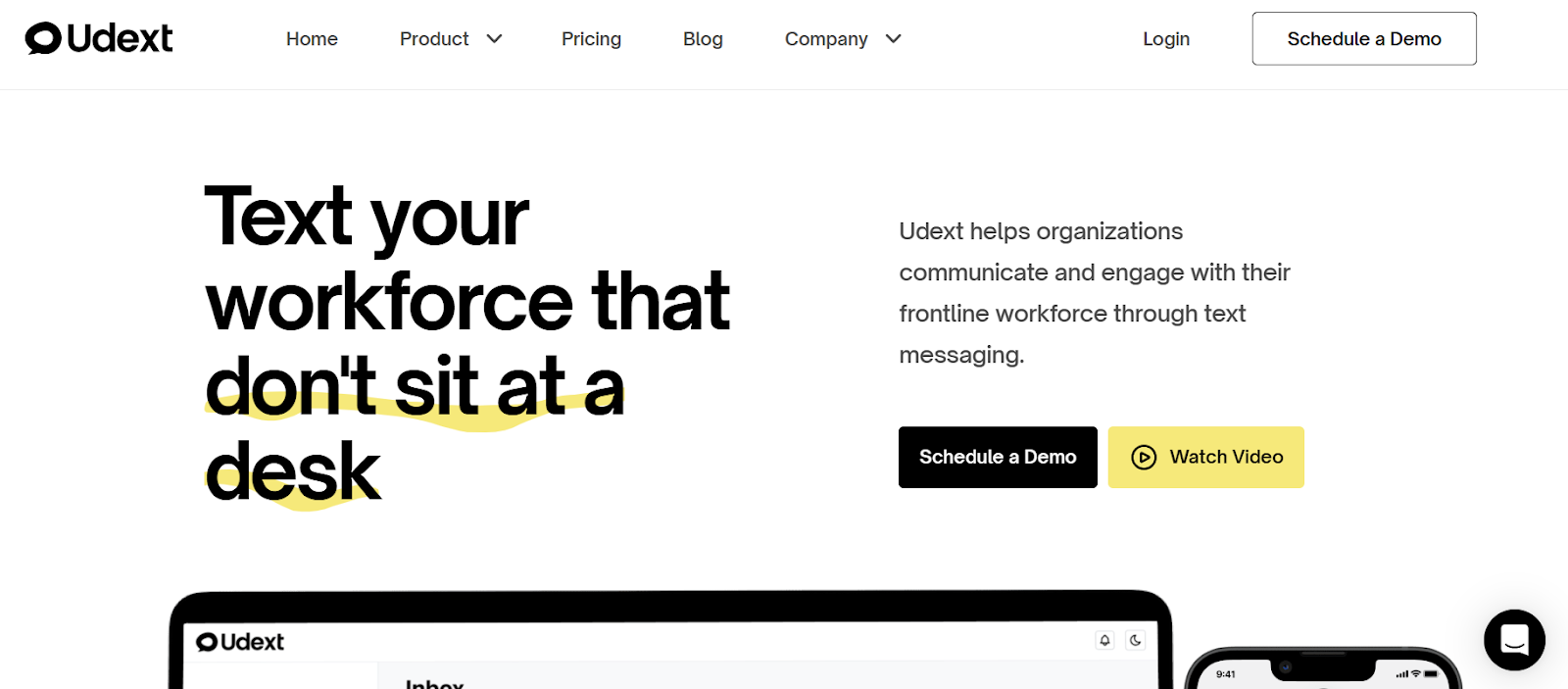
Starting off the list, Udext is a digital workspace platform designed for organizations with frontline and deskless employees. It removes communication barriers through SMS, enabling instant updates, two-way conversations, and real-time engagement. With no apps, downloads, or training needed, Udext keeps teams informed, engaged, and connected effortlessly.
Key Features:
- Two-Way SMS Messaging: Communicate instantly with employees through secure two-way SMS, enabling quick responses, urgent updates, and clear conversations without extra apps.
- Employee Alerts: Send time-sensitive announcements like safety warnings or shift changes, ensuring every employee receives critical information at the right moment.
- Surveys and Feedback Collection: Easily gather employee opinions via SMS or mobile-friendly surveys, then organize responses in one place for better decision-making.
- Intranet Access: Provide employees with a centralized hub to access updates, resources, and company information from any device, anywhere.
- Newsletters: Design and send engaging newsletters with customizable templates to keep employees informed about company news, events, and updates.
- Analytics and Integrations: Track communication performance with detailed analytics, and sync seamlessly with 200+ HRIS and payroll systems for accurate employee data.
2. Google Workspace
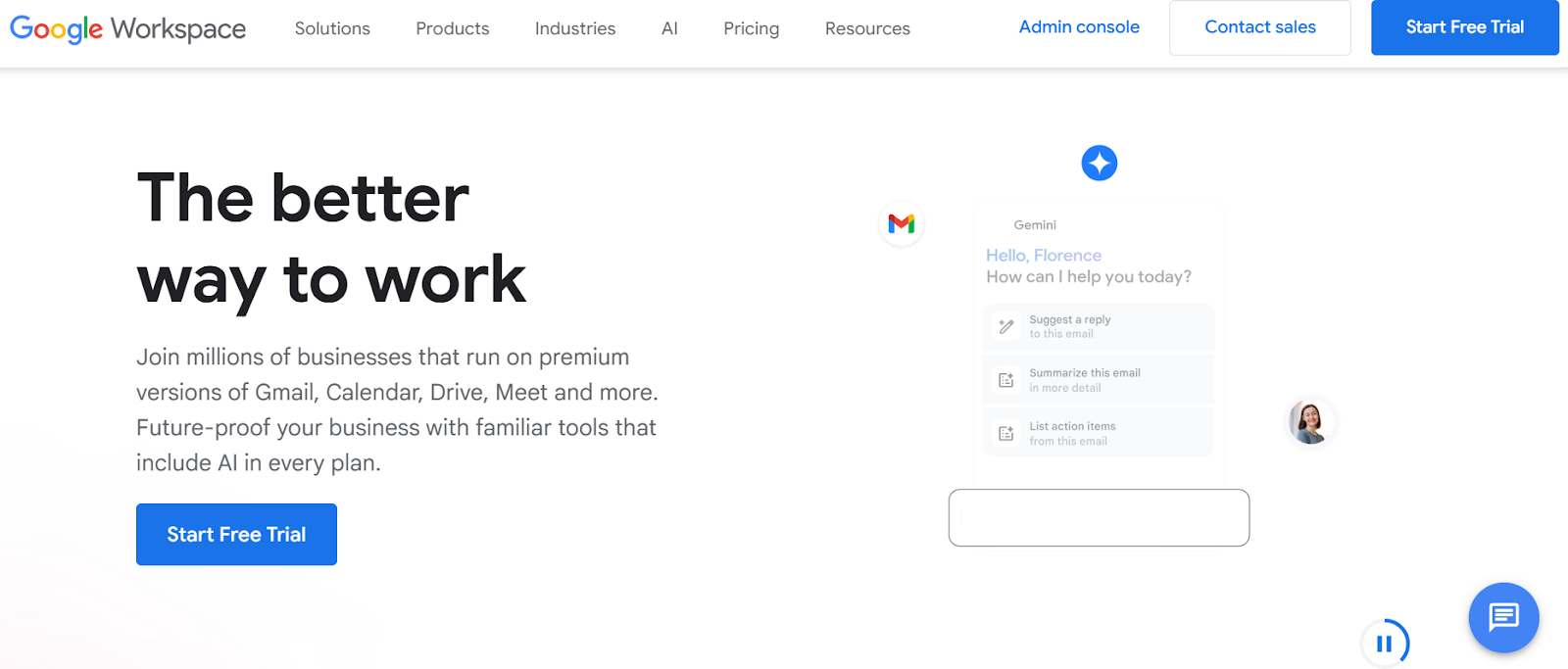
Next up, Google Workspace is a cloud-first platform that keeps your team productive wherever they are. With Gmail, Docs, Drive, Calendar, and Meet, everyone can collaborate in real time without worrying about device or location.
Key Features:
- AI Tools: Gemini and NotebookLM help you draft, brainstorm, and analyze content efficiently.
- Secure Cloud Storage: Keep your files safe with up to 5TB storage per user.
- Professional Email: Set up company-branded emails and custom messaging.
- Real-Time Collaboration: Work together on Docs, Sheets, and Slides instantly.
- Video Meetings: Connect via Google Meet, record sessions, and capture transcripts.
3. Microsoft 365
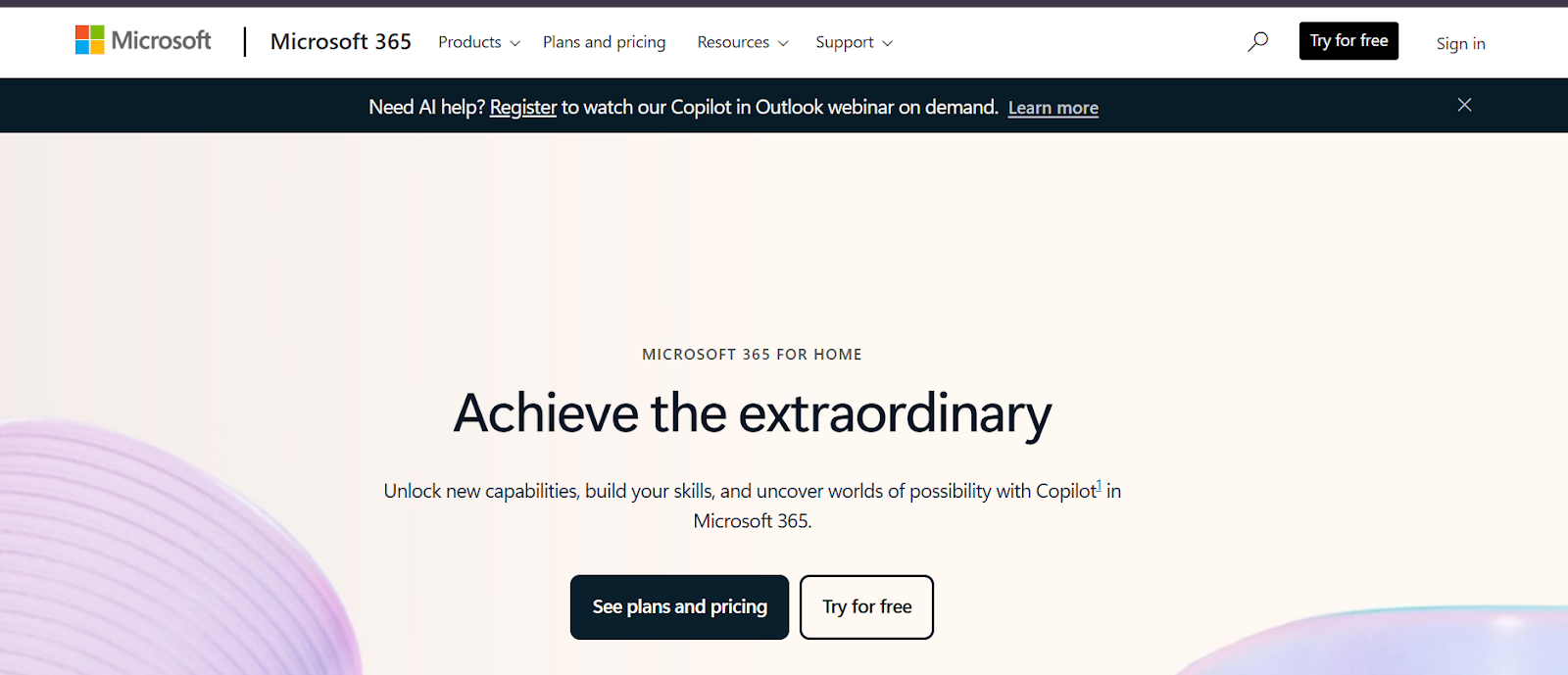
Microsoft 365, combined with Teams, ensures your team stays connected and productive. From Office apps to real-time chats, file sharing, and video calls, it’s a solid choice for remote or hybrid HR teams.
Key Features:
- Integrated Apps: Access Word, Excel, PowerPoint, and Teams in one seamless platform.
- Meetings & Video Calls: Host video conferences, webinars, or town halls effortlessly.
- Team Chat: Instant messaging for faster communication and collaboration.
- File Sharing: Securely share documents across teams with ease.
- AI Features: Automate tasks and workflows to save time and effort.
4. Slack
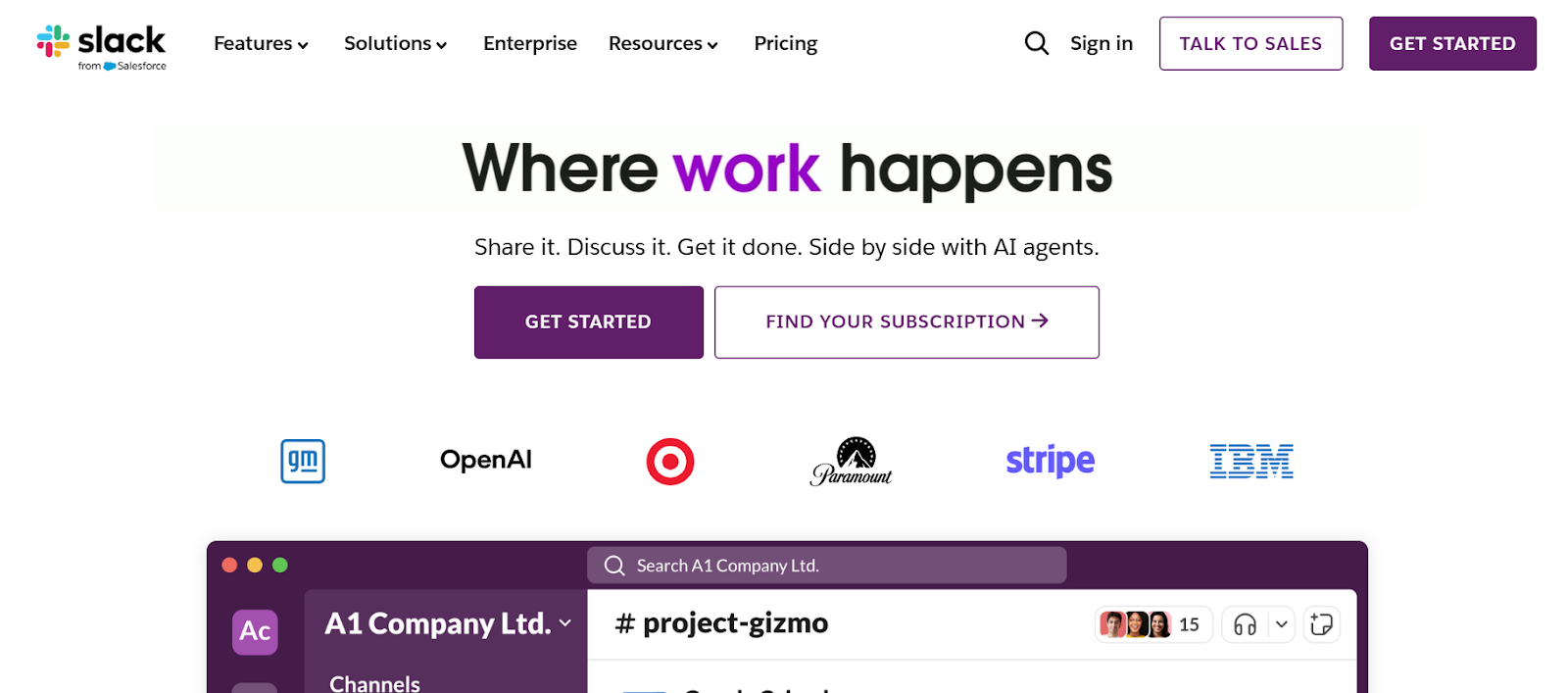
Slack is another tough contender in the digital workspace platform list, focusing on real-time messaging and remote collaboration. Its channels, AI tools, and file-sharing capabilities make it simple for teams to communicate efficiently, regardless of location.
Key Features:
- Channels & Connect: Organize conversations by team, project, or topic.
- Huddles & Clips: Share quick audio or video updates effortlessly.
- File Sharing: Bring documents and updates right into the chat.
- Automation & AI: Save time with workflow automation and AI-powered agents.
- App Integrations: Connect Slack with tools like Google Workspace and Salesforce.
5. ClickUp
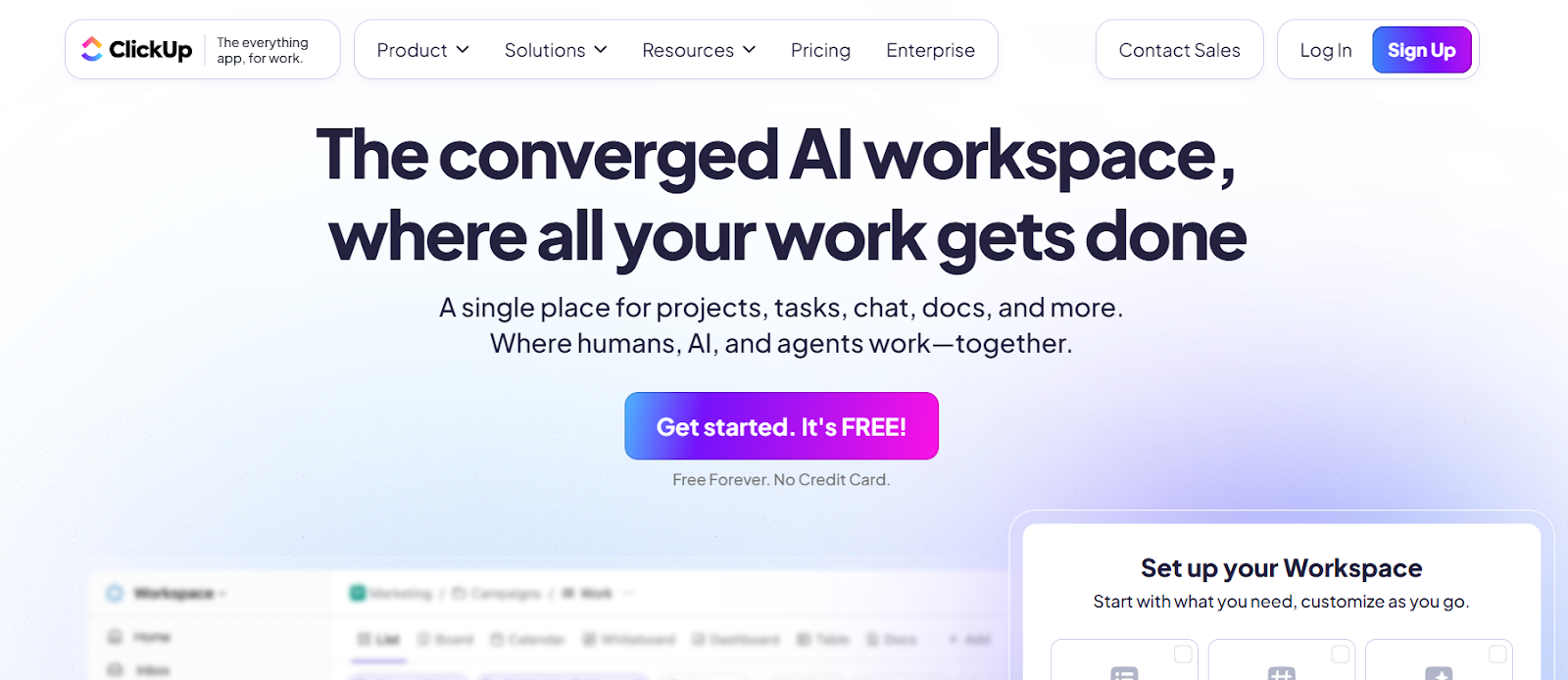
ClickUp offers flexibility for managing tasks, projects, and workflows. Its customizable dashboards and AI tools make it easier for HR teams to plan, track, and execute projects without losing momentum.
Key Features:
- Task Management: Track projects using lists, boards, or calendar views.
- AI Assistance: Brain and AI Notetaker help with planning and taking notes.
- Time Tracking: Monitor hours spent on tasks with built-in time tracking and reporting tools.
- Dashboards & Reporting: Get project insights with customizable dashboards.
- Docs & Whiteboards: Collaborate on documents and brainstorm visually.
6. Asana
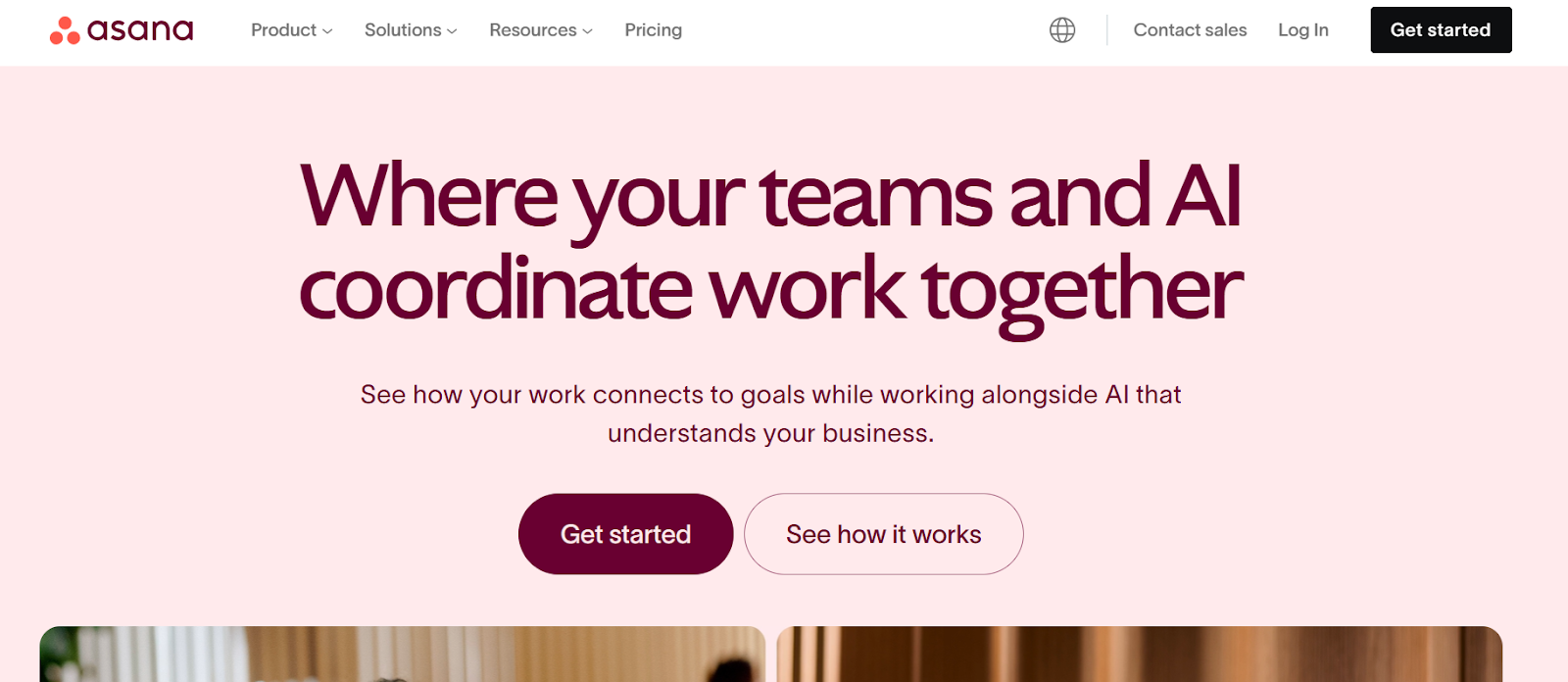
Asana helps teams keep all their work in one place. From task tracking to reporting and automation, it’s perfect for content-heavy or collaborative HR teams needing clarity on ongoing projects.
Key Features:
- Project Management: Organize tasks, deadlines, milestones, and priorities effectively.
- Reporting & Analytics: Track team performance, workload, and project progress.
- Admin Controls: Manage permissions and collaboration with ease.
- Communication Tools: Comment, message, and discuss tasks within the platform.
- Integrations: Connect with tools like Slack, Google Workspace, and more for seamless collaboration.
7. Notion
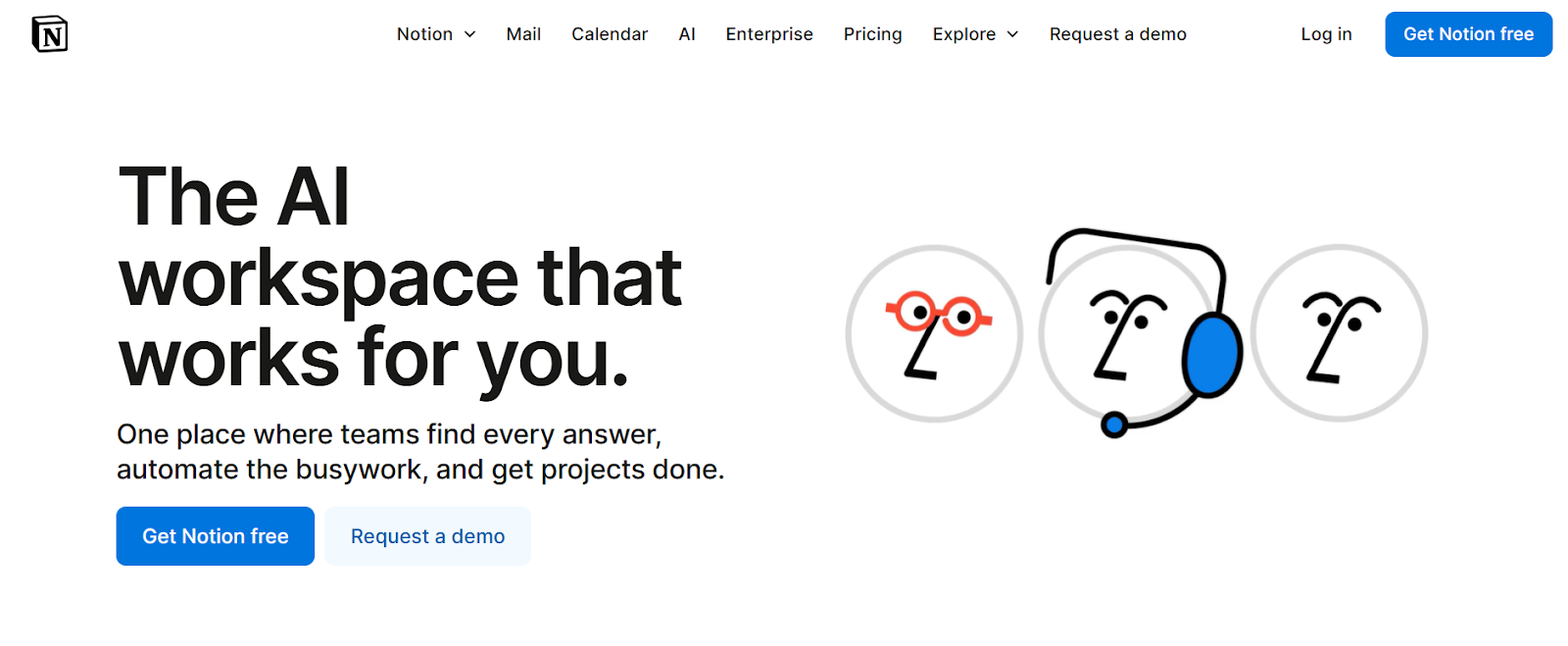
Notion combines note-taking, project management, and knowledge sharing in one platform. Its flexibility and AI tools make it great for organizing personal work or collaborative HR projects.
Key Features:
- Centralized Knowledge Base: Manage notes, tasks, and projects with ease in a single platform.
- Project Management: Create task lists and boards to track your team’s progress.
- Notion AI: Automate content creation and generate meeting notes quickly.
- Forms & Databases: Collect requests and organize structured data easily.
- Enterprise Search: Find information instantly across your entire workspace.
8. Zoom
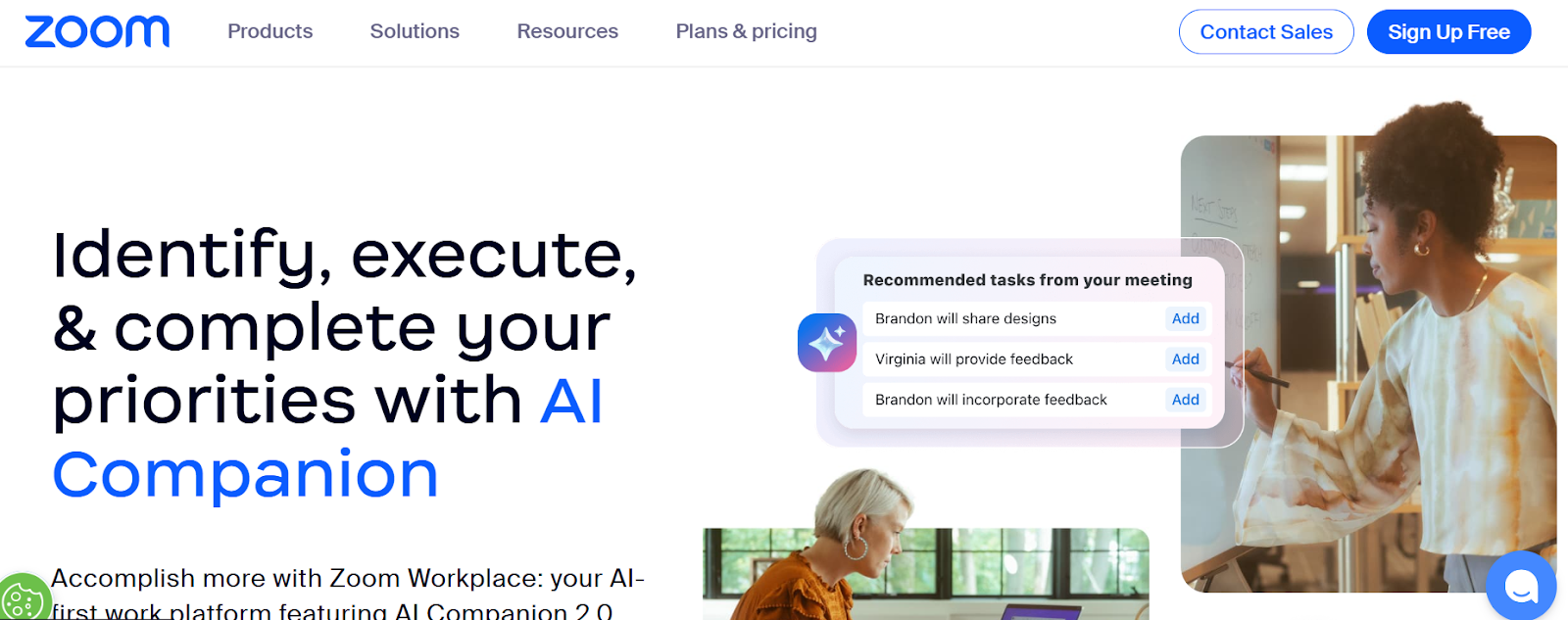
Zoom remains a go-to platform for video meetings and online collaboration. Its range of features supports remote HR teams connecting across devices, making meetings productive and interactive.
Key Features:
- Video & Audio Meetings: High-quality meetings with noise cancellation for clarity.
- Breakout Rooms: Organize smaller group discussions during larger meetings for more focused collaboration.
- Chat & Collaboration: Share messages, files, and whiteboards during calls.
- Virtual Backgrounds: Add custom backgrounds for a more professional meeting experience.
- App Integrations: Connect Zoom to other productivity tools seamlessly.
9. Happeo
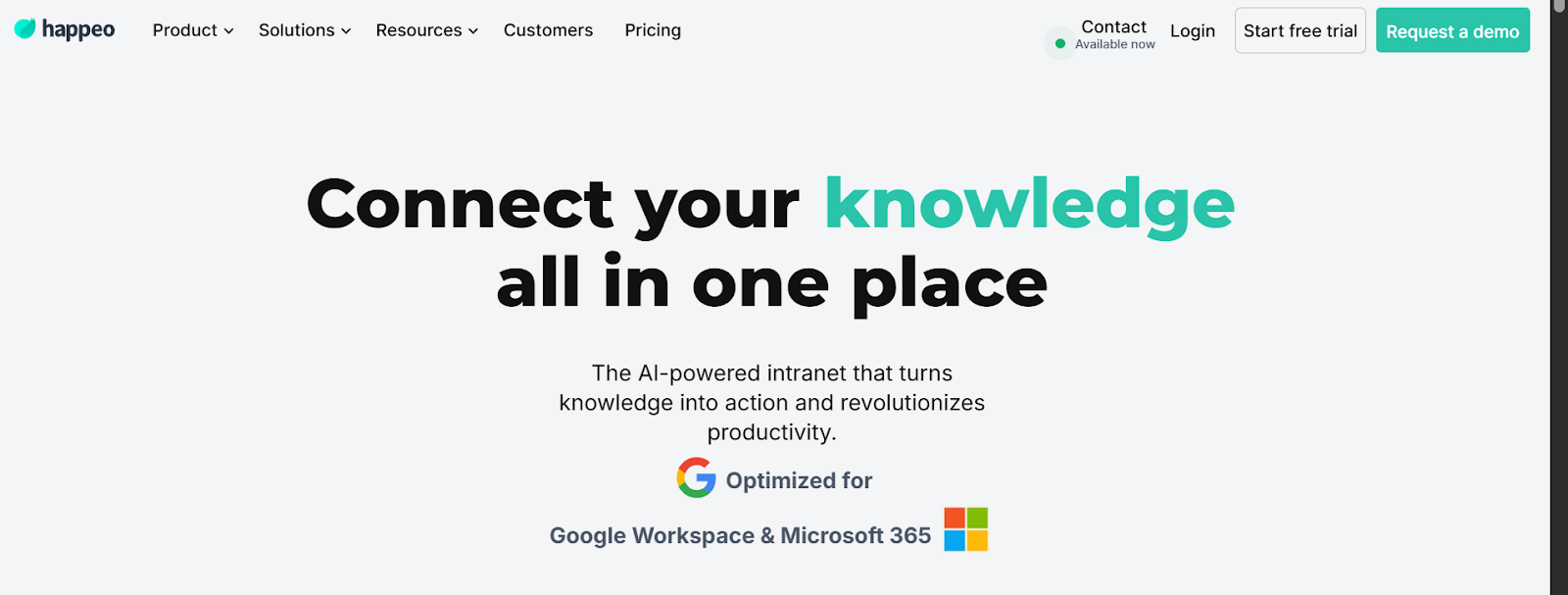
Happeo is an all-in-one digital workspace designed to enhance remote team collaboration. It brings together content management, communication tools, and virtual spaces for a more interactive and engaging team experience.
Key Features:
- Knowledge Pages: Centralize information for easy employee access.
- Channels: Create spaces for team collaboration and engagement.
- AI Search & Analytics: Find content quickly and measure engagement effectively.
- Mobile Accessibility: Stay connected on the go with the mobile app for easy access to your workspace.
- Governance & Integrations: Keep control and connect tools without complexity.
10. Teamflow
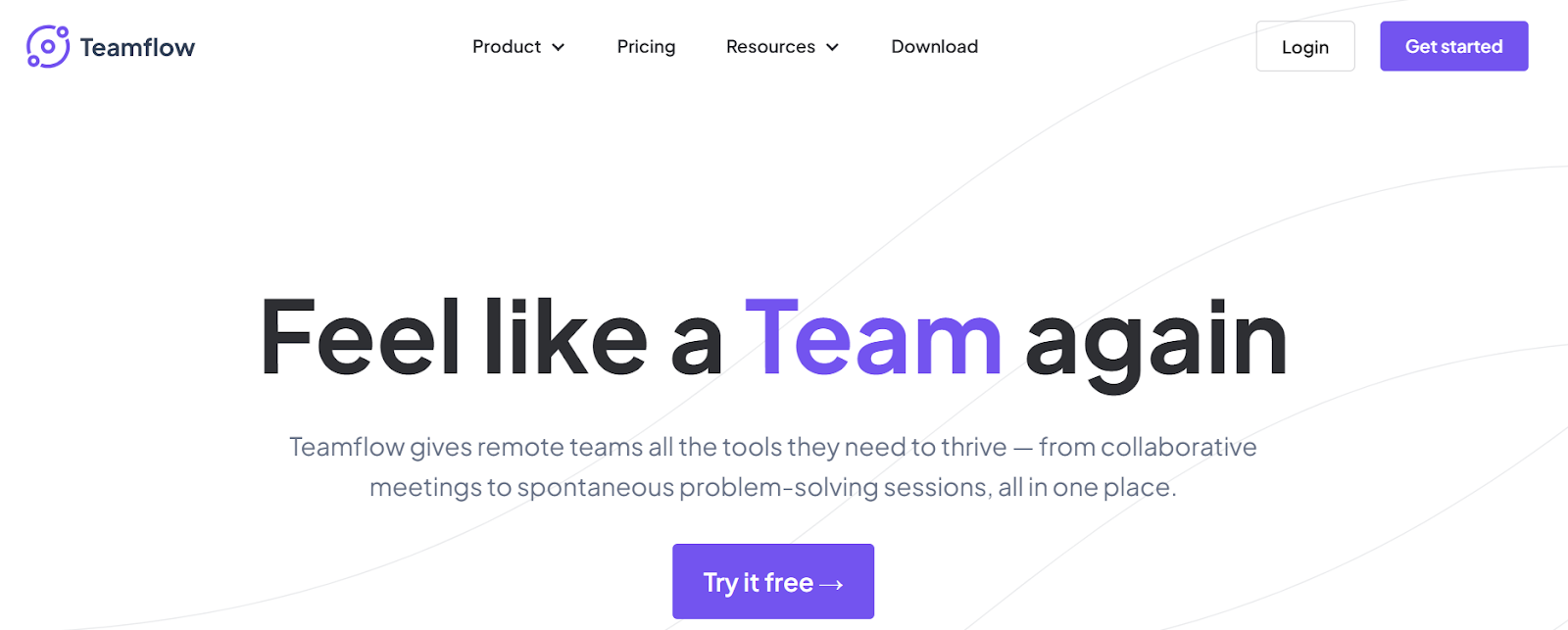
Last but not least, Teamflow offers a virtual office for hybrid and remote teams. Its intuitive platform encourages collaboration, networking, and seamless communication across multiple team projects.
Key Features:
- Virtual Office: Simulate a real office environment for remote teams.
- One-Click Meetings: Start internal or external meetings with just a click, making collaboration effortless.
- Screen Sharing: Share single or multiple screens during sessions easily.
- App Integration: Save your tools directly in Teamflow’s workspace for easy access during meetings.
- Meeting Records: Save and revisit recorded sessions when needed.
Also Read: Top Employee Engagement Apps in 2025
How To Implement A Digital Workspace Successfully?
Implementing a digital workspace effectively requires careful planning and alignment with team needs. Here are the key steps:
Understand Your Team’s Needs
Start by understanding what your team really requires. Look at their tasks, responsibilities, and work style to ensure the platform fits their workflow seamlessly.
Compare Features and Pricing
Look closely at each platform’s functionality, integrations, and subscription plans. Considering both capabilities and cost ensures you pick a solution that fits your team and budget.
Plan a Smooth Onboarding
Provide training sessions, step-by-step guides, and hands-on support. A clear onboarding plan reduces confusion, accelerates adoption, and ensures the team starts using the platform effectively from day one.
Monitor and Optimize
Finally, track usage, gather feedback, and adjust features or layouts as needed. Continuous optimization keeps the workspace aligned with evolving team needs and improves long-term productivity.
Also Read: Daily Safety Tips and Messages for Employees
Wrapping Up
Exploring the top digital workspace platforms helps you understand what features and tools truly support your team’s productivity. A well-chosen digital workspace platform can unify communication, collaboration, and task management. Taking time to assess needs and plan implementation ensures long-term success.
If you’re looking for a platform that integrates seamless communication, task management, and collaboration, Udext is the perfect choice for your team. Schedule a demo today and see how it can simplify workflows, boost productivity, and make teamwork effortless.
FAQs
1. How to organize a digital workspace?
Start by grouping files, apps, and tools based on your workflow or projects. Use folders, labels, and dashboards to keep everything accessible, and regularly declutter to maintain efficiency. Prioritize tools like Udext that integrate well with your team’s daily tasks.
2. What is an example of a digital workspace?
Google Workspace is a common example, combining email, cloud storage, document collaboration, and video conferencing in one platform. It allows teams to communicate, manage projects, and access files from anywhere.
3. How to create a minimalist digital workspace?
Focus on essential tools and remove distractions by limiting apps, notifications, and unnecessary files. Use simple layouts, clear labeling, and organized folders to make navigation effortless and boost productivity.
4. What is the difference between a digital workplace and a digital workspace?
A digital workspace refers to the specific tools and platforms employees use to perform tasks remotely. A digital workplace is broader, including the overall setup, processes, and environment that help employees work efficiently.
Need to improve your internal comms? Take a look at Udext!
"Out of the box, Udext has everything you need to elevate your internal communication. It’s incredibly easy to set up and use, with a straightforward interface and great customer support"
John D.
Director of HR at Apex Manufacturing


