.svg)

7 Best Frontline Workforce Software for 2026: 4 Categories + Shortlisting Framework


If one shift update doesn’t land, you feel it fast: a missed handoff, a coverage gap, a safety step skipped, and managers scrambling to patch the day.
That risk is why “frontline communication” is a software problem now, not a poster-on-the-wall problem. Deskless employees make up roughly 80% of the global workforce, so most of your people won’t reliably see email, intranet posts, or app pings during a shift.
This guide helps you choose frontline workforce software for 2026 using a simple decision matrix. You’ll leave with a shortlist and a clear way to defend the pick internally.
Read this First:
- Pick the right layer: Start with the bucket that fixes your biggest frontline gap first.
- Shortlist smarter: Use a buyer decision matrix to choose the tool type, then compare vendors.
- Measure what matters: Track confirmations, response time, and completion rates, not logins.
- Avoid rollout failure: Pilot in one location and reduce manager follow-ups from day one.
- Close the comms gap: If frontline messages get missed, Udext supports SMS-first internal team messaging that drives action.
What “Frontline Workforce Software” Includes in 2026
In 2026, “frontline workforce software” usually isn’t one tool. It’s a stack that covers staffing, day-to-day execution, communication, and safety. Buyers compare options in four buckets because each bucket solves a different failure mode on the floor.
Bucket 1: Workforce Management (WFM)
WFM runs the staffing engine. It helps you plan shifts, track time, and control labor costs. It’s where coverage decisions get made, and where payroll accuracy starts.
WFM matters most when you have multiple locations, rotating shifts, overtime rules, or strict labor compliance. If this layer breaks, supervisors spend their day firefighting schedules.
Who it’s for: Ops leaders, HR, and workforce planners who own scheduling, time accuracy, labor cost, and compliance.
Bucket 2: Work Execution
This bucket is about getting the work done the same way, every shift, in every location. It turns “what should happen” into assigned tasks, step-by-step checklists, and proof that it was completed.
It’s the layer that reduces quality drift. It also cuts supervisor follow-ups because ownership and status are visible.
Who it’s for: Store/plant/field managers and ops teams who need consistent execution across shifts, sites, and roles.
Bucket 3: Frontline Comms
This bucket is the reach layer. It makes sure updates actually land with people who aren’t on email all day. It also closes the loop, so comms isn’t just broadcasting, it’s getting confirmations and replies.
Good frontline comms reduces no-shows, speeds up issue resolution, and keeps HQ and the floor aligned without noise.
Who it’s for: HR, internal comms, and operations leaders who need fast, reliable two-way communication across shifts and locations.
Bucket 4: Safety & Continuity
This bucket is for high-stakes messages. When there’s a closure, hazard, severe weather, or operational disruption, you need speed plus accountability. It’s not enough to send an alert; you need to know who got it, who confirmed, and who still needs escalation.
Strong safety tooling also standardizes incident intake, so reporting doesn’t live in scattered calls and texts.
Who it’s for: EHS, operations, site leadership, and crisis response teams managing safety, compliance, and business continuity.
Also Read: Enhancing Safety Operations With SMS Alerts For Frontline Workers
With the four buckets clear, you can now shortlist the best frontline workforce software for 2026 based on which layer is breaking most in your operations.
Best Frontline Workforce Software for 2026
Most “best software” lists fail because they assume every frontline team needs the same thing. In reality, the right pick depends on what’s breaking first: shift coverage, task execution, missed updates, or safety response.
Below are 7 of the best frontline workforce software tools for 2026, picked to cover those core needs without turning this into an endless category roundup.
1) Udext
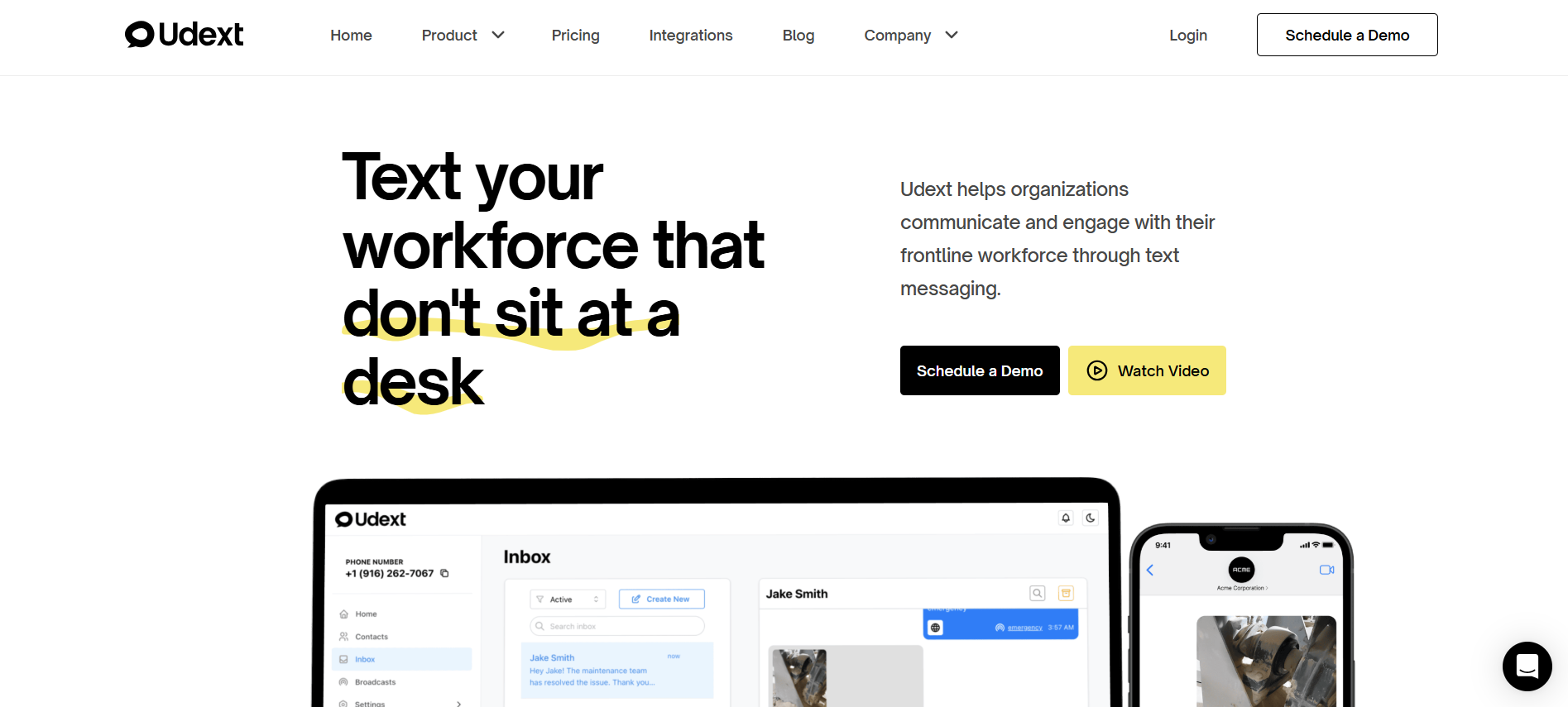
Udext is built for teams that don’t sit at a desk, so HR and Operations can reach employees instantly through native SMS, without relying on app installs or logins. It’s designed for real-time updates, two-way replies, and fast action across shifts and locations.
Bucket: Frontline comms + Safety & continuity
Services it supports:
- Employee Communication: Two-way texting for announcements, questions, and confirmations at scale.
- Employee Alerts: Time-sensitive alerts for disruptions, closures, and urgent safety updates.
- Employee Intranet: A mobile-first hub for policies, updates, and resources, shared via links employees can open on any device.
- Surveys & Feedback: SMS surveys and polls that help you collect frontline input without email friction.
- SMS Newsletters: Mobile-friendly internal newsletters with templates, scheduling, and performance tracking.
- Employee Signature Collection: Secure, legally binding acknowledgments with timestamps and an audit trail.
- Sequences (SMS automation): Automated message workflows for onboarding, training, reminders, and follow-ups.
Biggest limitation:
Udext isn’t a full workforce management system for labor forecasting, time clocks, and payroll rules. It works best as the communication + engagement layer alongside your WFM stack.
Choose this if:
- Your frontline misses updates because they don’t check email or internal apps consistently.
- You need two-way replies and confirmations to close the loop on shift and ops communication.
- Speed and reliability matter (alerts, disruptions, urgent updates across locations/shifts).
- You’re managing a diverse workforce where language and accessibility affect compliance and engagement.
Want internal team messaging that actually gets seen fast? Book a demo to see Udext’s SMS-first approach in action.
2) Workday Workforce Management

Workday’s WFM is designed to run core workforce operations in one system, scheduling, time tracking, and absence management, with manager visibility and controls that scale across large, complex teams.
Bucket: Workforce management (WFM)
Best for:
- Multi-site scheduling where coverage, roles, and rules get complex
- Time tracking and attendance controls (including mobile scenarios)
- Absence and leave tracking tied into broader HR processes
- Enterprises that want WFM connected to a wider HCM stack
Biggest limitation:
It’s heavier to implement and change-manage than lightweight scheduling tools. And for frontline reach, many teams still pair WFM with a dedicated communication layer.
Choose this if:
- Your biggest pain is time accuracy, scheduling complexity, and compliance at scale
- You need one system that links scheduling + time + absence (not separate tools)
- Managers need real visibility into time and attendance without manual chasing
3) UKG
UKG focuses on time, attendance, and scheduling for shift-based teams where labor rules, overtime, and compliance can’t be broken. It’s widely used in healthcare, manufacturing, retail, and logistics environments with complex workforce policies.
Bucket: Workforce management (WFM)
Best for:
- Time and attendance accuracy across hourly and shift workers
- Scheduling with complex labor rules, overtime, and union constraints
- Compliance-heavy environments that need clean audit trails
- Organizations prioritizing labor cost control and payroll accuracy
Biggest limitation:
UKG is strong on workforce management, but frontline communication and engagement usually require a separate tool to ensure messages are actually seen and acted on.
Choose this if:
- Payroll errors, time disputes, or compliance issues are frequent pain points
- You manage large hourly workforces with strict labor regulations
- Scheduling accuracy matters more than lightweight, app-based experiences
4) Deputy
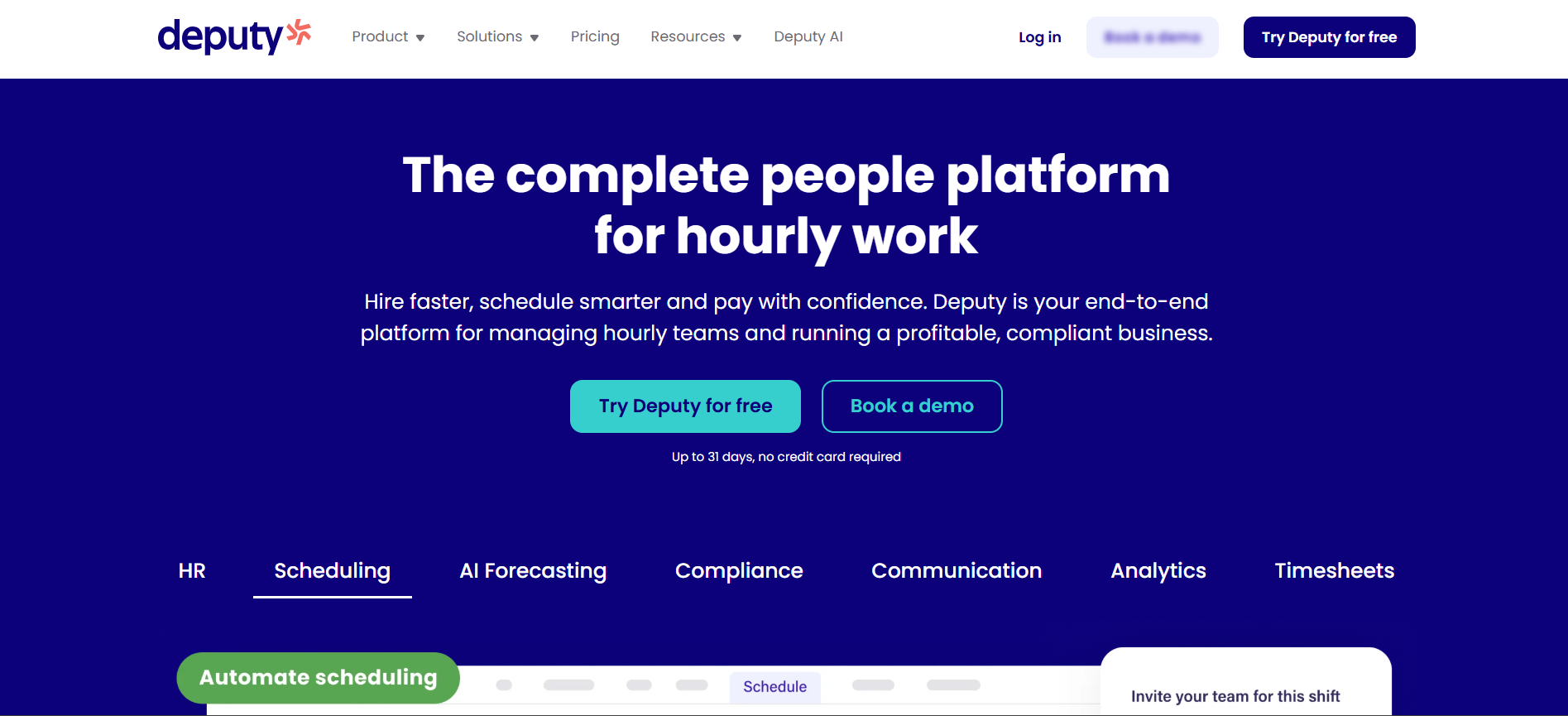
Deputy is built for shift-based teams that need scheduling and time tracking to run smoothly day to day. It’s a practical choice when managers need to publish rotas fast, handle swaps, and keep timesheets clean without heavy admin.
Bucket: Workforce management (WFM) (shift scheduling + time tracking)
Best for:
- Fast shift scheduling and rota planning for hourly teams
- Time clock + time and attendance records for payroll accuracy
- Managing availability, time off, and shift changes in one flow
- Mobile-first manager + employee self-service for everyday scheduling ops
Biggest limitation:
If you need deep enterprise labor optimization and complex compliance configurations, you may need a heavier WFM. Also, many teams still add a dedicated frontline communication layer when reach is the main gap.
Choose this if:
- Your biggest pain is schedule churn, swaps, and manager time spent rebuilding rosters
- You want time tracking that produces cleaner, faster payroll inputs
- You need a tool teams can adopt quickly without a long rollout
5) MaintainX
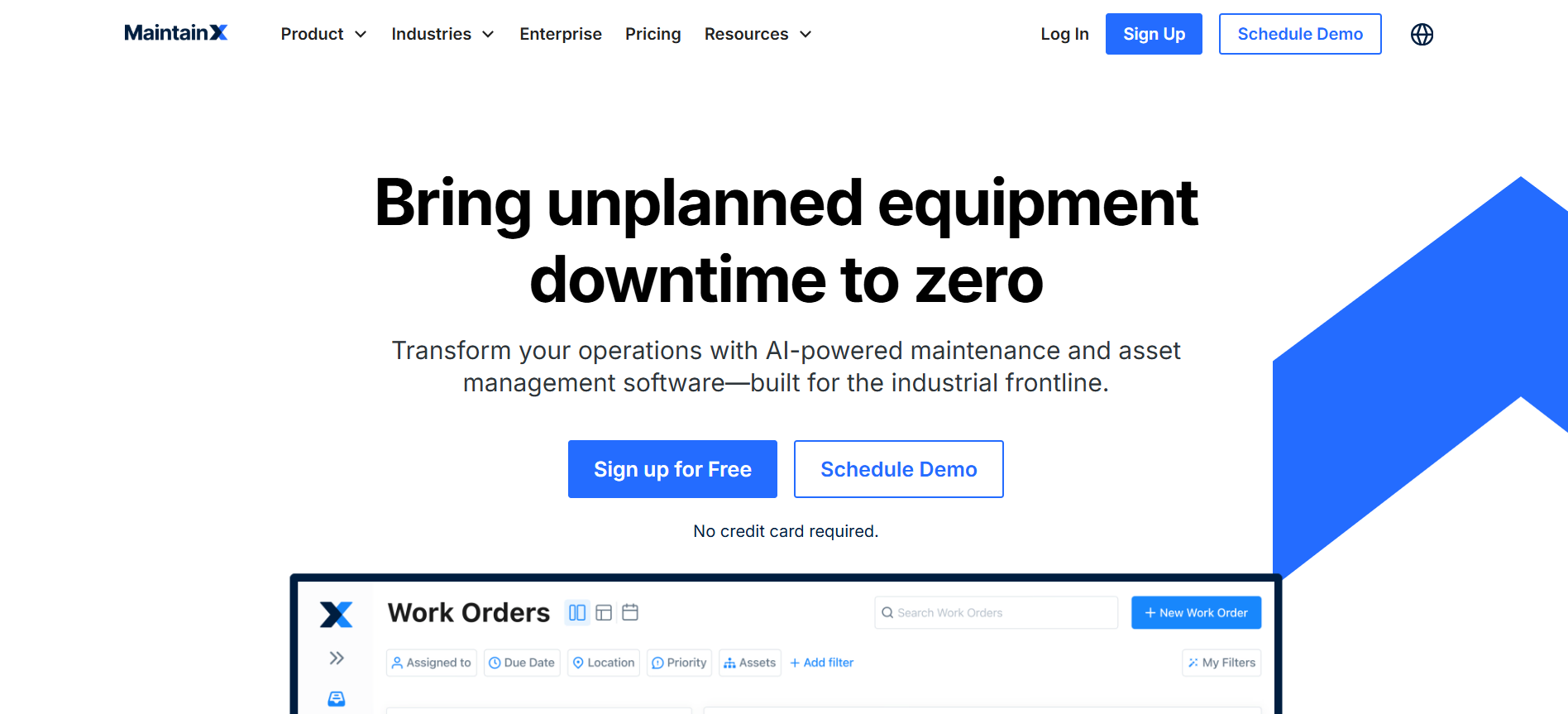
MaintainX is built for frontline operations where the work is physical, repeatable, and easy to miss without structure: maintenance, inspections, checklists, and SOP-driven workflows. It helps teams assign work, standardize execution, and keep a clean record of what happened.
Bucket: Work execution
Best for:
- Work orders you can create, assign, prioritize, and track in one place
- Digital checklists and inspections that capture notes/photos and create an audit trail
- SOP standardization with a single source of truth and escalation when something fails
- Mobile teams updating jobs from the field (less paperwork, more real-time visibility)
Biggest limitation:
It’s not a scheduling/time-and-attendance WFM tool, and it won’t replace a dedicated frontline comms layer when reach and urgent updates are your main gap.
Choose this if:
- Your biggest problem is execution drift: tasks get done, but not consistently across shifts/sites
- You need proof-of-work and inspection records for compliance and continuous improvement
- You want clearer ownership and faster closure on operational work orders
6) SafetyCulture

SafetyCulture (formerly iAuditor) is built for frontline standards: inspections, audits, issue capture, and corrective actions. It replaces paper checklists with mobile workflows, so teams can spot risks early and prove compliance with clean records.
Bucket: Work execution + Safety & continuity
Best for:
- Digitizing inspections, audits, and checklists across sites
- Capturing issues with photo/video evidence and generating reports fast
- Assigning follow-up actions to close gaps after inspections
- Standardizing safety and quality routines for distributed frontline teams
Biggest limitation:
It’s not a WFM tool for scheduling, time & attendance, or labor optimization, so you’ll typically pair it with a workforce management platform for staffing.
Choose this if:
- Your biggest risk is inconsistent inspections and weak audit trails
- You need a repeatable way to surface issues and track corrective actions to closure
- You manage multiple locations and need everyone following the same standards
7) Connecteam

Connecteam offers frontline teams an all-in-one mobile workforce management app for scheduling, time tracking, task coordination, communication, and more. So managers and deskless staff can stay aligned without juggling separate tools.
Bucket: WFM + Work execution + Frontline comms
Best for:
- Centralized shift scheduling, time tracking, and attendance.
- Real-time internal communication (chat, announcements, surveys).
- Task assignments, digital forms, and checklists from any device.
- Mobile-first operations with a single app for field and deskless staff.
Biggest limitation:
Because it’s a broad, all-in-one app, some advanced enterprise capabilities (deep payroll/HRIS, labor forecasting, or highly complex compliance rules) may require add-ons or integrations with dedicated systems.
Choose this if:
- You want most frontline needs covered in one mobile-friendly platform.
- Managers need both ops tools and direct team communication in one place.
- Your teams adopt mobile apps easily and benefit from real-time visibility.
Also Read: Top Essential Tools For Remote Team Work And Communication
With the tools on the table, the next step is narrowing them down fast.
How to Shortlist the Right Tool: Buyer Decision Matrix
This section is built to help HR and Ops teams make a clear, defensible call, without getting pulled into feature-by-feature debates. Use it to identify which type of tool you need first, before comparing vendors.
If two rows describe you, don’t force a “one tool” decision. Start with the bucket that fixes your biggest operational risk first, then layer the second bucket where adoption or response speed is still breaking.
How Udext Complements a Frontline Workforce Software Stack
Most frontline stacks break at the same moment: the schedule or policy changes, but the update doesn’t reach everyone, and leaders can’t tell who saw it or what happened next.
Udext fits as the reliable communication layer for deskless teams, built around SMS-first reach, two-way responses, and automation. So messages get delivered, read, and acted on without app friction.
- Fixes the “low visibility” problem: When frontline employees miss email/app updates, Udext uses native texting so critical messages don’t get buried or ignored.
- Speeds up action, not just awareness: Two-way messaging turns comms into a response loop, staff can confirm shifts, ask questions, or flag issues in real time.
- Reduces language-driven mistakes: Auto-translation into 100+ languages helps multi-lingual teams understand instructions and compliance notices the first time.
- Cuts manual follow-ups for HR/Ops: Scheduling and “set & forget” automations support recurring reminders, check-ins, and timed workflows, without managers chasing replies.
- Keeps information accessible on any device: Udext supports an information layer (mobile intranet hub + links) so policies and resources are easy to access without logins or installs.
- Stays accurate as teams change: Employee data sync from 200+ HR/payroll systems helps ensure the right message goes to the right person without constant manual list updates.
Want internal team messaging that actually reaches the frontline and gets responses back? Reach out to see what Udext could look like for your workforce!
Conclusion
Frontline teams rarely fail because they lack tools. They fail when updates do not reach the people doing the work. A missed shift change creates coverage gaps. A skipped policy update creates compliance risk. App fatigue makes it worse.
Advice for 2026: choose frontline workforce software based on the breakdown you must stop first. Pilot in one location. Track response time, confirmations, and task completion. Not logins. Keep the stack simple.
If internal team messaging is your gap, Udext helps you reach non-desk teams through SMS first communication, two-way replies, and automated sequences. Book a demo to see how it fits your workforce.
{{see-udext="https://www.udext.com/symbols"}}
FAQs
1. What’s the fastest way to prove my frontline workforce software messages are actually being seen?
Don’t rely on “sent” metrics. Look for read visibility or reply and confirmation tracking, plus response time reporting.
2. Why does adoption drop after week one, even when the tool is “easy”?
Because managers end up doing extra work and workers get extra steps. If it adds friction mid-shift, people revert to calls and informal chats.
3. How do I prevent information overload when I roll out new frontline tools?
Set rules for what goes where. Reserve urgent channels for urgent updates, and batch non-critical content into scheduled digests.
4. What’s the best way to handle shared phones or rotating devices on the floor?
Prioritize tools that can reliably reach employees via their personal number or support simple identity checks, so accountability doesn’t disappear.
5. How do I get buy-in from site managers who hate “another platform”?
Tie the rollout to a metric they care about, like fewer no-shows or faster issue resolution. Pilot with one pain point and show results before expanding.
Need to improve your internal comms? Take a look at Udext!
"Out of the box, Udext has everything you need to elevate your internal communication. It’s incredibly easy to set up and use, with a straightforward interface and great customer support"
John D.
Director of HR at Apex Manufacturing