
.svg)
Top Digital Workplace Tools for Modern Enterprises: Categories + Shortlist Checklist


Employees are getting pinged all day. Microsoft’s Work Trend Index reports that people using Microsoft 365 are interrupted every two minutes by meetings, email, or notifications. That is why tool sprawl hurts. More apps can mean more noise, not better work.
This guide breaks down the core categories of digital workplace tools, what each one should own, and how to shortlist without buying overlaps. You will also get a quick checklist for adoption, governance, and integrations.
Key Takeaways:
- Clear buckets: Use six categories to sort digital workplace tools and cut overlap fast.
- Buy by job: Pick the category that solves your biggest work problem, then shortlist vendors.
- Adoption first: A tool that frontline teams won’t use will fail, even if features look strong.
- Measure action: Track cycle time, response time, and completion, not just logins.
- Udext fit: Adds SMS-first reach so deskless teams see updates and respond quickly.
What “Digital Workplace” Actually Covers
A digital workplace is not just chat and meetings. Gartner frames it as a portfolio of tools and services that help employees use technology well and improve the employee experience. Many programs fail when ownership is split across IT, HR, and Comms, so no one owns outcomes like adoption and experience.
- Apps and collaboration tools: The day-to-day tools employees use to work, communicate, and coordinate.
- Devices and access: Laptops, mobiles, identity access, and the basics that make tools usable.
- Content and knowledge: Policies, SOPs, updates, and searchable resources that reduce “where do I find this?” time.
- Enabling services: Support, onboarding, training, and change management that drive adoption and reduce friction.
- Employee experience focus: The goal is not more tools. It is a better productivity experience by role and context.
- Governance and ownership: Clear owners for standards, channels, measurement, and improvements, so the stack does not sprawl.
To keep your stack useful and avoid overlap, start by sorting digital workplace tools into six clear buckets.
The 6 Categories of Digital Workplace Tools Enterprises Actually Need
Most enterprises do not need “more tools.” They need a clear stack where each tool owns a job. These six categories cover how work actually flows, from fast communication to knowledge access to support and feedback. Use them to shortlist faster and cut overlap.
1. Communication and Messaging
This category is the “reach layer” of your digital workplace. It is where updates, shift changes, and action requests actually land. It matters most when teams are distributed, time-sensitive, or not consistently on email.
Best for: fast internal updates, two-way coordination, and driving action across roles, sites, and shifts.
Key buying criteria:
- Reach: Can you reach everyone, including deskless teams, without app friction?
- Targeting: can you segment by role, location, and shift?
- Action loop: Can you capture replies, confirmations, and completion, not just send messages?
Udext
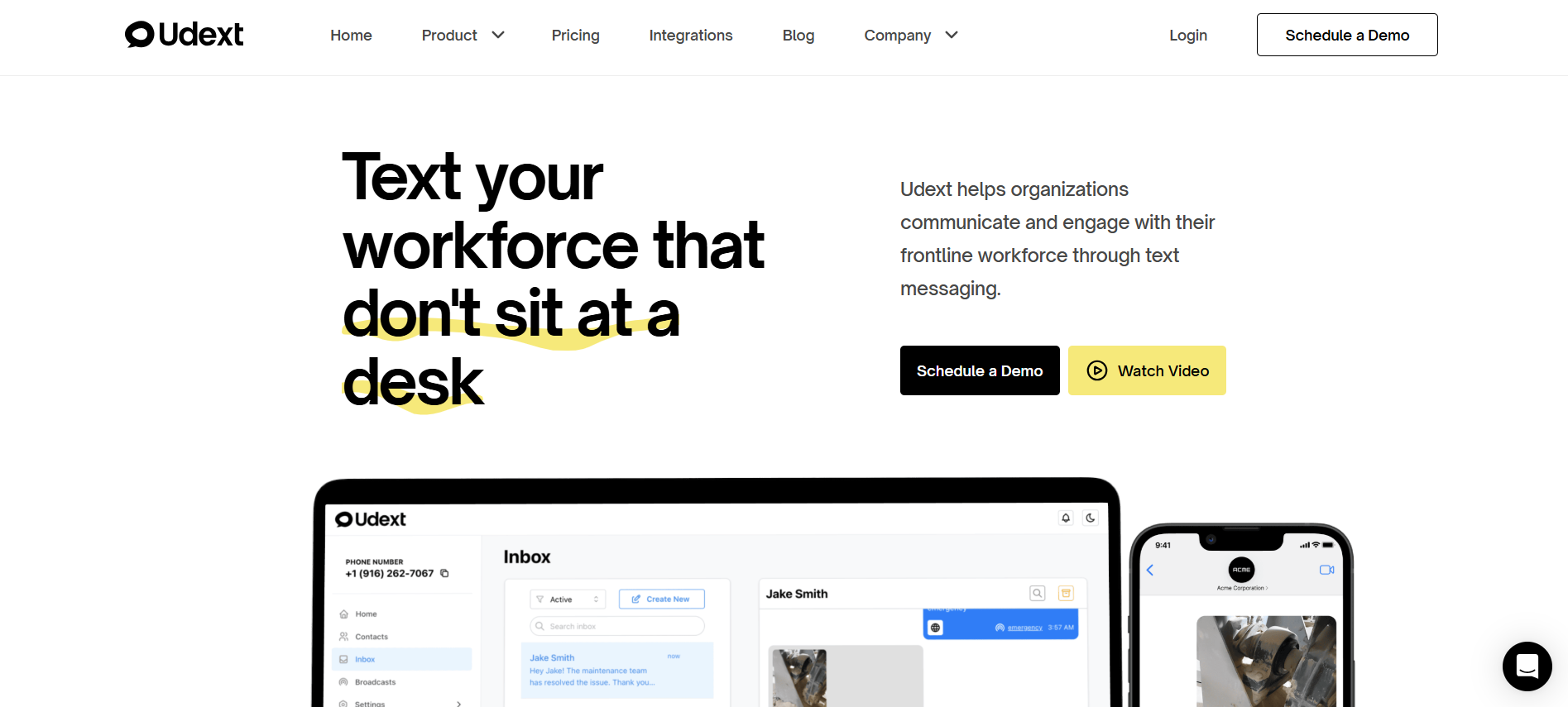
Udext is built to help teams “text your workforce that don’t sit at a desk,” so onboarding and HR messages get seen quickly without app downloads.
What It Helps With
- Employee Communication: two-way workforce texting for updates and coordination.
- Employee Alerts: time-sensitive notifications for urgent disruptions and safety messaging.
- Sequences: automated, time-based SMS workflows for onboarding, reminders, and check-ins.
- Employee Intranet: a mobile-first hub for policies, docs, and updates shared via links.
- Surveys: SMS-based feedback collection to capture sentiment and issues early.
- Employee Signature: mobile acknowledgments and sign-offs with tracking.
- SMS Newsletters: mobile-first newsletters delivered via text links for higher visibility.
Map your frontline use case to the stack, then book a demo to see how Udext would run it end-to-end.
Other Tools:
- Slack: Channel-based messaging is best for knowledge workers and fast cross-team collaboration.
- Microsoft Teams: Chat + meetings is best for Microsoft 365 enterprises that want messaging tied to files and calendar.
- Google Chat: Messaging is best for Google Workspace teams that want simple chat tied to Docs and Gmail.
- Zoom Team Chat: Useful when your org is Zoom-first and wants chat tied to meetings.
- Workplace by Meta: Social-style internal communication is best for broad company updates and community-style engagement.
2. Knowledge and Intranet
This category is the “source of truth” layer. It keeps policies, SOPs, updates, and resources easy to find. It also reduces repeat HR questions because answers live in one place.
Best for: centralized docs, searchable policies, role-based updates, and consistent communication across locations.
Key buying criteria:
- Access: mobile-first access for frontline teams, not just desktop users
- Search + structure: fast search, clean navigation, and clear content ownership
- Targeting + analytics: show the right content to the right groups and track what gets used
Top tools:
- SharePoint: enterprise intranet and document management for Microsoft-first orgs.
- Confluence: team wiki for processes, documentation, and internal knowledge.
- Notion: flexible wiki + docs for lightweight knowledge management.
- Simpplr: employee intranet focused on internal comms and engagement.
- LumApps: an intranet platform often used as a broader digital workplace hub.
3. Collaboration and Meetings
This category supports day-to-day teamwork. It covers chat-based collaboration, meetings, file co-creation, and async updates. The goal is faster coordination with fewer meetings, not more.
Best for: cross-functional collaboration, remote and hybrid teams, and real-time decision-making.
Key buying criteria:
- Meeting efficiency: recording, notes, action capture, and easy scheduling
- Co-creation: real-time doc editing and clean file sharing
- Integration: calendar, email, and workflow tool integration to reduce context switching
Top tools:
- Microsoft Teams: chat + meetings tightly integrated with Microsoft 365.
- Zoom: enterprise-grade meetings and webinars at scale.
- Google Meet: meetings built into Google Workspace.
- Slack: strong async collaboration with channels and integrations.
- Webex: enterprise meetings with security and compliance options.
- Miro: visual collaboration for workshops and planning.
4. Work Management and Automation
This category turns plans into execution. It covers task tracking, approvals, workflows, and automations that reduce handoffs and manual follow-ups. It matters most when work crosses teams, tools, and locations.
Best for: operational workflows, cross-team projects, repeatable processes, and keeping accountability clear.
Key buying criteria:
- Workflow fit: can it match your real process without heavy customization?
- Automation depth: triggers, rules, approvals, and integrations that reduce manual work
- Visibility: reporting on ownership, bottlenecks, and cycle time
Top tools (examples):
- Jira: structured workflow tracking for engineering and IT teams.
- Asana: cross-functional project and task management with strong reporting.
- monday.com: flexible work boards for ops and business teams.
- ServiceNow: enterprise workflows across IT, HR, and operations.
- Microsoft Power Automate: automation for Microsoft-first stacks and approvals.
- Zapier: quick integrations and automations for lighter enterprise use cases.
5. IT and Employee Support
This category is how employees get help fast. It covers IT service management, self-service portals, knowledge-linked support, and request workflows. Done right, it reduces tickets and shortens resolution time.
Best for: IT and HR service requests, faster issue resolution, and consistent employee support at scale.
Key buying criteria:
- Self-service strength: strong knowledge base and deflection, not just ticket logging
- Routing + SLAs: clear assignment rules, escalation, and response tracking
- Integration: ties into identity, devices, and core systems to avoid duplicate work
Top tools (examples):
- ServiceNow: enterprise ITSM and employee service delivery with workflows.
- Jira Service Management: ITSM for teams already using Jira.
- Zendesk: support ticketing and help center for multi-team support.
- Freshservice: ITSM for faster setup and simpler admin.
- Microsoft Intune: device management and policy control for Microsoft environments.
- Okta: identity and access management that reduces access friction.
6. Employee Listening and Experience
This category captures what employees feel and need, then routes it into action. It includes pulse surveys, sentiment tracking, and experience measurement. It helps enterprises spot risk early and fix issues before they show up as attrition or safety incidents.
Best for: engagement measurement, early risk detection, and closing the loop with managers and leaders.
Key buying criteria:
- Response quality: high participation across roles, not just office staff
- Action workflows: triggers, follow-ups, and accountability for fixes
- Segmentation: slice insights by site, role, shift, and manager without privacy mistakes
Top tools (examples):
- Qualtrics: enterprise EX programs and advanced survey analytics.
- Culture Amp: engagement surveys with action planning.
- Workday Peakon: continuous listening for Workday-heavy orgs.
- Microsoft Viva Glint: listening and insights in Microsoft ecosystems.
- Medallia: experience management with strong analytics and reporting.
Also Read: Top 10 Digital Workspace Platforms in 2026
Now that you’ve bucketed the stack, use this quick decision matrix to shortlist tools without buying overlap.
5-Minute Category Picker
Most enterprise stacks fail because teams buy tools by brand, not by job. Use this quick matrix to pick the category you need first. Then, shortlist vendors inside that bucket.
Use the table to choose your starting bucket, not your vendor.
- Pick the one problem hurting productivity the most right now.
- Choose the matching category and shortlist tools only inside that bucket.
- If two rows fit, start with the one that fixes the reach or execution first.
- Define 2–3 “good looks like” outcomes, then run demos against those.
If your biggest gap is reaching frontline teams and getting actions completed fast, this is where Udext fits in the stack.
How Udext Fits in a Modern Digital Workplace Stack
Most digital workplace stacks work well for desk teams. The gap shows up in frontline work. Messages get buried. Logins get skipped. Action steps get missed. Udext plugs in as an SMS-first layer so critical updates, workflows, and responses still happen for employees who do not sit at a desk.
- Reach more of the workforce, faster: Udext is built to “text your workforce that don’t sit at a desk,” so time-sensitive updates do not depend on email or app adoption.
- Turn messages into completed actions: Two-way texting helps teams confirm shifts, resolve questions, and close loops instead of broadcasting and hoping.
- Run reminders without manual chasing: Udext supports automated reminders and “quick reminders” use cases so deadlines and no-shows do not become a daily follow-up job.
- Handle urgent disruptions with alerts: Employee Alerts are designed for critical updates sent via SMS and email, so teams get notified quickly during disruptions.
- Give employees a mobile-first source of truth: The Employee Intranet is positioned as SMS-based intranet access for frontline teams, with no apps or email required.
- Collect feedback while it still matters: Surveys are positioned as SMS surveys and polls that let you collect feedback and view responses in real time.
- Get acknowledgments without paperwork: Employee Signature Collection is positioned to collect signatures via SMS, from any device, with no app or account needed.
- Keep company updates visible: SMS Newsletters are positioned for creating internal newsletters with distribution lists and analytics in one dashboard.
Reach out to see what Udext would look like for your frontline workforce.
Conclusion
This guide helps you pick digital workplace tools without defaulting to a bloated stack. You now have clear categories, a fast matrix to choose the right starting bucket, and criteria that protect adoption.
The real failure is simple. Teams keep buying platforms, but work still stalls because updates are missed, help is slow, and knowledge is hard to find. Start with one priority, assign an owner, and remove overlap as you add capability.
For deskless teams, Udext supports SMS-first communication, alerts, surveys, and mobile acknowledgments so key actions do not depend on logins or apps.
Book a demo and get a quick walkthrough built around your workforce.
FAQs
1. How do you stop “digital workplace tools” from becoming a notification problem?
Set channel rules by message type and owner, then audit what gets sent weekly. If a tool cannot target well, it will spam everyone.
2. What’s the quickest way to prove ROI without a long transformation program?
Pick one workflow with a measurable cycle time, then track before vs after for 30 days. Avoid “active users” as your primary success metric.
3. How do you handle frontline teams when personal phones are the only reliable devices?
Create a clear consent and usage policy, then choose tools that work without logins and support two-way responses. Keep messages short and action-led.
4. When should you consolidate tools, and when should you keep best-of-breed?
Consolidate when overlap creates confusion or duplicated work. Keep best-of-breed when a category is mission-critical and needs deeper capability.
5. How do you prevent ownership fights between IT, HR, and Comms?
Define one stack owner and separate “platform ownership” from “content ownership.” Tie both to outcomes so decisions do not become political.
Need to improve your internal comms? Take a look at Udext!
"Out of the box, Udext has everything you need to elevate your internal communication. It’s incredibly easy to set up and use, with a straightforward interface and great customer support"
John D.
Director of HR at Apex Manufacturing


