
.svg)
How to Improve Digital Communication in the Workplace?


Today, staying connected with employees, especially those who don’t work at desks, often feels like a constant challenge. Research reflects this reality, showing that only 10% of those employees are satisfied with internal communication at work.
When traditional communication methods fail to reach everyone on time, teams miss important updates, lose valuable feedback, and struggle to work smoothly. Over time, these gaps lead to delays, confusion, and a sense of disconnection among employees from what’s happening across the organization.
This is where digital communication tools can make a real difference. In this blog, you’ll explore how digital communication is reshaping the workplace and explore practical ways to use the right tools and strategies to improve communication across your organization.
Key Takeaways:
- Digital communication tools like SMS help eliminate the barriers of traditional methods, keeping teams connected in real time.
- Automated workflows reduce manual effort by scheduling recurring messages and updates, ensuring no employee is left behind.
- Real-time alerts ensure that employees, whether remote or on-site, are always informed, especially during critical situations.
- Improved engagement is driven by SMS surveys and feedback, giving employees a direct voice and enhancing overall workplace interaction.
How Digital Communication is Shaping the Modern Workplace?
Digital communication uses electronic tools such as SMS, instant messaging, mobile apps, and digital forms to share information within an organization.
These tools make it easier for teams to send updates, especially for employees who do not use desktop systems or email in their daily work.
Here’s how digital communication is shaping the modern workplace:
- Digital communication removes many of the barriers created by traditional communication methods.
- It helps workplaces stay connected and ensures employees receive updates no matter where they work or what roles they are in.
- It also supports you by enabling faster and more efficient communication.
- Features like automated updates, quick feedback collection, and real-time alerts help teams respond faster to changes.
As work becomes more distributed and time-sensitive, digital communication plays a larger role in keeping teams connected. This makes it important to understand how it differs from face-to-face communication.
Face-to-Face Communication vs Digital Communication: What's the Key Difference?
Face-to-face communication depends a lot on being in the same place at the same time, which can be hard for teams that do not work from a regular office.
Digital communication, on the other hand, delivers instant, real-time updates to employees across shifts, job sites, and remote locations, so everyone stays informed and on the same page.
Below are the common differences between face-to-face communication and digital communication.
Understanding these differences helps clarify why organizations rely on a mix of digital channels to communicate more efficiently across teams and locations.
Core Channels That Support Digital Communication
Effective digital communication depends on using the right channels to reach employees. When teams use mobile-friendly, real-time tools, important information reaches employees quickly and without delays.
Below is an overview of the core channels that support digital communication in industries with a mobile workforce.
1. Mobile Communication (SMS or App Alerts)
Mobile communication through SMS or app alerts delivers messages instantly, making it easy to share emergency updates, shift changes, or real-time operational notices. Since these messages reach employees directly on their phones, they are less likely to miss important information while on the move.
Building on this approach, Udext’s SMS-based platform ensures mobile employees receive real-time, relevant updates, keeping them informed without relying on email or apps that may be inaccessible in the field.
2. Chat and Instant Messaging
Instant messaging tools help you connect quickly and directly with employees. You can use them to send shift reminders, share urgent safety alerts, or support team conversations.
These tools cut down long email threads and help teams make faster decisions, so employees in the field stay informed in real time.
3. Internal Emails and Newsletters
Internal emails work well for company-wide updates such as policy changes, leadership announcements, or detailed information that does not need an immediate reply.
Weekly or monthly newsletters help keep employees informed without flooding them with messages. This approach keeps teams connected while still respecting their time.
4. Video Meetings
Video meetings play an important role when teams need more personal, face-to-face conversations. You often use video calls for onboarding, performance reviews, or training sessions, where tone and body language matter. This is especially helpful for hybrid teams or employees working across different time zones.
5. Project Collaboration Platforms
HR teams rely on project collaboration tools to manage tasks and shared work. These platforms give employees one place to assign tasks, share files, and track progress. They reduce the need for constant email follow-ups and help teams stay organized, whether employees work on-site or in the field.
{{see-udext="https://www.udext.com/symbols"}}
6. Surveys and Feedback Forms
Surveys and feedback forms help you collect employee input, especially when teams work across multiple locations. SMS-based surveys make it easy for employees to share feedback, raise concerns, or suggest ideas in real time.
This two-way communication helps you better understand employee needs and maintains an open channel for continuous improvement.
Once these channels are in place, it becomes easier to see the everyday benefits of digital communication in the workplace.
Suggested Read: 10 Tips to Establish Successful Communication Coordination Within Your Teams
7 Key Benefits of Digital Communication in the Workplace
Digital communication has changed how organizations connect with employees by making it easier and faster to share information. When you use digital communication, you can keep employees engaged, simplify daily workflows, and ensure everyone stays informed, no matter where they work.
Below are the key benefits of digital communication in the workplace.
1. Save Time
Digital communication tools help you create and send messages to large groups in just a few clicks. This makes it much easier to keep employees informed without relying on manual follow-ups. As a result, you can save time and can focus on more important tasks.
2. Increase Productivity
Automation features help you simplify everyday workflows. Scheduled messages and ready-made templates reduce manual effort, while employees receive timely updates that help them stay on track and avoid delays.
3. Increase Awareness
Digital platforms allow you to share company news, events, and updates with everyone at the same time. This steady flow of information keeps employees informed and helps them stay connected to company goals.
4. Improve Employee Engagement
Digital tools support two-way communication through surveys, polls, or feedback options in newsletters. This helps employees feel heard and valued, which leads to stronger engagement.
With Udext’s automated surveys and two-way messaging, you can collect valuable feedback and ensure employees’ voices are heard. This enables continuous improvement in communication practices.
5. Improve Collaboration and Reduce Silos
Digital communication tools help teams work better together, even when employees are spread across shifts or locations. Shared platforms and virtual meeting spaces make it easier to collaborate and reduce gaps between teams.
6. Strengthen Company Culture
Digital communication helps build a stronger sense of connection and belonging. Virtual team activities and branded communication help reinforce company values and bring employees closer together, even when they are not in the same location.
7. Retain Top Talent by Improving Employee Experience
Clear and consistent communication improves the overall employee experience. When employees feel informed, connected, and valued through digital communication, they are more likely to stay, helping organizations retain their top talent.
To get the most value from these benefits, it’s important to understand the everyday practices that support effective digital communication and the common habits that can get in the way.
Digital Communication Dos and Don’ts at the Workplace
Digital communication plays a big role in how teams share updates, give instructions, and stay aligned at work. Knowing the right dos and don’ts helps messages stay clear, professional, and effective, while avoiding confusion, delays, or misunderstandings.
DOs
- Use SMS for real-time communication: Use SMS and other mobile-friendly tools to reach employees quickly and make information easy to access for everyone.
- Tailor your message: Adjust messages based on employee roles, locations, and needs so the right information reaches the right people.
- Encourage two-way communication: Use SMS surveys and feedback tools to engage employees and improve communication across teams.
DON’Ts
- Don’t overload employees with notifications: Sending too many messages can feel overwhelming. Share only essential and time-sensitive updates.
- Don’t skip training: Make sure employees know how to use digital tools properly so they feel confident and avoid confusion.
- Don’t ignore company-wide communication policies: Set clear and simple guidelines to keep communication consistent across the organization.
Once you understand the right ways to communicate digitally, the next step is to put these practices into a clear, consistent policy that everyone can follow.
Also Read: 10 Good Communication Strategies For Safety Messages At Work
How to Create a Digital Communication Policy for Your Company?
A digital communication policy sets clear rules for how employees should use workplace tools. It helps your company maintain consistency, protect information, and ensure messages stay professional and effective across teams.
Here’s how you can create a digital communication policy for your company
1. Establish Governance
Set clear ownership for managing communication tools and decisions. Ensure communication policies remain current and useful. Also, keep reviewing and updating the policy to support changing communication needs and business goals.
2. Dictate Security Protocol
Your policy should clearly explain how to handle sensitive information across digital channels. Let employees know which devices they can use for work, which data they should never share digitally, and which tools are approved for daily communication.
It is also important to outline what happens if security rules are not followed, so everyone understands the importance of protecting company information.
3. Define Communication Channels
Your policy should explain when to use each one, such as using SMS for urgent alerts or instant messaging for quick team updates. This helps employees understand which messages require immediate attention and which do not.
4. Set Standards for Responsiveness
Your policy should set clear, realistic expectations for how often employees should check and respond to messages and company updates. This allows employees to better manage their workload without having to reply to every message instantly.
A well-defined policy works best when it’s supported by the right tools that make digital communication easier to manage and scale across the workplace.
5 Best Digital Communication Tools for the Workplace in 2026
Digital communication tools help teams stay connected, share ideas, and collaborate effectively, no matter where they are working. Below are the five best digital communication tools in 2026 that many companies use to simplify messaging, meetings, and teamwork.
1. Udext
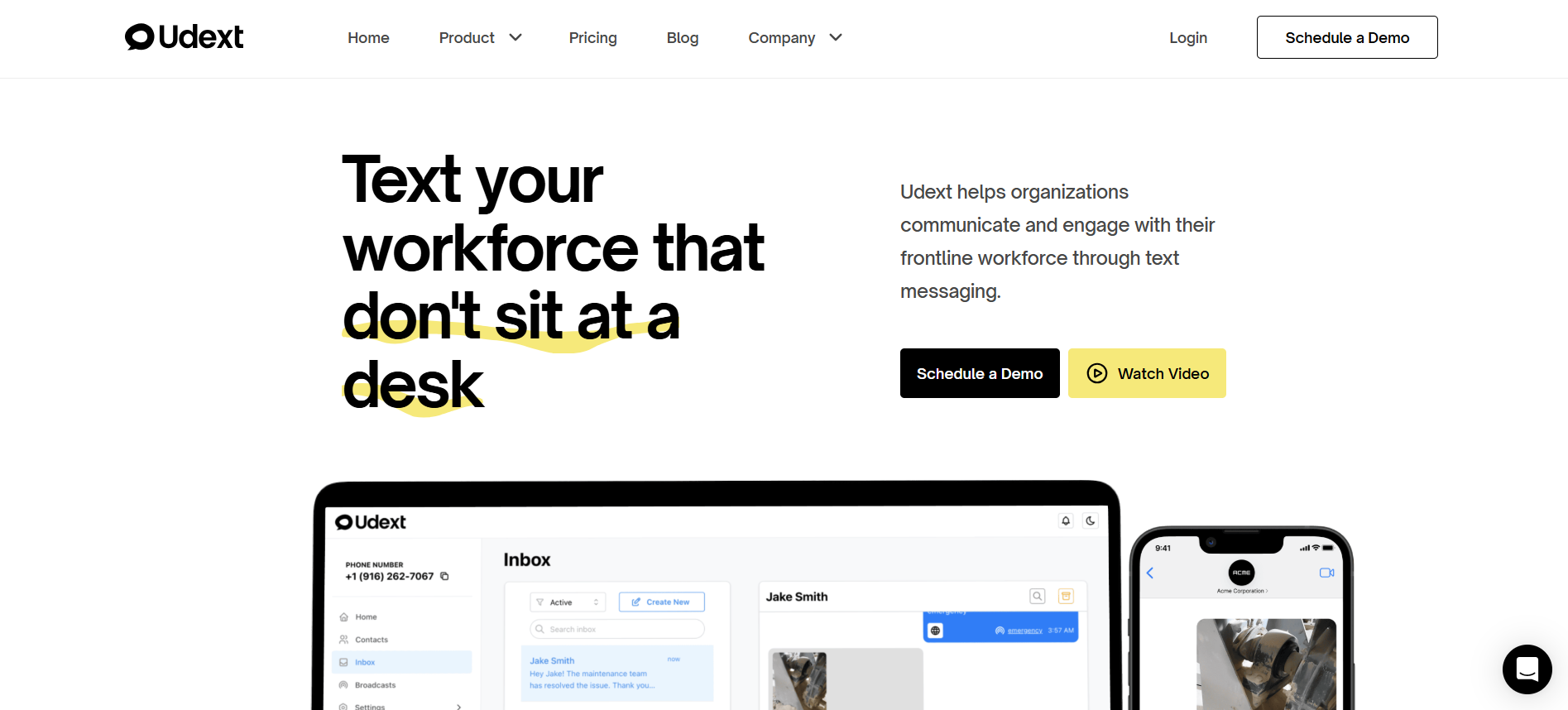
Udext is a B2B SaaS digital communication platform built specifically for mobile and non-desk workforces, where app adoption, data access, and consistent devices cannot be taken for granted.
Rather than relying on apps, logins, or dashboards, Udext uses two-way SMS as its primary communication layer, making it one of the most reliable tools for real-time coordination, engagement, and feedback at work.
This approach matters for managers, HR teams, and frontline supervisors because SMS works where email or apps may fail. Whether employees are in low-bandwidth areas, using older devices, on locked phones, or actively working on the floor or in the field, Udext is designed to fit that reality.
Primary Uses
1. Two-Way Employee Communication
Udext allows managers and HR teams to send messages directly via SMS, and employees can respond instantly without needing an app, login, or internet access.
Results:
- Employees stay informed even without smartphones or corporate apps
- Managers receive immediate confirmations and responses
- Clear visibility ensures messages are received and understood
2. Real-Time Alerts and Notifications
Send updates about schedules, shift changes, company announcements, or safety alerts directly to employees’ phones. SMS ensures messages are delivered and seen immediately.
Results:
- Fewer missed messages or misunderstandings
- Instant visibility for urgent updates
- Reduced need for follow-up calls or emails
3. Automated Reminders and Follow-Ups
Udext supports recurring or event-triggered messages such as shift reminders, training confirmations, or compliance check-ins.
Results:
- Reduced administrative workload for HR and managers
- Consistent communication across distributed teams
- Fewer missed tasks due to human error
Other Udext key features include:
- Employee Intranet: Share company policies, standard operating procedures, and updates through mobile-friendly links that employees can access anytime, on any device.
- Surveys & Feedback: Collect quick feedback through SMS surveys to catch engagement, identify concerns, and understand on-the-ground issues in real time.
- SMS Newsletters: Send internal newsletters and company updates straight to employees’ phones, achieving higher visibility and engagement than traditional email.
- E-Signature Collection: Allow employees to securely sign policies, training forms, and compliance documents directly through SMS links.
- Udext Sequence: Automate messages that go out based on time or specific actions. HR and operations teams can set up predefined communication flows that trigger automatically when needed.
- Analytics & Insights: AI-driven dashboards track message delivery, opens, and responses, helping HR and managers spot trends, measure engagement, and take action where it’s needed most.
Pricing: Udext offers customized pricing based on your needs. You can request a demo for more information.
Pros:
- Universal Reach: SMS works across devices, carriers, and connectivity conditions
- High Delivery Reliability: Messages are far less likely to be missed than app notifications or emails
- Low Employee Friction: No training, downloads, or logins required
- Scales Easily: Effective for small teams or large, distributed workforces
Cons:
- Limited Rich Media: SMS does not support dashboards, maps, or complex visuals
- No GPS tracking or route optimization: Udext focuses on communication, not routing or navigation.
Best For:
Udext is ideal for organizations that need fast, reliable, two-way communication with employees, especially when:
- Teams include mobile or non-desk employees
- Devices and connectivity vary across the workforce
- Simplicity and delivery certainty are more important than app-based features
- Quick engagement and response tracking are critical
For workplaces where communication drives engagement, productivity, and employee inclusion, Udext provides a simple, dependable, and scalable solution.
2. Slack

Slack is a team collaboration tool that helps keep work conversations organized within channels. It supports real-time messaging, file sharing, and integrations with other apps, making it fit for remote and hybrid teams that need quick communication and smooth collaboration.
Key Features:
- Channels for organized messaging by topic
- Direct messages and group chats
- File sharing and integrations with Google Drive, Asana, Trello, and more
- Voice and video calls within the app
- Workflow automation tools
Pricing: Slack offers a free plan. Paid plans start at $7.25 per user per month for the Pro plan, $15 per user per month for the Business+ plan, and $45 per user per month for the Enterprise+ plan when billed annually.
Pros:
- Reduces reliance on email by centralizing communication
- Highly customizable with integrations and bots
- Supports a wide range of collaboration activities
Cons:
- Can lead to notification overload if not managed
- The free plan has limited features, requiring a paid upgrade for more
- May not be ideal for non-desk employees without email access
Best For: Teams that need real-time collaboration and organized communication, especially in hybrid or remote work settings.
3. Microsoft Teams
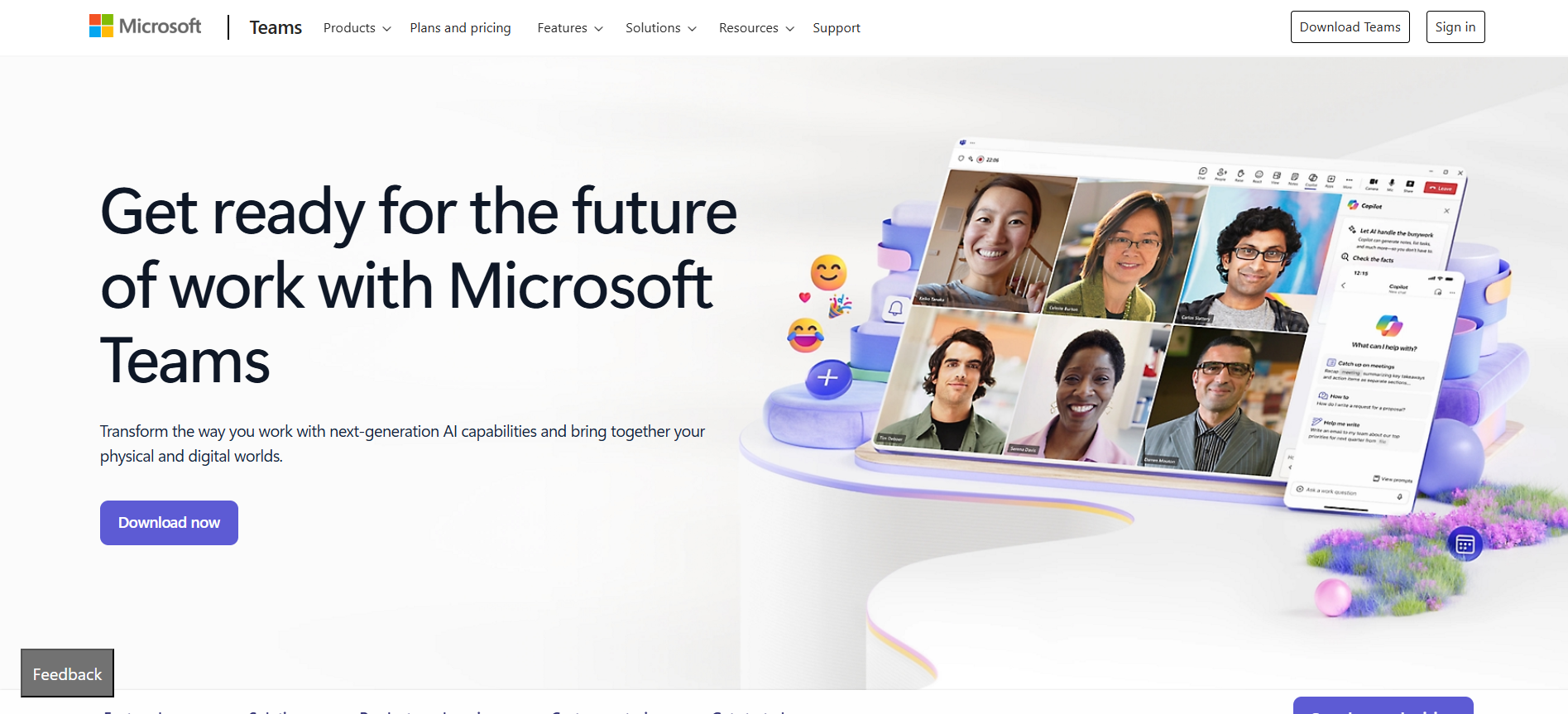
Microsoft Teams is an all-in-one platform combining chat, video meetings, calls, and file sharing. It works smoothly with Microsoft 365, making it a great choice for organizations already using Microsoft products.
Key Features:
- Persistent chat with threaded conversations
- Integrated video calls and meetings
- File sharing with real-time collaboration
- Works smoothly with Microsoft 365 apps
- Enterprise-grade security and compliance
Pricing: Microsoft Teams offers a free plan. The paid plan starts at $4 per user per month if paid annually
Pros:
- Integrates seamlessly with Microsoft 365
- Enterprise-grade security
- Ideal for large organizations already using Microsoft products
Cons:
- Can feel overwhelming for smaller teams due to its many features
- Requires a stable internet connection for full functionality, which may not suit all frontline workers
- Full value is tied to Microsoft 365, limiting flexibility for organizations not using it
Best For: Organizations using Microsoft 365 that need a complete solution for collaboration, meetings, and document sharing.
4. Zoom

Zoom is a widely used video conferencing platform that works well for remote check-ins, training, and client meetings. It offers easy-to-use video calls with features like screen sharing and virtual backgrounds.
Key Features:
- High-quality video and audio conferencing
- Breakout rooms for smaller discussions
- Screen sharing and meeting recording
- Integrations with tools like Google Calendar and Slack
- Webinar hosting for large events
Pricing: Zoom offers a free plan. Paid plans start at $13.33 per user per month for the Pro plan, $18.33 per user per month for the Business plan, and custom pricing for the Enterprise plan when billed annually.
Pros:
- Fit for remote meetings and virtual collaboration
- Easy to use with a reliable connection
- Scales well for large groups and webinars
Cons:
- The free plan has limited features
- Needs stable internet for the best experience
- Focuses mainly on video communication, not ideal for ongoing messaging or project management
Best For: Teams that rely on high-quality video meetings or webinars, especially remote teams or client-facing environments.
5. Staffbase
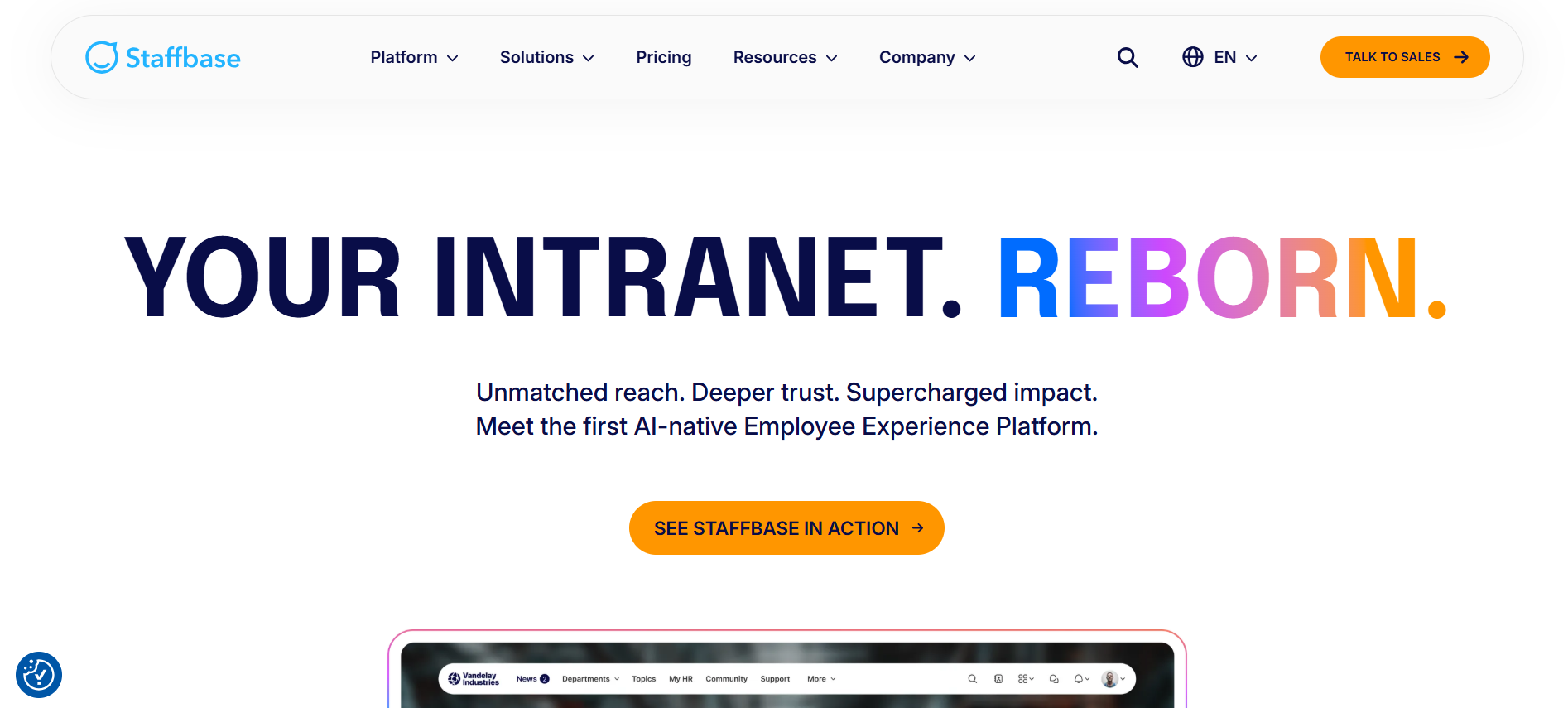
Staffbase is an internal communication platform designed to increase employee engagement and deliver targeted messages. It’s useful for organizations where many employees don’t have access to traditional communication tools like email.
Key Features:
- Mobile-first platform for easy access by all employees
- Customizable intranet for company news and updates
- Targeted messaging for different teams or departments
- Analytics to track engagement and communication effectiveness
- Surveys and feedback tools to involve employees
Pricing: Staffbase offers customized pricing based on your needs. Business and Enterprise plans are available on request
Pros:
- Strong mobile-first approach for non-desk employees
- Central hub for company updates, news, and resources
- Provides insights through engagement analytics
Cons:
- Best suited for larger organizations with complex communication needs
- Real-time communication may not be as fast as SMS-based solutions for frontline workers
Best For: Organizations looking for a centralized internal communication platform focused on employee engagement and mobile accessibility.
Even with the right tools in place, digital communication can still bring challenges that teams need to be aware of and manage thoughtfully.
Common Challenges of Digital Communication in the Workplace
Digital communication makes it easier to connect teams, but it also brings everyday challenges that can disrupt clarity and productivity. Below are the common challenges of digital communication in the workplace.
Recognizing these challenges makes it easier to take practical steps that improve how digital communication works across the organization.
Must Read: How To Build An Employee Referral Program Communication Strategy
9 Practical Ways to Improve Digital Communication in the Workplace
When you work on improving digital communication, it helps teams share information faster and work with fewer misunderstandings. These nine practical ways focus on simple actions companies can take to make messages clearer, responses quicker, and collaboration more effective.
1. Introduce a New Communications Platform
As more workplace communication moves online, pick a platform like Udext that keeps information in one place and is easy for everyone to access. Choose a tool that allows targeted messaging so specific teams or departments get updates relevant to them, saving time and helping everyone stay productive.
2. Train Employees on the Platform
Provide clear, hands-on training so your team knows how to use the new communication tools. This prevents frustration and ensures that everyone, no matter their comfort level with technology, can use the platform effectively.
3. Communicate, But Be Efficient and Thoughtful
Too many messages can overwhelm employees. Only send updates that are necessary and meaningful, and make sure each message has a clear purpose. Simplifying communication helps employees stay focused without distractions.
4. Be Direct and Professional
Keep messages clear, short, and professional. While casual chats are fine, avoid too many informal messages that could distract employees or dilute the focus of important updates, especially for non-desk or shift-based teams.
5. Schedule Communications Appropriately
Respect employees’ time by sending messages during business hours. Avoid off-hour notifications that create pressure to respond. Many platforms let you schedule messages in advance, making it easier to share updates without disrupting personal time.
6. Have a Plan for Urgent Messages
When something needs immediate attention, use SMS or direct calls to make sure it stands out. Highlighting urgent updates ensures employees see and act on them quickly, rather than letting them get lost in a crowded inbox or chat thread.
7. Give and Receive Feedback Regularly
Feedback should happen consistently. You can hold weekly sessions or use surveys to encourage employees to share ideas, concerns, or thoughts about projects. Regular feedback creates an open communication culture and helps address issues before they become bigger problems.
8. Encourage Connections Between Employees
Support a collaborative culture by helping team members interact with one another. Use the communication platform for shared projects, comments, or team challenges. Social features help employees feel connected and valued, even when they are physically apart.
9. Align Communications with the Company’s Goals
Ensure your messages align with the company’s mission and objectives. Keep employees updated on goals, progress, and achievements to help them understand the bigger picture. When employees are informed and included, they feel more motivated and invested in the company’s success.
Final Thoughts
Digital communication tools can make it much easier for teams to stay connected and work together, but they only deliver results when used with purpose. You need to build a culture that encourages open communication and honest feedback.
When employees feel comfortable using these tools, sharing their views, and adjusting their communication based on real experiences, communication naturally improves.
With Udext, you can keep communication simple and consistent, reaching every employee in real time, regardless of their role or location. From automating updates and sending timely alerts to gathering feedback through SMS-based surveys, Udext is designed to keep employees informed and engaged.
If you’re ready to move toward a more effective communication strategy, book a demo today and see how Udext can help you build a stronger, more connected team.
FAQs
Q1. How can HR prevent important updates from getting lost among routine messages?
A1. Structuring messages by priority helps employees quickly understand what needs immediate attention. Clear headlines, short summaries, and consistent formatting make important updates easier to recognize. Limiting high-priority tags to truly critical messages also prevents alert fatigue.
Q2. How can you balance digital messages with human connection?
A2. Even with good digital tools in place, some conversations still need a human touch, especially when sharing sensitive feedback or discussing complex topics. Choosing video calls or quick in-person check-ins for these moments helps keep communication personal and builds stronger connections.
Q3. What communication practices help reduce rumors and misinformation at the workplace?
A3. Timely updates from official HR channels reduce speculation before it spreads. Addressing common questions proactively shows transparency and builds confidence. Even when information is still evolving, regular updates reassure employees that they are being kept informed.
Q4. How can HR measure trust in internal communication beyond message delivery?
A4. Trust is reflected in how employees respond, not just whether they open messages. Follow-up questions, feedback participation, and voluntary engagement indicate confidence in communication. Over time, reduced confusion and fewer repeated clarifications also signal improved trust.
Q5. How should HR communicate during organizational restructuring or role changes?
A5. Clear timelines and role-specific messaging help reduce uncertainty during transitions. Employees value honesty, even when all answers are not finalized. Regular updates, combined with space for questions, help maintain stability and confidence during change.
Need to improve your internal comms? Take a look at Udext!
"Out of the box, Udext has everything you need to elevate your internal communication. It’s incredibly easy to set up and use, with a straightforward interface and great customer support"
John D.
Director of HR at Apex Manufacturing


.jpg)


